SOUTH KOREA ADVENTURE MAP V6.4
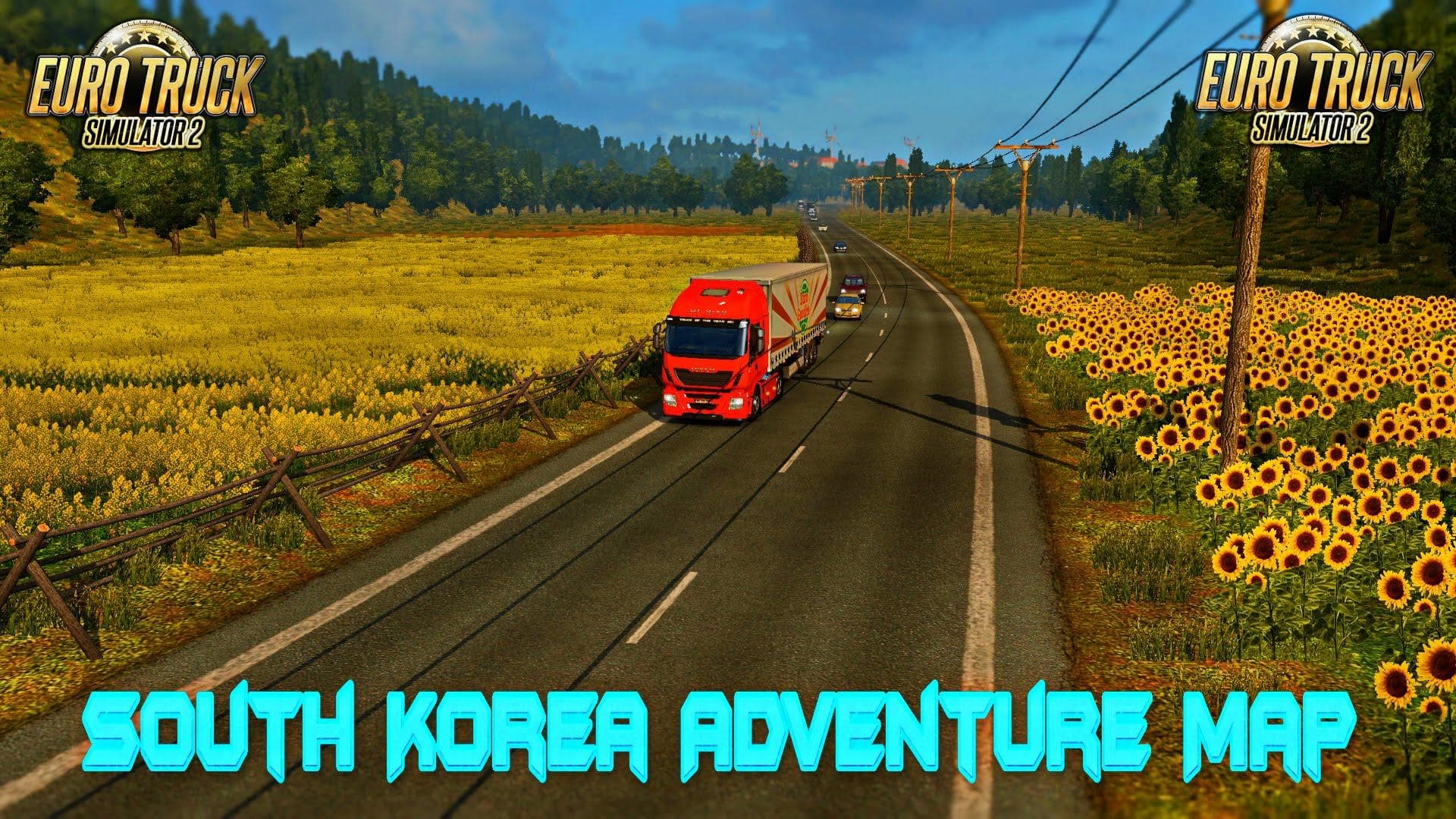
SOUTH KOREA ADVENTURE MAP v6.4 for ETS2 fixes city name crashes from other maps. Profile changes due to city name technical updates.
SOUTH KOREA ADVENTURE MAP V6.4 is a map mod for Euro Truck Simulator 2 that adds new roads, cities, and regions inspired by South Korea. This kind of mod expands the drivable world beyond the base game, letting players explore fresh environments and take on routes that aren't available in the original map. It can change how you experience the geography and logistics within ETS2 by introducing new challenges and scenery.
Map mods like this one usually come as .scs files that need to be loaded carefully with other mods. They often require attention to load order because conflicts between maps or city names can cause crashes or glitches. The update in version 6.4 reportedly fixed issues related to city name conflicts with other popular map mods such as Ukraina Map and Hungary Map, which suggests some level of compatibility management.
Integrating SOUTH KOREA ADVENTURE MAP into a modded setup means you might have to consider your existing map DLCs and any other large-scale map expansions you use. Some map mods may require a fresh profile or specific base-map DLCs to work correctly, though exact details for this version are unknown. It's advisable to back up your profile before adding extensive map changes since city name adjustments can affect saved game data.
This mod is suited for players looking to diversify their ETS2 experience with Asian routes outside the standard European focus. If you're interested in exploring South Korean roads and cities, or enjoy collecting multiple detailed map expansions, it could add a unique twist to your game world. Just keep an eye on compatibility if you run several large map mods simultaneously.
How to install
1. Download every .scs file from the source page (map mods often ship multiple files). 2. Copy all files to `Documents/Euro Truck Simulator 2/mod/`. 3. Enable each file in Mod Manager **in the order documented by the modder**. Load order matters for maps. 4. Start a new save or use an existing save that already supports the map's base regions.
After the mod loads, save your game inside a safe area (parking lot or service) before deciding whether to keep it. If the game refuses to load with the mod enabled, check that all required DLCs are installed and that the supported ETS2 version chips on this page include your installed game patch.
Known conflicts
No conflicts reported for this mod yet. Running a big mod list? Check your whole setup for conflicts →
Reviews
No ratings yetNo reviews yet — be the first to rate this mod.





