SOUTH KOREA ADVENTURE MAP V6.3
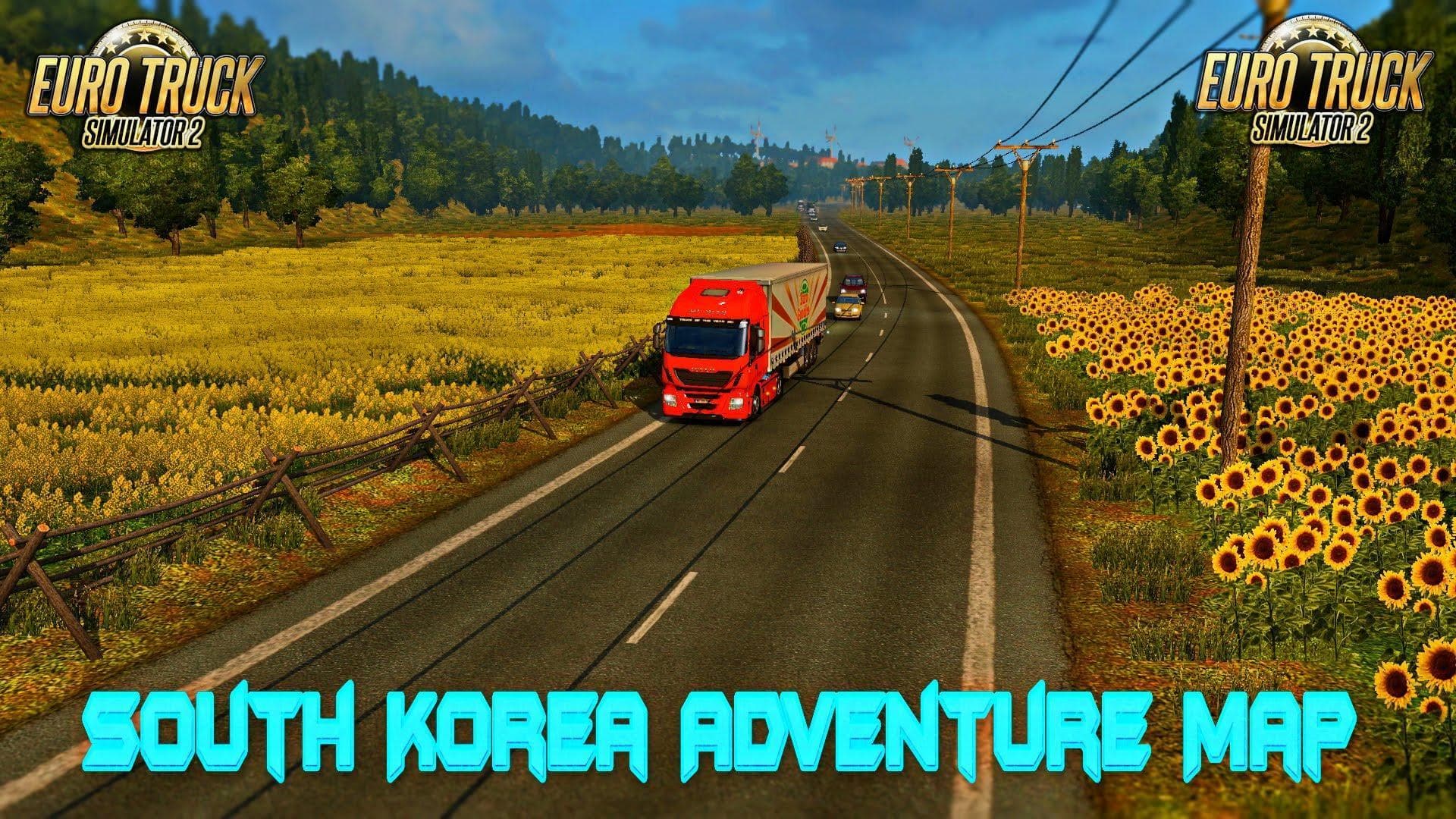
The SOUTH KOREA ADVENTURE MAP v6.3 for Euro Truck Simulator 2 features 189 cities and includes improvements such as fixed city name crashes with Promods v2.0 an
SOUTH KOREA ADVENTURE MAP V6.3 is a map mod for Euro Truck Simulator 2 that brings a substantial expansion to the game’s drivable world by adding new cities and roads based on South Korea. This version addresses compatibility issues with popular map mods like Promods v2.0 and TSM v6.2, improving stability and city speed limits especially in relation to the Ukraina Map integration. With close to 190 cities included, it offers a dense network of routes to explore beyond the base game.
Map mods such as this one reshape or enlarge the ETS2 landscape, providing fresh environments for long hauls or local deliveries. They typically come as .scs files that players place into their mod folder and activate through the in-game menu. Because these mods modify world geography and traffic settings, they can require careful load order management to avoid conflicts with other maps or DLCs.
In terms of fitting this mod into a modded setup, it’s wise to ensure it loads after any base-map DLCs like those covering Europe or specific regions, plus after other large-scale map mods like Promods or TSM due to its noted fixes for crashes involving these additions. Sometimes starting a new profile helps prevent lingering issues from previous map configurations when using extensive map expansions like SOUTH KOREA ADVENTURE MAP.
This mod suits players who want to diversify their trucking experience with an Asian region that is less commonly featured in ETS2 maps. It appeals especially if you’re running multiple map packs and want South Korea included without risking crashes or speed limit inconsistencies seen in earlier versions.
Overall, SOUTH KOREA ADVENTURE MAP V6.3 fits well into setups aiming for broad geographic coverage across several continents and enhances gameplay by bringing new urban centers and road networks tailored for extended exploration.
How to install
1. Download every .scs file from the source page (map mods often ship multiple files). 2. Copy all files to `Documents/Euro Truck Simulator 2/mod/`. 3. Enable each file in Mod Manager **in the order documented by the modder**. Load order matters for maps. 4. Start a new save or use an existing save that already supports the map's base regions.
After the mod loads, save your game inside a safe area (parking lot or service) before deciding whether to keep it. If the game refuses to load with the mod enabled, check that all required DLCs are installed and that the supported ETS2 version chips on this page include your installed game patch.
Known conflicts
No conflicts reported for this mod yet. Running a big mod list? Check your whole setup for conflicts →
Reviews
No ratings yetNo reviews yet — be the first to rate this mod.





