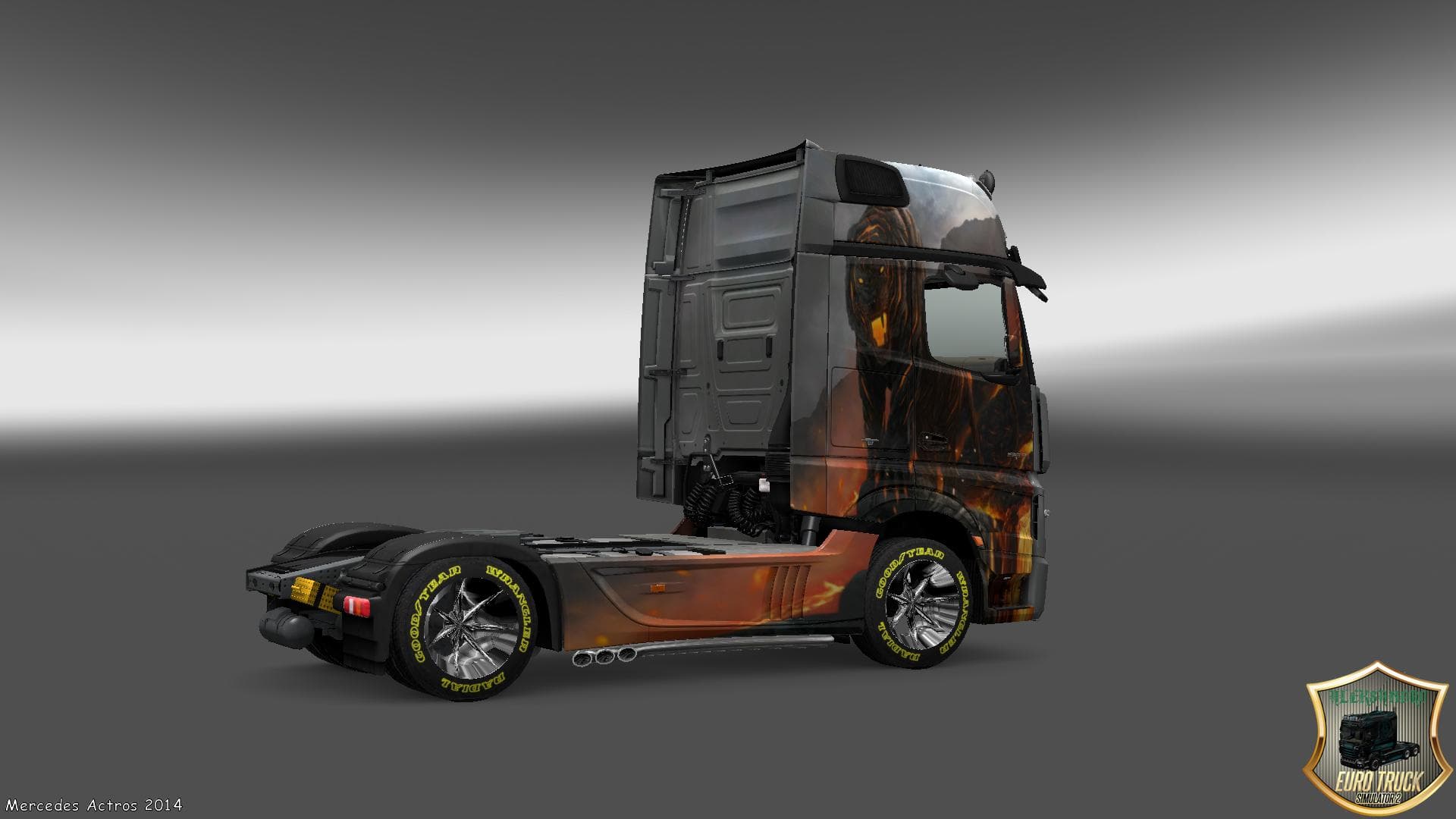
SKIN SPIDERMAN TRAILER
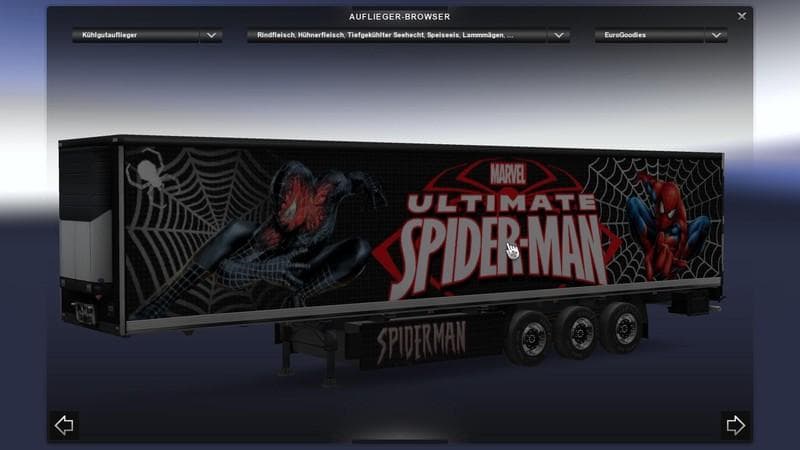
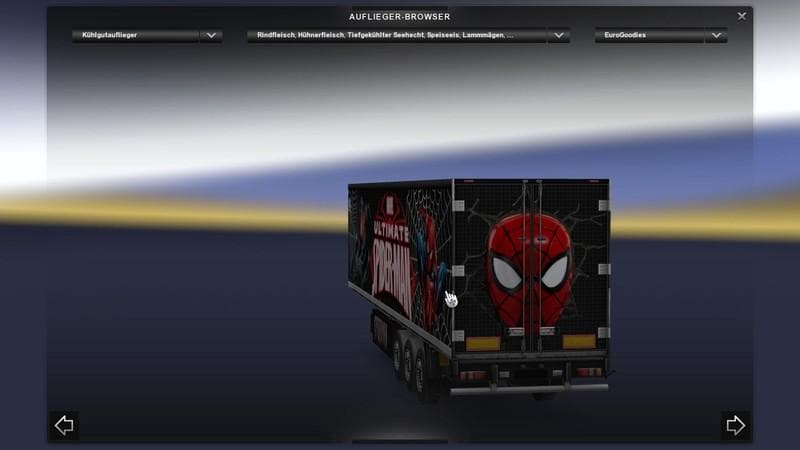
This ETS2 mod adds a Spiderman skin for trailers, created by Euro Truck Simulator 2. It is compatible with game versions 1.19 and 1.20. The file size, update fr
The SKIN SPIDERMAN TRAILER mod offers a unique repaint for a trailer in Euro Truck Simulator 2, themed around the iconic Spiderman character. This type of mod doesn't alter the trailer's model but changes its appearance by applying a custom paint job. It's designed to be found and used within the game's firm garage, making it easy to integrate into your existing fleet if you like adding some visual flair.
Skin mods like this one work by replacing or adding textures to existing trucks or trailers without affecting gameplay mechanics. They are applied through the paint shop and rely on compatibility with the base vehicle they were created for. This Spiderman trailer skin fits neatly alongside other cosmetic mods, allowing you to customize your rig's look without conflicts that might arise from more complex modifications.
Given that it supports ETS2 versions 1.19 and 1.20, this skin should work well with current game updates within that range. When using multiple skin mods, it's a good idea to consider load order—usually placing skins after map or gameplay mods helps avoid texture issues. Since this mod only affects the trailer's visuals, it generally has no impact on performance or other gameplay elements.
This mod suits players who enjoy personalizing their vehicles with popular culture themes or simply want their convoy to stand out during long hauls across Europe. It complements setups where players combine various skins for trucks and trailers to create a more immersive and diverse trucking experience.
While the creator and exact file size remain unknown, players can expect standard installation procedures for skin mods—usually involving placing files in the mod folder and activating them via the game’s mod manager before starting a new or ongoing profile.
If you have other related mods themed around specific regions like Germany or France, this kind of skin adds an extra layer of customization without interfering with map expansions or realistic truck tuning.
How to install
1. Download the .scs file. 2. Drop it into `Documents/Euro Truck Simulator 2/mod/`. 3. Enable in Mod Manager. 4. Apply the skin in the truck/trailer paint shop.
After the mod loads, save your game inside a safe area (parking lot or service) before deciding whether to keep it. If the game refuses to load with the mod enabled, check that all required DLCs are installed and that the supported ETS2 version chips on this page include your installed game patch.
Reviews
No ratings yetNo reviews yet — be the first to rate this mod.