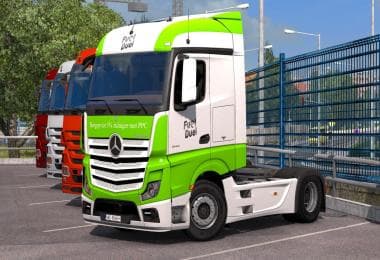
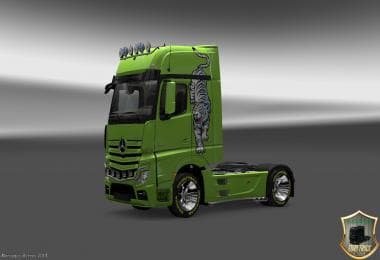
SKIN COMBO PACK TRUCK NEW VOLVO OHAHA
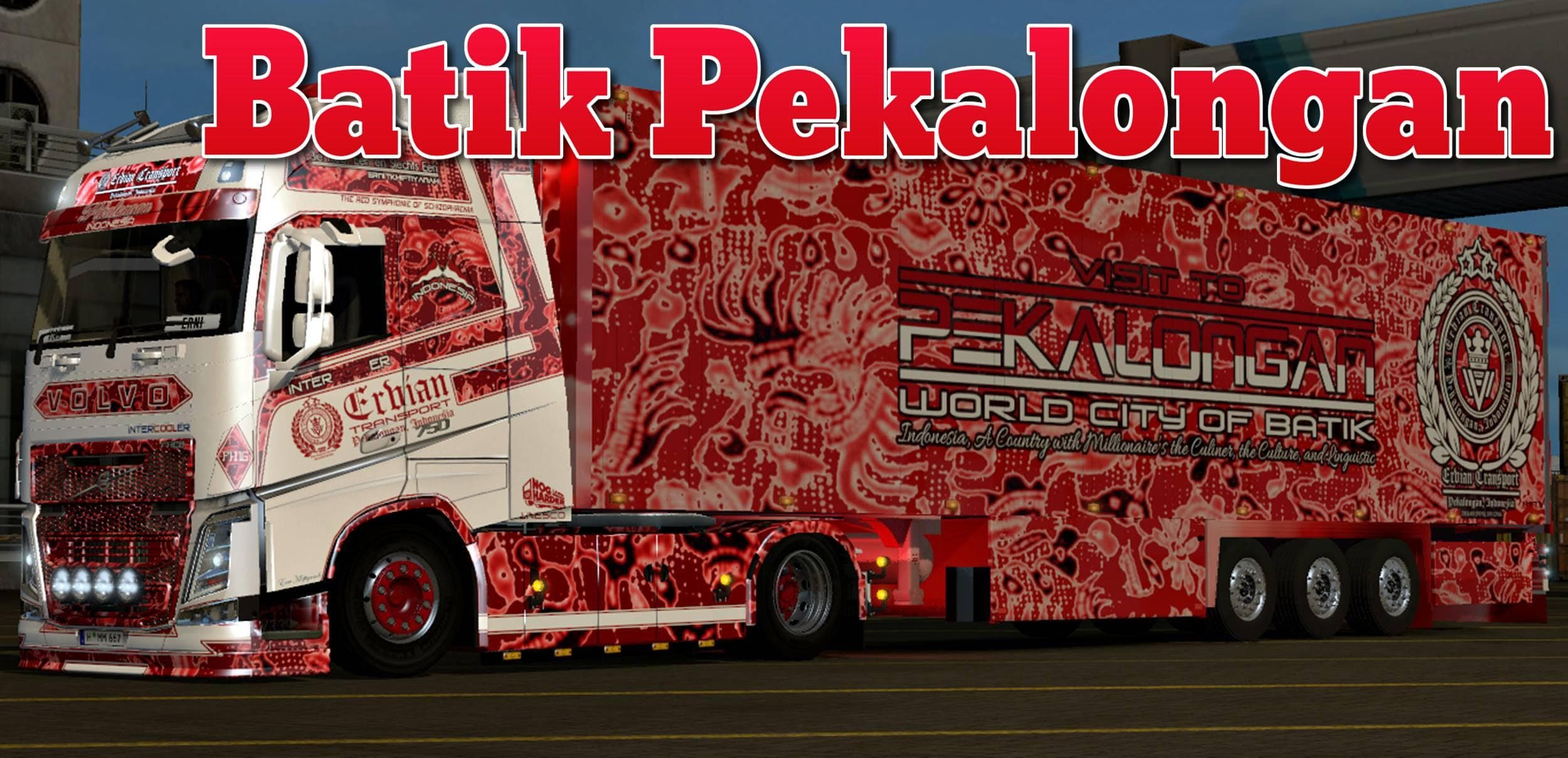
This skin combo pack for the new Volvo truck by Ohaha includes a "Batik Pekalongan" V2 skin by Ervian Transport. It is compatible with ETS2 version 1.19.
The SKIN COMBO PACK TRUCK NEW VOLVO OHAHA offers a fresh repaint for the New Volvo truck model in Euro Truck Simulator 2. This particular mod features a distinctive design inspired by Batik Pekalongan, adding cultural flair to your vehicle. Skin mods like this one don't change the truck's shape or mechanics but apply new textures that show up in the paint shop once installed.
Skin mods work by replacing or overlaying the original visual textures on trucks, trailers, or cabins without affecting their performance. They're generally easy to use and install, requiring you to enable them through the game's mod manager. Since this skin is designed for ETS2 version 1.19, it fits well within setups running that specific game version, ensuring compatibility without conflicts.
When integrating skins into a modded setup, it's good practice to pay attention to load order if you have multiple paint mods for the same truck model. Usually, only one skin can be active at a time per vehicle type, so conflicts might arise if more than one skin targets the New Volvo simultaneously. Keeping skins organized helps avoid such issues.
Truck enthusiasts who enjoy customizing their fleet's look will appreciate this skin pack. It’s especially appealing for players wanting a touch of cultural or regional artwork on their vehicles while driving across European countries like Germany or France. The inclusion of cargo skin options adds consistency when hauling loads with matching visuals.
This mod fits naturally into collections focusing on visual enhancements rather than gameplay changes or new trucks. Players aiming for aesthetic variety without altering game mechanics can easily add this mod alongside others like map expansions or trailer packs without worry.
How to install
1. Download the .scs file. 2. Drop it into `Documents/Euro Truck Simulator 2/mod/`. 3. Enable in Mod Manager. 4. Apply the skin in the truck/trailer paint shop.
After the mod loads, save your game inside a safe area (parking lot or service) before deciding whether to keep it. If the game refuses to load with the mod enabled, check that all required DLCs are installed and that the supported ETS2 version chips on this page include your installed game patch.
Reviews
No ratings yetNo reviews yet — be the first to rate this mod.