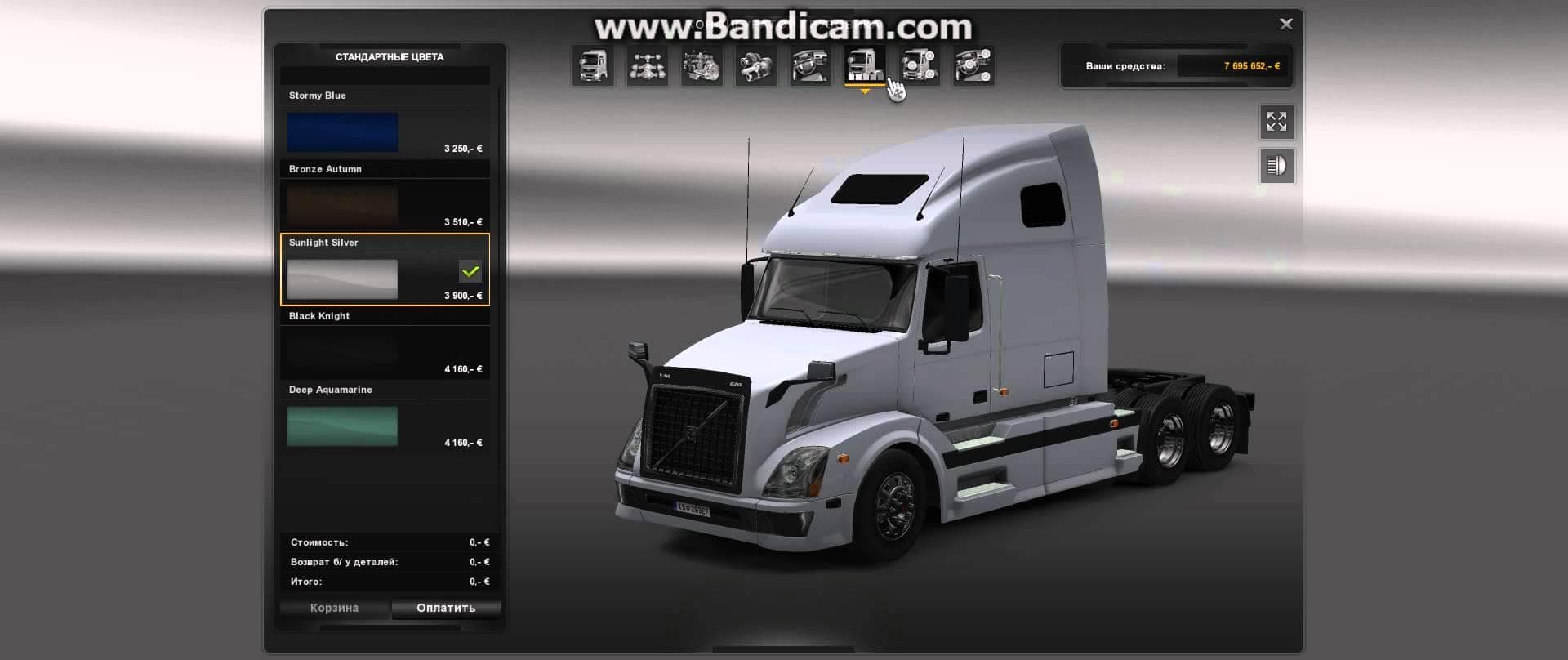
SCANIA TUNING MODS NECROMANCY EDITION V4.0
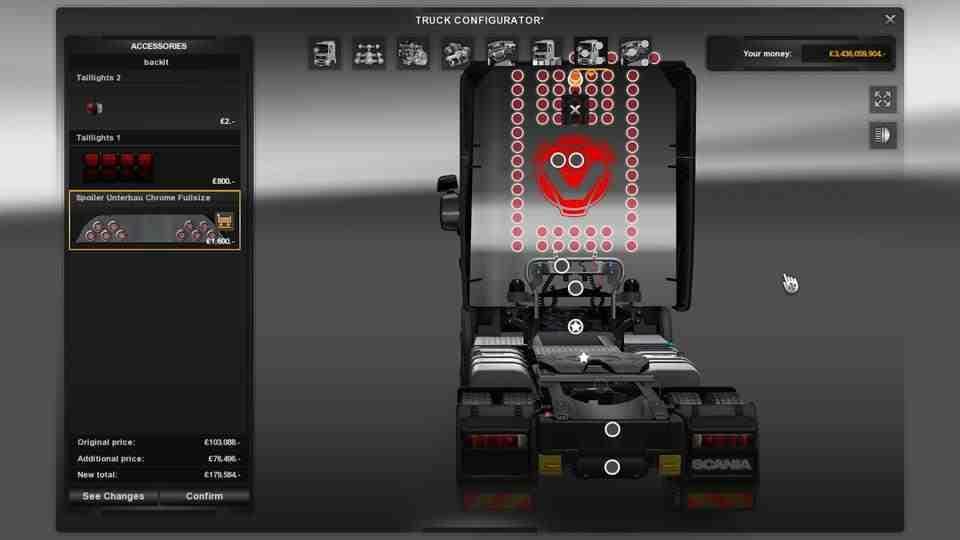
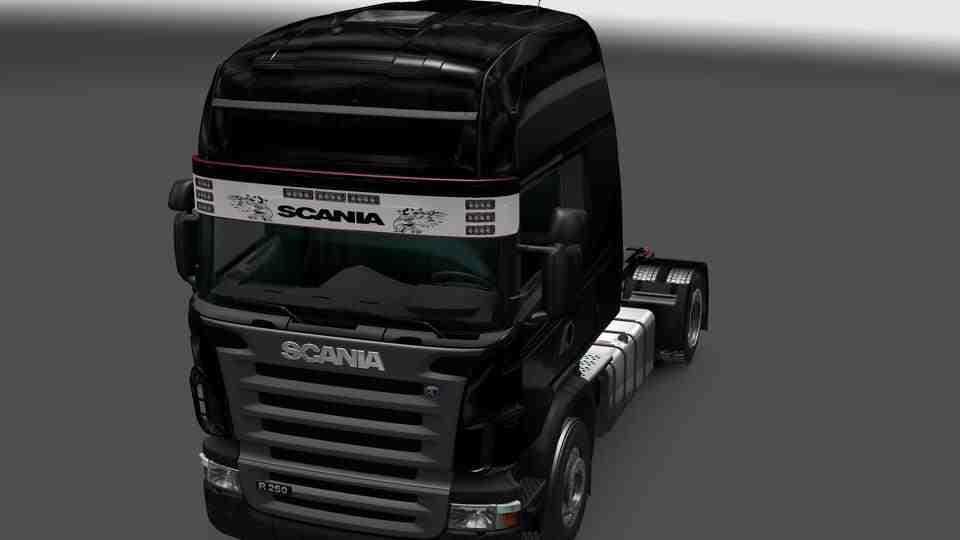
The SCANIA TUNING MODS NECROMANCY EDITION is a parts mod for ETS2 version 4.0 by Euro Truck Simulator 2. It includes real Scania mirrors and griffif skin, with
The SCANIA TUNING MODS NECROMANCY EDITION V4.0 is a parts mod designed specifically for Scania trucks in Euro Truck Simulator 2. It adds new accessories like realistic mirrors and distinctive skins, enhancing the visual customization options available in the truck customization menu. Mods like this one let players personalize their vehicles beyond the standard game offerings, often focusing on a particular brand or model to create a more tailored experience.
Parts and tuning mods generally provide various add-ons such as bull bars, extra lights, exhausts, and interior details that can be fitted directly onto trucks. They fit into the game's existing customization system, allowing players to mix and match these elements to suit their style. This kind of mod usually slots in alongside other cosmetic enhancements without affecting core gameplay mechanics.
When used with other mods, parts packs like this need careful attention to load order to avoid conflicts, especially if multiple mods alter similar components on the same truck model. Players typically place parts mods after map or gameplay modifications but before skin packs to ensure all visual elements display correctly.
This mod suits players who enjoy tweaking their Scania trucks with new accessories for a more personalized or immersive look. Those running a modded setup focusing on Scania models will find it complements other tuning mods nicely by expanding their customization choices. It’s ideal for anyone looking to add some fresh visual flair without changing how the truck drives.
Overall, SCANIA TUNING MODS NECROMANCY EDITION V4.0 is part of a common type of ETS2 modification focused on parts upgrades that enhance the appearance and individuality of trucks in the game.
How to install
1. Download the file(s) from the original source linked above. 2. Drop them into `Documents/Euro Truck Simulator 2/mod/`. 3. Enable in Mod Manager and restart the game.
After the mod loads, save your game inside a safe area (parking lot or service) before deciding whether to keep it. If the game refuses to load with the mod enabled, check that all required DLCs are installed and that the supported ETS2 version chips on this page include your installed game patch.
Reviews
No ratings yetNo reviews yet — be the first to rate this mod.