SCANIA T124 420 + INTERIOR
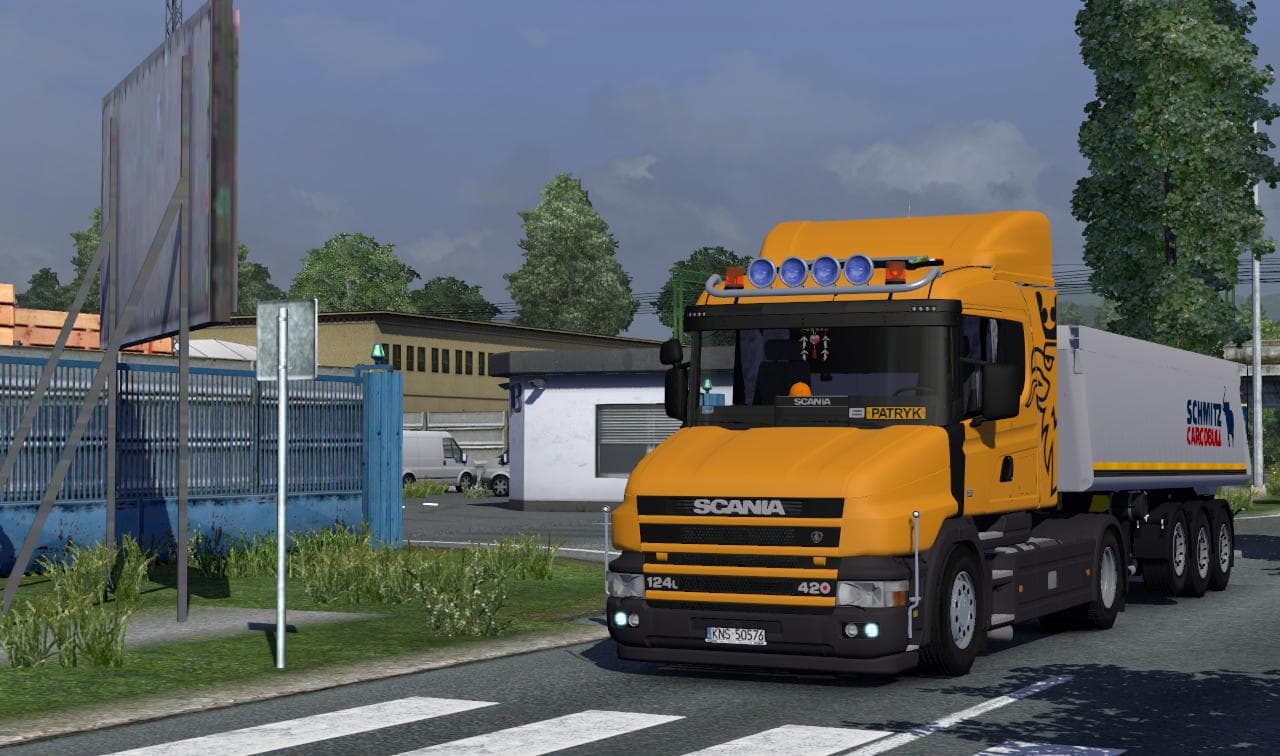
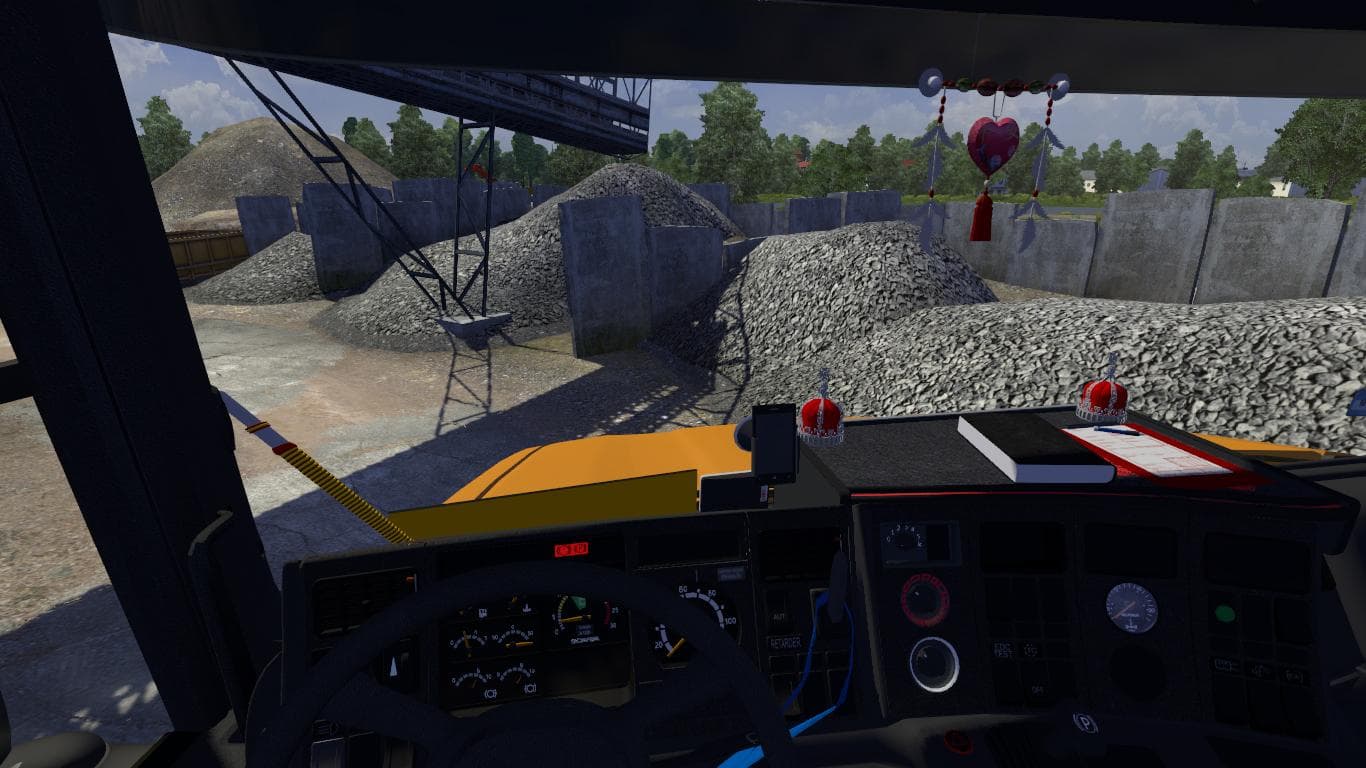
The SCANIA T124 420 + INTERIOR mod introduces a drivable truck model based on the classic Scania T124 series, adding its own detailed cabin and interior to Euro Truck Simulator 2. This kind of mod replaces an existing truck in the game—in this case, the Scania R 2009—offering players a different driving experience with unique wheels and limited tuning options. Since it includes its own interior, players get a fresh cockpit feel that differs from default trucks.
Truck mods like this one are installed as standalone replacements or additions and can be purchased at in-game dealerships once properly loaded. They usually come with their own engine and transmission setups alongside paint slots, allowing for some customization while maintaining compatibility with various map expansions like ProMods, which this mod has been tested on for ETS2 version 1.18. It's generally advisable to place truck mods after map mods in your load order to avoid conflicts.
In a modded setup featuring multiple trucks and map enhancements, this SCANIA T124 fits well as a nostalgic alternative for those wanting something different from the modern heavy rigs. Its focus is more on preserving the look and feel of an older Scania model rather than extensive performance tuning or additional features. Users who appreciate vintage truck designs or want to diversify their garage might find it interesting.
While no specific compatibility issues are noted, players should remember that replacing base game trucks can affect profiles relying heavily on stock vehicles or other mods altering the same truck. Always back up saves before adding new standalone trucks to ensure smooth gameplay without unexpected overlaps.
Overall, this mod suits players running ETS2 version 1.18 who enjoy expanding their truck collection with models that include interiors and unique visual touches but don’t require heavy tuning customization. It blends well with popular European map mods like ProMods and offers a taste of classic Scania driving within a contemporary simulator environment.
How to install
1. Download the .scs file from the original source linked above. 2. Copy the file to `Documents/Euro Truck Simulator 2/mod/`. 3. Launch ETS2, open the Mod Manager from the main menu, enable the mod, restart the game. 4. Visit any truck dealer to spawn the new truck.
After the mod loads, save your game inside a safe area (parking lot or service) before deciding whether to keep it. If the game refuses to load with the mod enabled, check that all required DLCs are installed and that the supported ETS2 version chips on this page include your installed game patch.
Reviews
No ratings yetNo reviews yet — be the first to rate this mod.





![Fuso Supergreat Hi Cab Truck [1.50 – 1.60] – Trucks mod for Euro Truck Simulator 2](/_next/image?url=https%3A%2F%2F802software.s3.us-east-1.amazonaws.com%2Fets2modspot%2Fscreenshots%2F7494%2F0.jpg&w=3840&q=75)