SCANIA SERIES 4 EDITED BY SOLARIS36
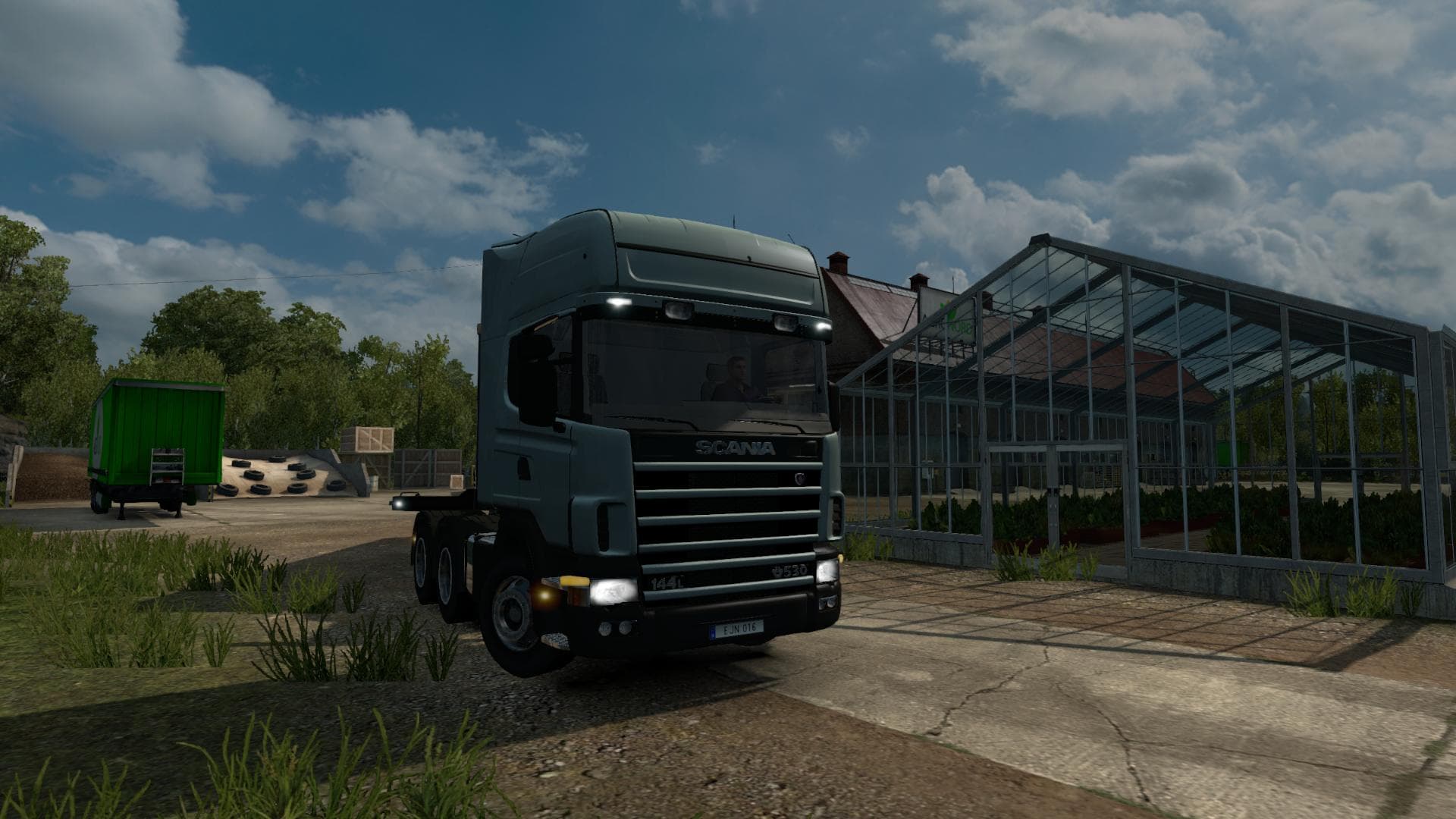
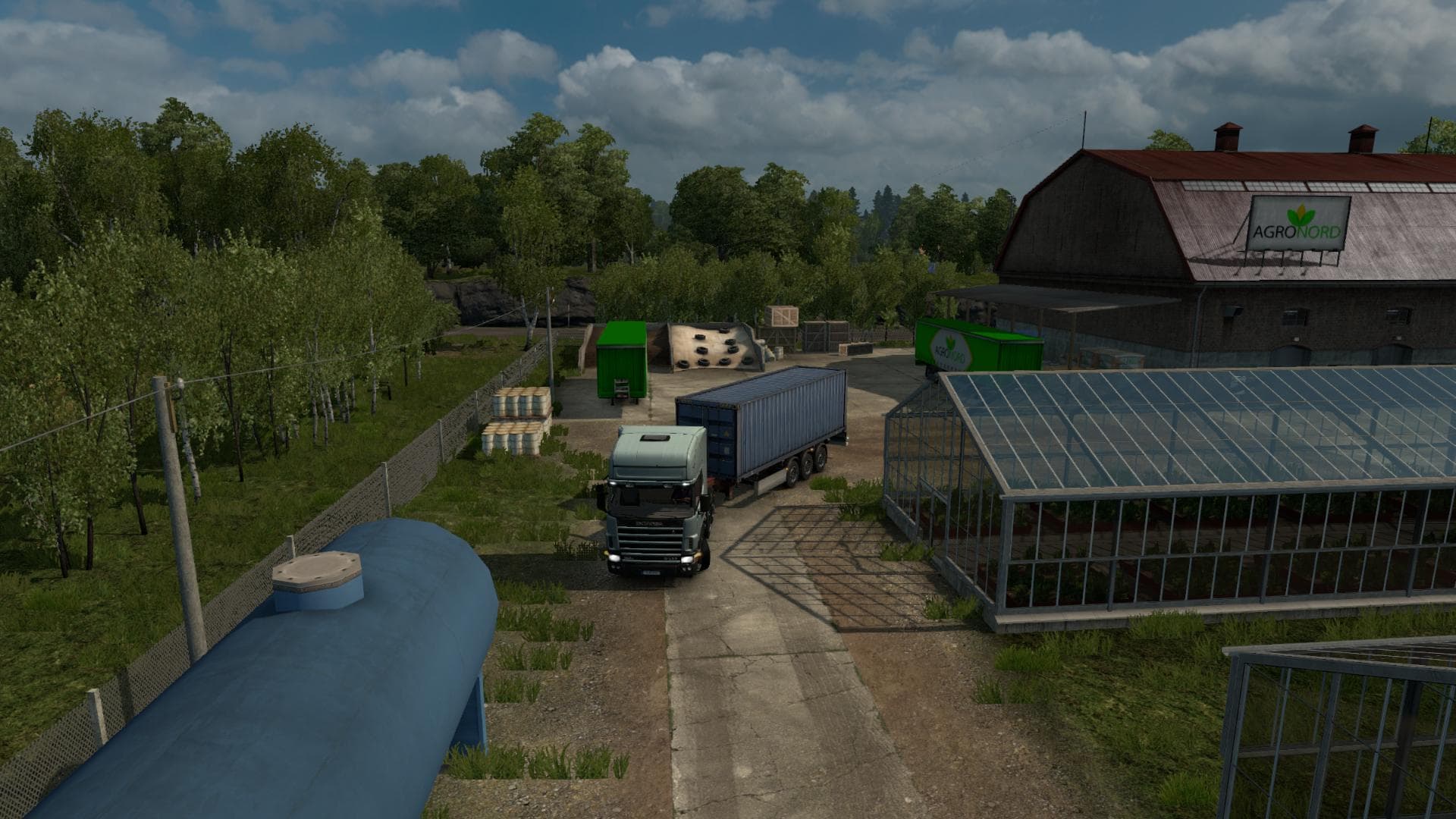
SCANIA SERIES 4 EDITED BY SOLARIS36 is an ETS2 unknown. Listed compatible with ETS2 1.20.
The SCANIA SERIES 4 EDITED BY SOLARIS36 is a truck mod that adds a drivable Scania Series 4 model to Euro Truck Simulator 2. Mods like this one typically offer new cab and chassis options, along with custom interiors, engine configurations, and paint jobs to expand the variety of trucks you can buy at dealers within the game. This particular mod brings changes to parts and accessories, enhancing how the truck appears both parked and in traffic, which adds to the immersion on your routes.
Truck mods generally slot into your game by adding new vehicle profiles that appear alongside stock trucks in dealerships. They require compatibility with the ETS2 version you're running; this mod is designed for version 1.20 or higher. That means if your game isn't updated, it might not work properly or could cause issues when loading other mods.
When integrating a truck mod like SCANIA SERIES 4 EDITED BY SOLARIS36 into a modded setup, it's important to consider load order. Truck models often need to be loaded after map or AI traffic mods but before any gameplay-altering mods that affect physics or economy systems. Conflicts can sometimes arise if multiple truck mods alter similar files or settings, so testing is advisable.
For players who enjoy customizing their fleet or want more options beyond standard ETS2 trucks, this mod fits well. It offers a detailed alternative cab choice for those who prefer Scania vehicles and want them represented accurately on roads and in parking lots alike.
This type of mod also complements map expansions across various European locations such as Germany, Poland, and France by providing a fresh driving experience amid familiar surroundings. It's a solid pick for anyone looking to diversify their trucking lineup without overhauling core gameplay mechanics.
How to install
1. Download the .scs file from the original source linked above. 2. Copy the file to `Documents/Euro Truck Simulator 2/mod/`. 3. Launch ETS2, open the Mod Manager from the main menu, enable the mod, restart the game. 4. Visit any truck dealer to spawn the new truck.
After the mod loads, save your game inside a safe area (parking lot or service) before deciding whether to keep it. If the game refuses to load with the mod enabled, check that all required DLCs are installed and that the supported ETS2 version chips on this page include your installed game patch.
Reviews
No ratings yetNo reviews yet — be the first to rate this mod.





![Fuso Supergreat Hi Cab Truck [1.50 – 1.60] – Trucks mod for Euro Truck Simulator 2](/_next/image?url=https%3A%2F%2F802software.s3.us-east-1.amazonaws.com%2Fets2modspot%2Fscreenshots%2F7494%2F0.jpg&w=3840&q=75)