SCANIA R620 BAAKIND TRANS 1.22
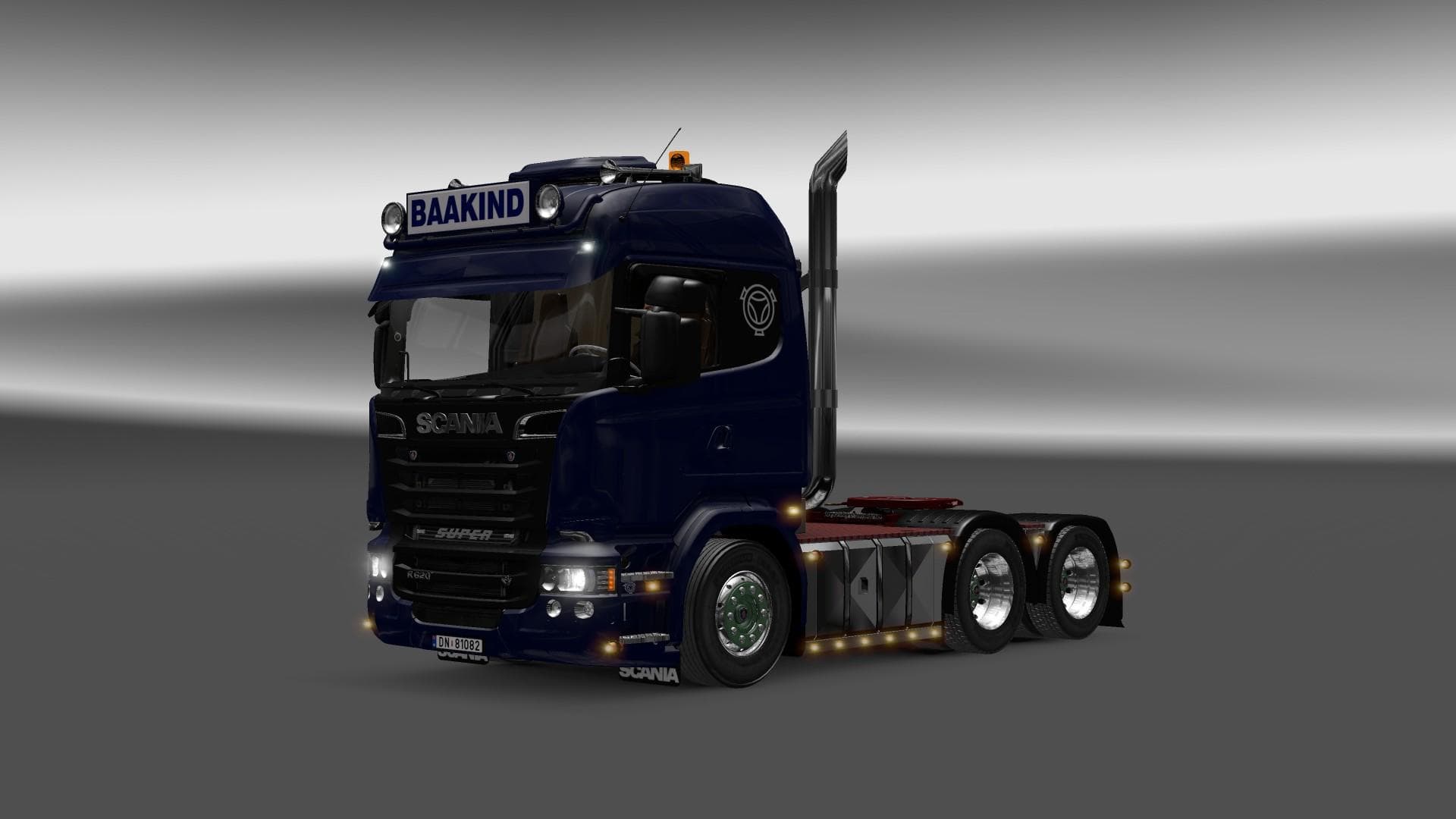
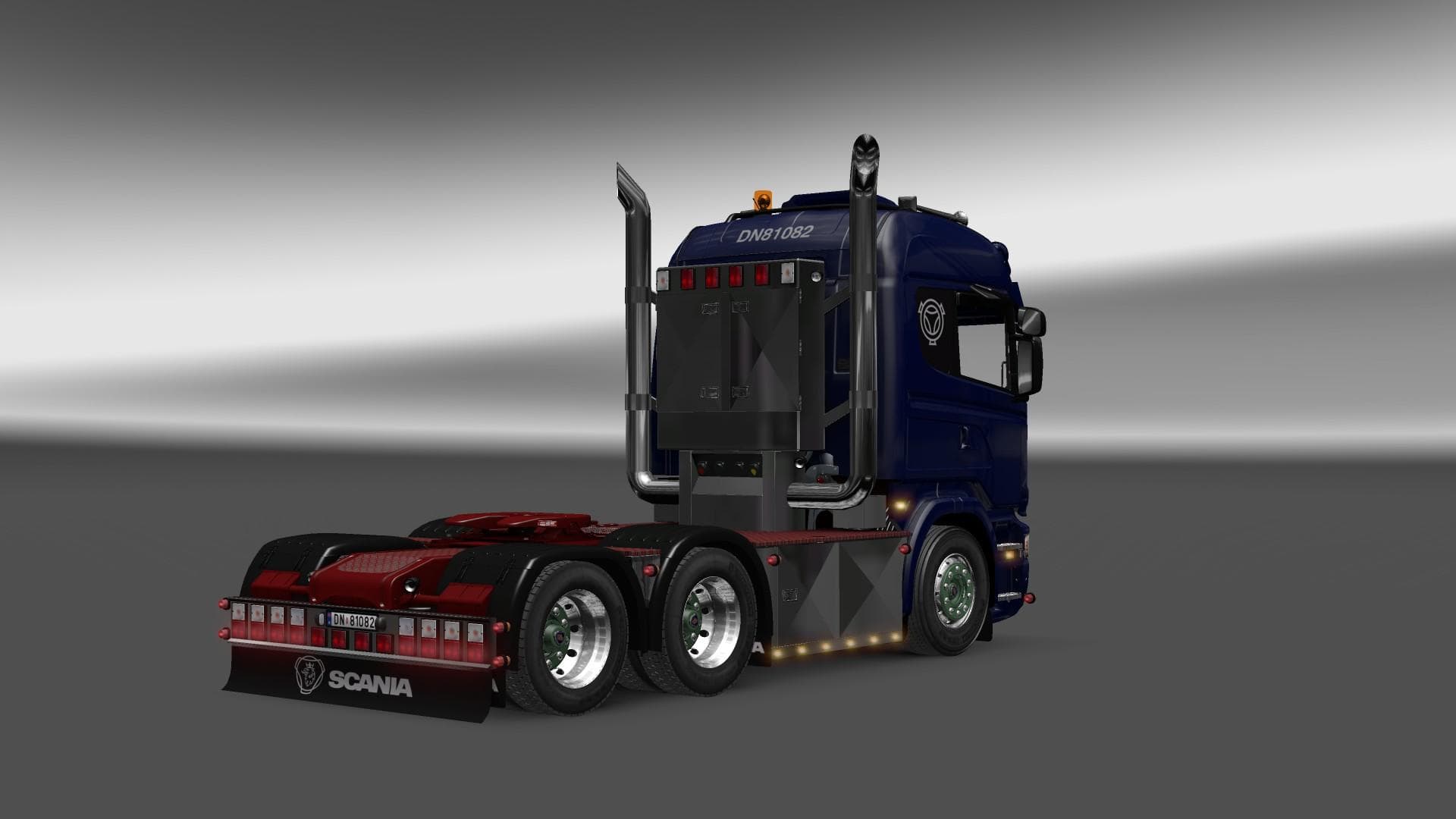
The SCANIA R620 BAAKIND TRANS 1.22 mod for Euro Truck Simulator 2 adds a Scania R620 truck with DLC cabin accessories. It does not include painting or tuning op
The SCANIA R620 BAAKIND TRANS 1.22 mod brings a new truck to Euro Truck Simulator 2 by replacing the standard Scania R model. This mod provides a different cab design, specifically the R620 Baakind Trans, which includes an interior setup using the DLC Cabin Accessories. Since it doesn’t offer any painting or tuning options, it keeps things simple and focused on the truck’s look and feel as provided by the DLC features.
Truck mods like this one add fresh vehicles that players can buy from dealers in ETS2. They typically come with their own interiors and engine or transmission setups, though this particular mod doesn’t add new tuning or paint slots. The version number 1.22 indicates it’s compatible with ETS2 version 1.22, so it's important to match those for smooth gameplay.
For players who run multiple mods in their setup, trucks that replace base game vehicles may require some attention to load order, especially if other mods also affect Scania models. Since this mod swaps out the Scania R without additional paint or tuning layers, conflicts might be less likely but still worth checking if you have several truck replacements.
This mod fits well into a collection for those who want a slightly different Scania experience without modifying performance or visuals extensively. It's ideal if you have the Cabin Accessories DLC installed and want to try something close to stock but with subtle variations inside the cab.
Fans of European trucking or anyone looking for a straightforward alternative to the default Scania trucks might find this mod interesting. It offers a modest change rather than major customization, so it suits players who appreciate minor details while sticking mostly to familiar setups.
How to install
1. Download the .scs file from the original source linked above. 2. Copy the file to `Documents/Euro Truck Simulator 2/mod/`. 3. Launch ETS2, open the Mod Manager from the main menu, enable the mod, restart the game. 4. Visit any truck dealer to spawn the new truck.
After the mod loads, save your game inside a safe area (parking lot or service) before deciding whether to keep it. If the game refuses to load with the mod enabled, check that all required DLCs are installed and that the supported ETS2 version chips on this page include your installed game patch.
Reviews
No ratings yetNo reviews yet — be the first to rate this mod.





![Fuso Supergreat Hi Cab Truck [1.50 – 1.60] – Trucks mod for Euro Truck Simulator 2](/_next/image?url=https%3A%2F%2F802software.s3.us-east-1.amazonaws.com%2Fets2modspot%2Fscreenshots%2F7494%2F0.jpg&w=3840&q=75)