SCANIA R480 TAG 1.19.X
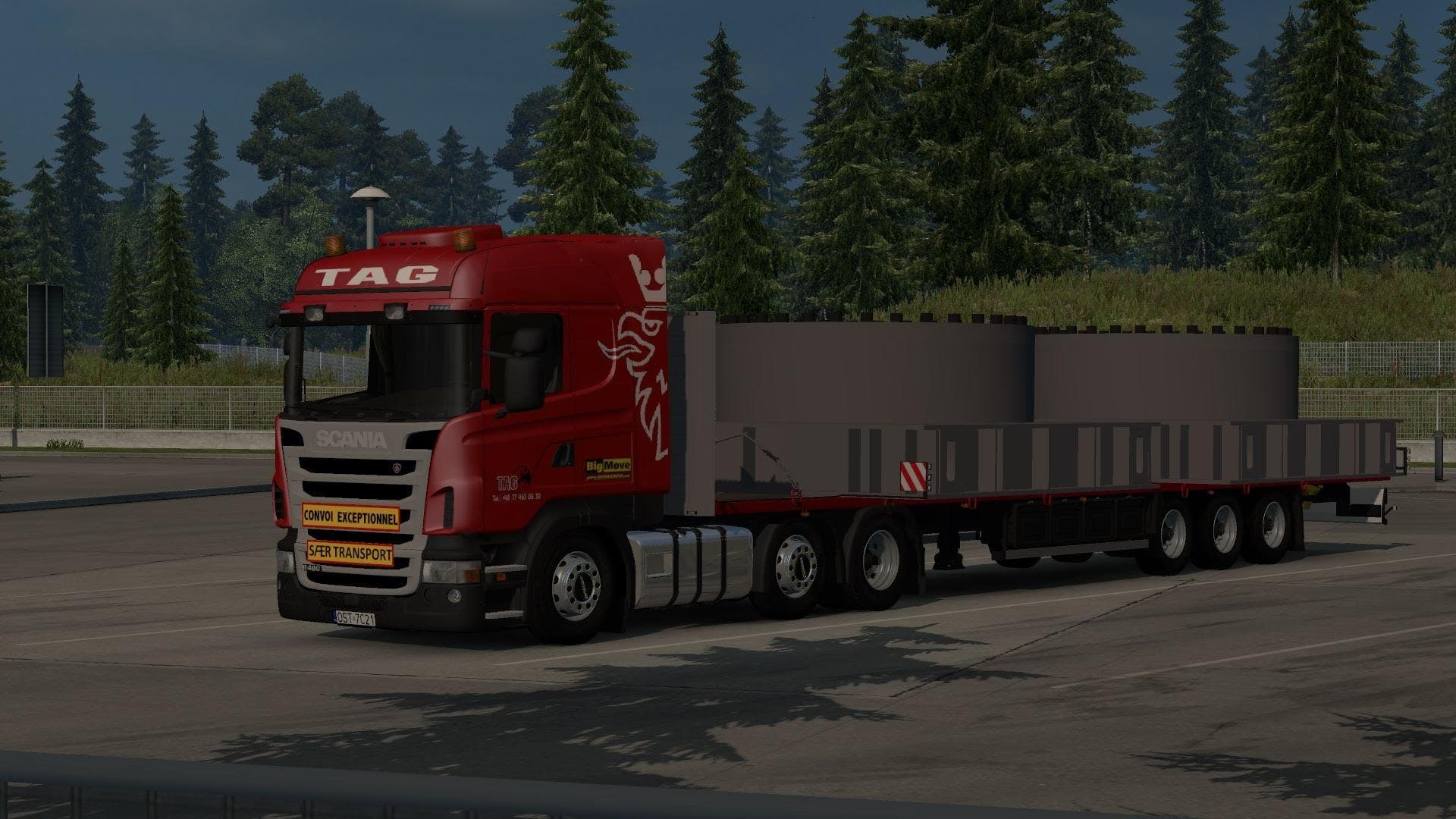
The SCANIA R480 TAG 1.19.X mod brings a new drivable truck to Euro Truck Simulator 2, specifically designed for game version 1.19. This kind of mod typically adds a unique cab and chassis option that you can buy from dealers within the game, expanding your choices beyond the base game trucks. It also tends to include its own set of engine and transmission options, along with paint slots for customization.
Truck mods like this one integrate into your existing setup by loading alongside other vehicle or map mods. Since it’s made for ETS2 version 1.19, it fits well in mod collections targeting that update. Users should ensure they load it properly, often after map mods but before any general gameplay tweaks, to avoid conflicts—especially when switching body types such as the 6×2 or 6×2 configurations.
One notable point is that after selecting certain body styles like 6×2 or 6×2, you might need to restart the game for changes to take effect properly. This behavior isn’t unusual with truck mods that alter chassis configurations and can help prevent graphical glitches or missing parts.
Players who enjoy customizing their fleet or want a fresh driving experience will find this mod useful. It suits those who prefer realistic truck variants and want to expand their options in line with the official Scania lineup. Having more detailed interior and engine choices enhances immersion during long hauls across various European regions.
Since no creator information is provided, users should approach updates cautiously and back up profiles before installing new versions. Truck mods like this often require careful attention to compatibility with other vehicle packs or tuning mods if you run a heavily modded setup.
Overall, SCANIA R480 TAG 1.19.X adds variety for drivers looking for specific Scania models on ETS2 version 1.19 without disrupting core gameplay elements.
How to install
1. Download the .scs file from the original source linked above. 2. Copy the file to `Documents/Euro Truck Simulator 2/mod/`. 3. Launch ETS2, open the Mod Manager from the main menu, enable the mod, restart the game. 4. Visit any truck dealer to spawn the new truck.
After the mod loads, save your game inside a safe area (parking lot or service) before deciding whether to keep it. If the game refuses to load with the mod enabled, check that all required DLCs are installed and that the supported ETS2 version chips on this page include your installed game patch.
Reviews
No ratings yetNo reviews yet — be the first to rate this mod.





![Fuso Supergreat Hi Cab Truck [1.50 – 1.60] – Trucks mod for Euro Truck Simulator 2](/_next/image?url=https%3A%2F%2F802software.s3.us-east-1.amazonaws.com%2Fets2modspot%2Fscreenshots%2F7494%2F0.jpg&w=3840&q=75)