SCANIA G420 1.21.X
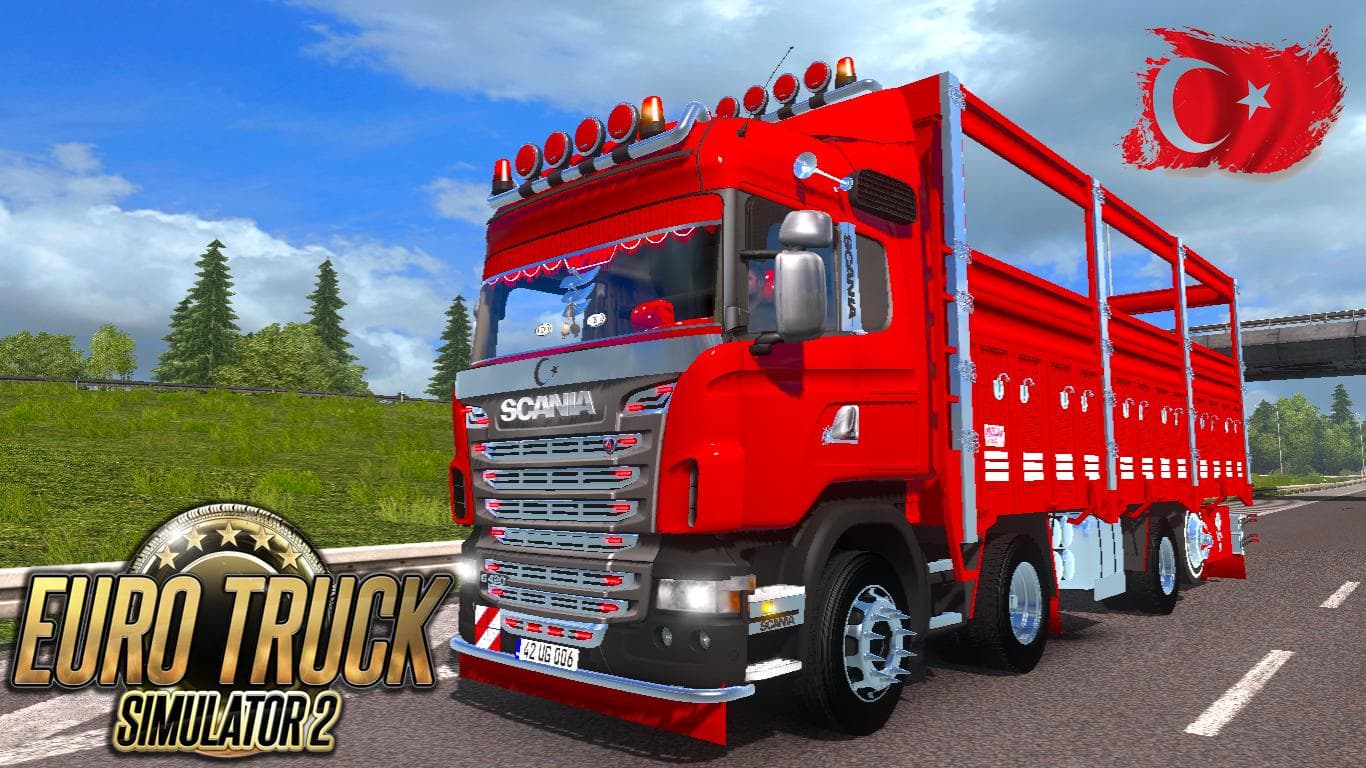
The SCANIA G420 1.21.X mod for Euro Truck Simulator 2 adds a truck with 3 cabins, 6 chassis options, custom interior, integrated bar lights, and chrome front gr
The SCANIA G420 1.21.X mod introduces a new truck model to Euro Truck Simulator 2, compatible with version 1.21 of the game. It features three cabin types and six chassis variations, giving players some variety when choosing their setup. The mod also includes its own interior design, which helps it stand out from default trucks and many other mods.
Truck mods like this add drivable vehicles that you can buy from dealers in the game, often expanding your garage options. They typically come with custom engines, transmissions, and paint slots to tailor the driving experience and appearance to your liking. This particular mod integrates elements like bar lights and a chrome front grill to enhance its visual appeal on the road.
When adding truck mods into a modded setup, it's essential to consider load order for compatibility. Since this mod offers its own interior and external features, placing it properly in the load order ensures these assets work without conflicts. Truck mods generally have fewer compatibility issues but be cautious if you use multiple truck replacements or skins targeting the same base model.
This SCANIA variant would suit players looking for a different driving feel or aesthetic compared to the stock trucks. It's especially relevant for those who enjoy customizing their rigs with various cabins and chassis options while keeping things aligned with ETS2 version 1.21 requirements.
As with many truck mods, installation involves placing files into your mod folder and activating them via the game's mod manager. This lets you test how well it fits within your current collection of trucks and other mods before committing to long hauls.
Overall, this truck mod offers some flexibility for players wanting more choices in their fleet within Euro Truck Simulator 2's version 1.21 environment.
How to install
1. Download the .scs file from the original source linked above. 2. Copy the file to `Documents/Euro Truck Simulator 2/mod/`. 3. Launch ETS2, open the Mod Manager from the main menu, enable the mod, restart the game. 4. Visit any truck dealer to spawn the new truck.
After the mod loads, save your game inside a safe area (parking lot or service) before deciding whether to keep it. If the game refuses to load with the mod enabled, check that all required DLCs are installed and that the supported ETS2 version chips on this page include your installed game patch.
Reviews
No ratings yetNo reviews yet — be the first to rate this mod.





![Fuso Supergreat Hi Cab Truck [1.50 – 1.60] – Trucks mod for Euro Truck Simulator 2](/_next/image?url=https%3A%2F%2F802software.s3.us-east-1.amazonaws.com%2Fets2modspot%2Fscreenshots%2F7494%2F0.jpg&w=3840&q=75)