SCANIA 164L 580 1.22
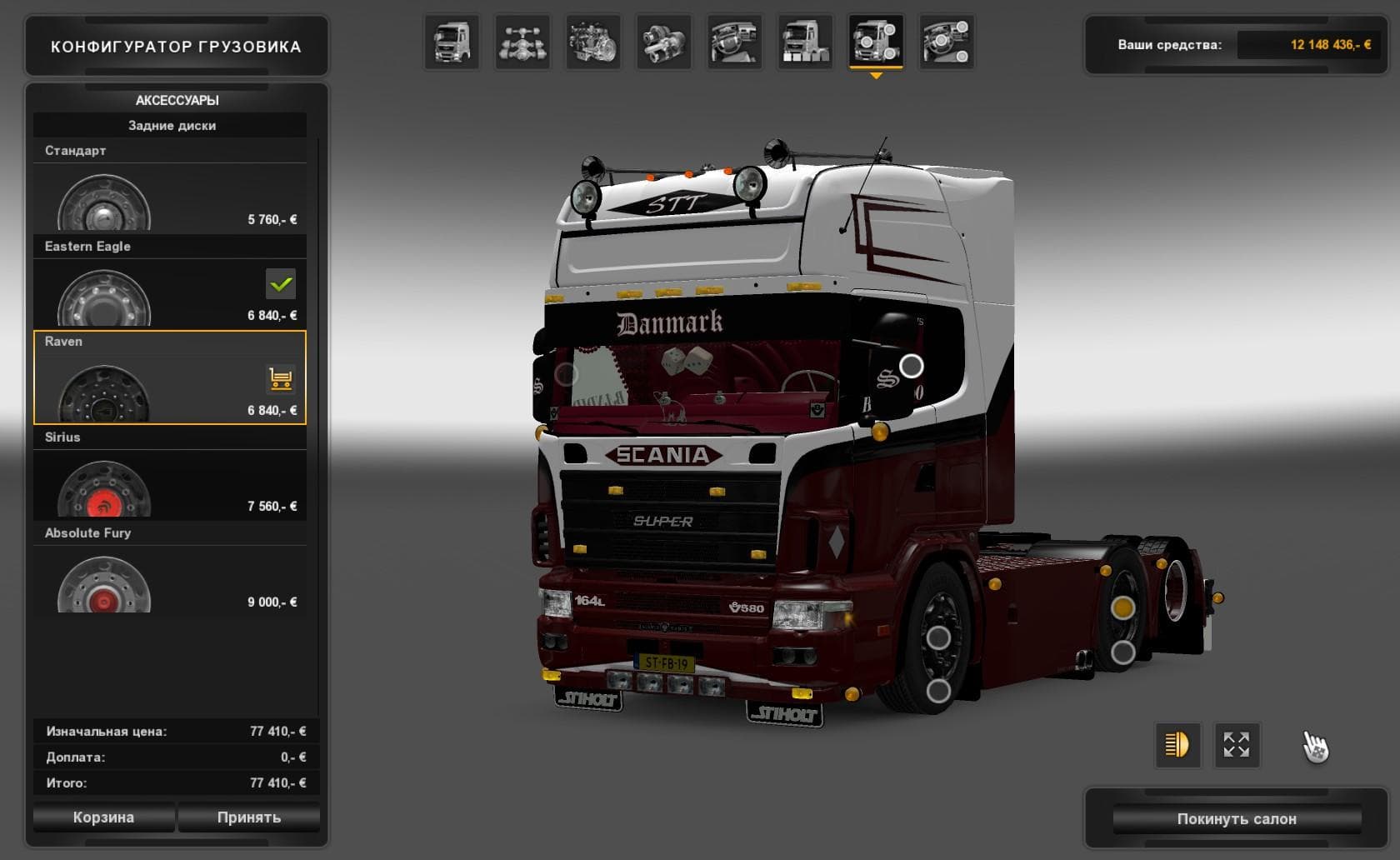
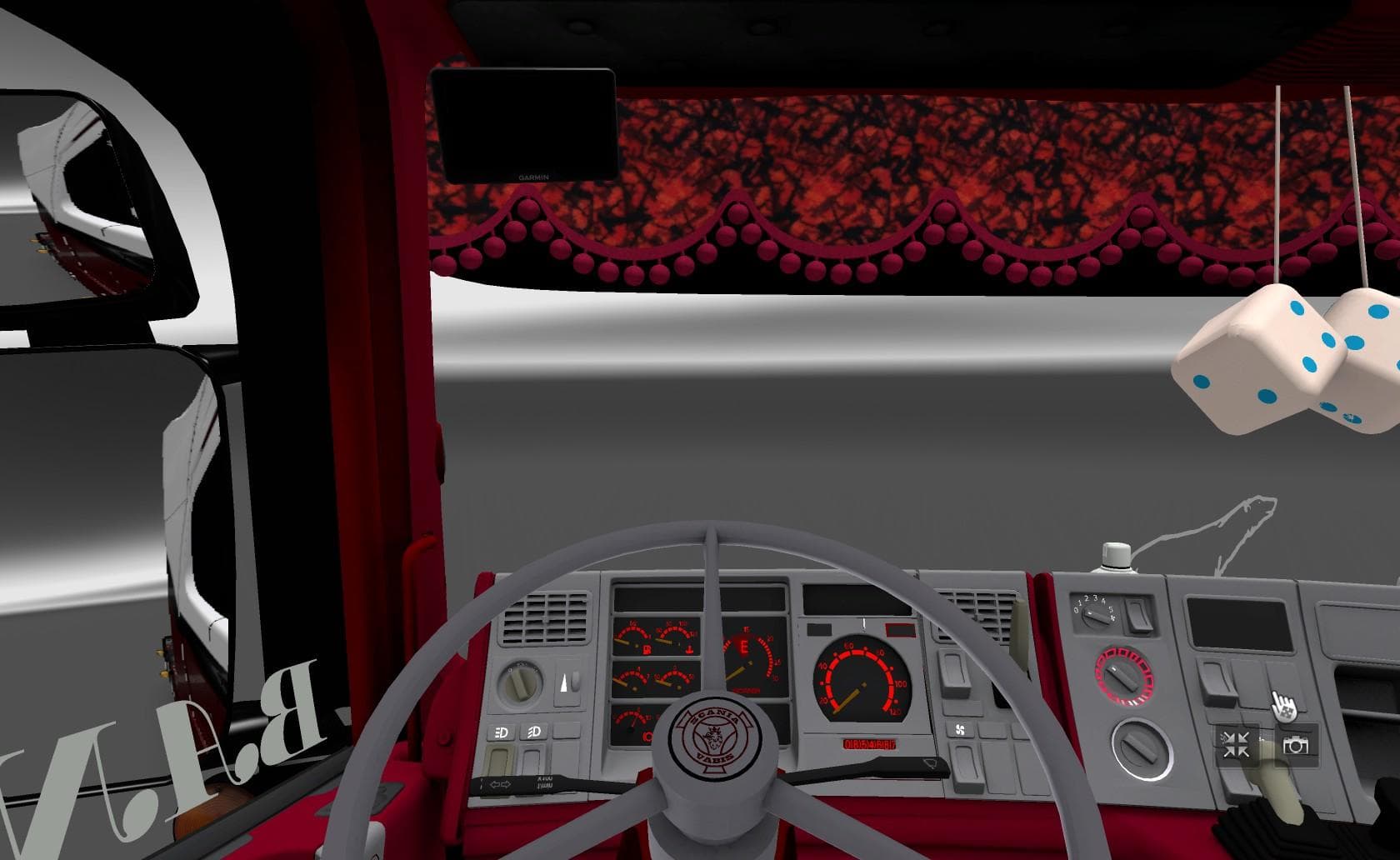
The SCANIA 164L 580 1.22 mod is a standalone truck available at the Scania dealer in Euro Truck Simulator 2. It features an interior, sound, updated wheels for
The SCANIA 164L 580 1.22 mod adds a standalone truck to Euro Truck Simulator 2, specifically the Scania 164L model with a powerful engine option. This type of mod introduces a new drivable cab and chassis that you can buy directly from the in-game dealer, expanding your fleet choices beyond the base game offerings. It comes with its own interior design and sound package, which helps create a more immersive driving experience.
Truck mods like this one typically include various engine and transmission options, along with paint slots for customization. The SCANIA 164L 580 has been updated to work smoothly with ETS2 versions 1.21 and 1.22, including updated wheels compatible with recent patches. This ensures it fits well into your current setup without causing conflicts or requiring additional fixes.
When adding truck mods to your collection, load order matters but is usually straightforward since standalone trucks don't often overlap with other content. You just need to make sure no other mods overwrite the same vehicle files if you have multiple truck mods installed. This mod being standalone means it shouldn’t interfere with other trucks or trailers, making it easier to maintain alongside your existing mods.
Drivers who enjoy vintage or classic trucks might find this Scania model appealing because it offers a different feel compared to newer models available in the base game or other mods. Its distinctive cabin style and engine characteristics provide variety during long hauls across ETS2’s many regions.
Overall, this mod suits players looking to diversify their garage with an older yet still powerful Scania truck that feels authentic thanks to its tailored interior and sound setup. It blends nicely into any modded environment without much hassle and lets you enjoy a piece of trucking history on virtual roads.
How to install
1. Download the .scs file from the original source linked above. 2. Copy the file to `Documents/Euro Truck Simulator 2/mod/`. 3. Launch ETS2, open the Mod Manager from the main menu, enable the mod, restart the game. 4. Visit any truck dealer to spawn the new truck.
After the mod loads, save your game inside a safe area (parking lot or service) before deciding whether to keep it. If the game refuses to load with the mod enabled, check that all required DLCs are installed and that the supported ETS2 version chips on this page include your installed game patch.
Reviews
No ratings yetNo reviews yet — be the first to rate this mod.





![Fuso Supergreat Hi Cab Truck [1.50 – 1.60] – Trucks mod for Euro Truck Simulator 2](/_next/image?url=https%3A%2F%2F802software.s3.us-east-1.amazonaws.com%2Fets2modspot%2Fscreenshots%2F7494%2F0.jpg&w=3840&q=75)