SCANIA 143M MEULMAN 1.22.X

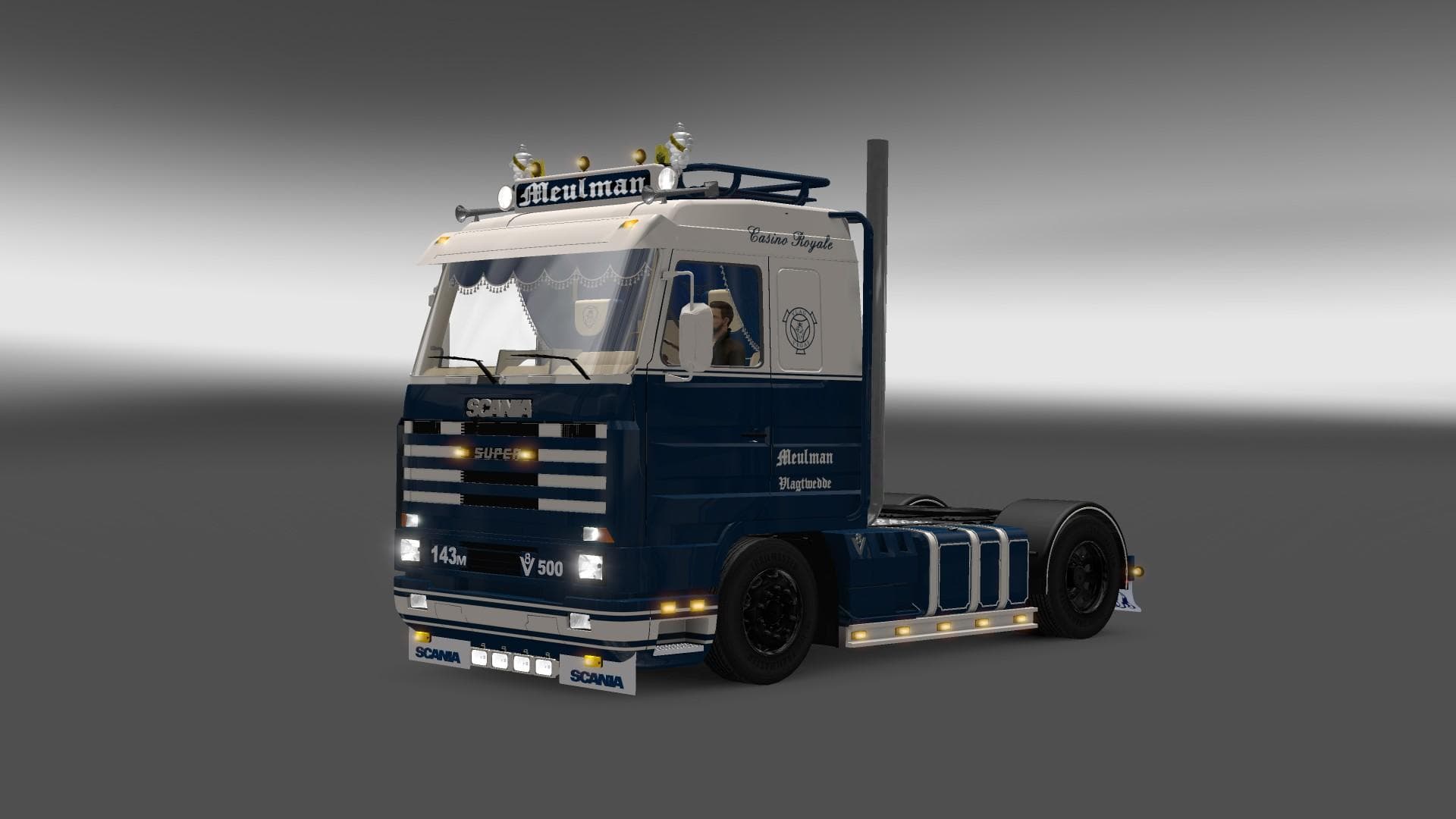
The SCANIA 143M MEULMAN 1.22.X mod is a standalone truck available at the Scania dealer in Euro Truck Simulator 2. It features an interior, painting options, an
The SCANIA 143M MEULMAN 1.22.X mod introduces a standalone truck to Euro Truck Simulator 2, modeled after the classic Scania 143M. This truck can be purchased directly from the Scania dealer in the game, adding variety to your fleet with its distinct cab and chassis design. It comes equipped with its own interior and paint options but does not include tuning features like engine or transmission upgrades.
Truck mods like this one expand the range of vehicles you can drive in ETS2, often bringing new visuals and driving experiences. Since it’s a standalone model, it won't overwrite existing trucks but instead appears as an additional choice when visiting dealers. This makes it easy to integrate into your existing mod collection without conflicts.
Because this mod is designed for version 1.22 of ETS2, compatibility depends on running that or a closely matching game version. Typically, truck mods should be placed lower in the load order than map or physics mods to avoid issues with vehicle behavior or appearance. Being standalone means it generally plays well alongside other truck mods.
One thing to note is that this mod lacks tuning options, which may limit customization for players who enjoy tweaking engine or transmission specs extensively. However, its detailed interior and paint slots allow for some personalization through skinning and cab decoration.
Players who appreciate vintage Scania trucks or want a classic option alongside more modern rigs will find this mod appealing. It fits well within setups focused on enhancing vehicle variety rather than performance modifications.
Overall, if you’re looking to add a historically styled Scania truck without replacing anything already installed, this mod serves that niche while maintaining compatibility with standard dealer mechanics.
How to install
1. Download the .scs file from the original source linked above. 2. Copy the file to `Documents/Euro Truck Simulator 2/mod/`. 3. Launch ETS2, open the Mod Manager from the main menu, enable the mod, restart the game. 4. Visit any truck dealer to spawn the new truck.
After the mod loads, save your game inside a safe area (parking lot or service) before deciding whether to keep it. If the game refuses to load with the mod enabled, check that all required DLCs are installed and that the supported ETS2 version chips on this page include your installed game patch.
Reviews
No ratings yetNo reviews yet — be the first to rate this mod.





![Fuso Supergreat Hi Cab Truck [1.50 – 1.60] – Trucks mod for Euro Truck Simulator 2](/_next/image?url=https%3A%2F%2F802software.s3.us-east-1.amazonaws.com%2Fets2modspot%2Fscreenshots%2F7494%2F0.jpg&w=3840&q=75)