SCANIA 143M 1.19.X
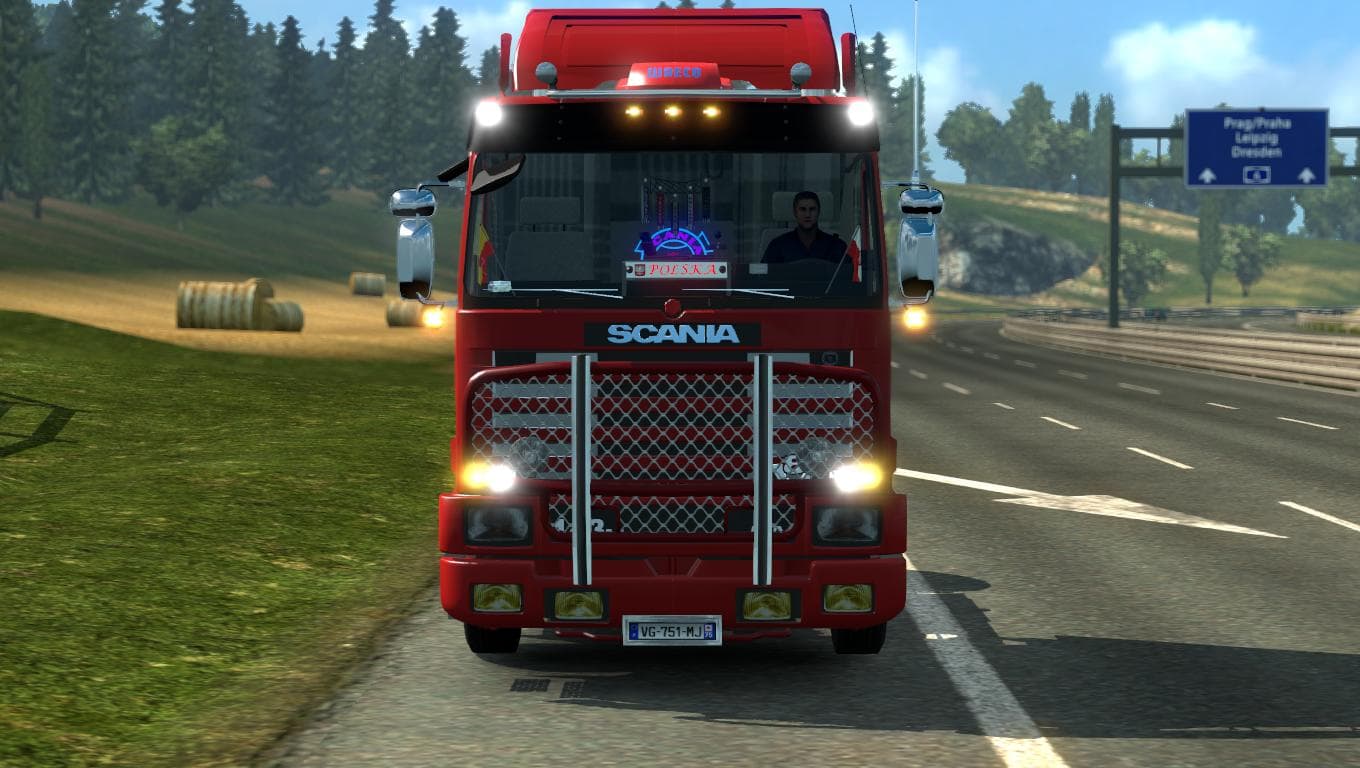
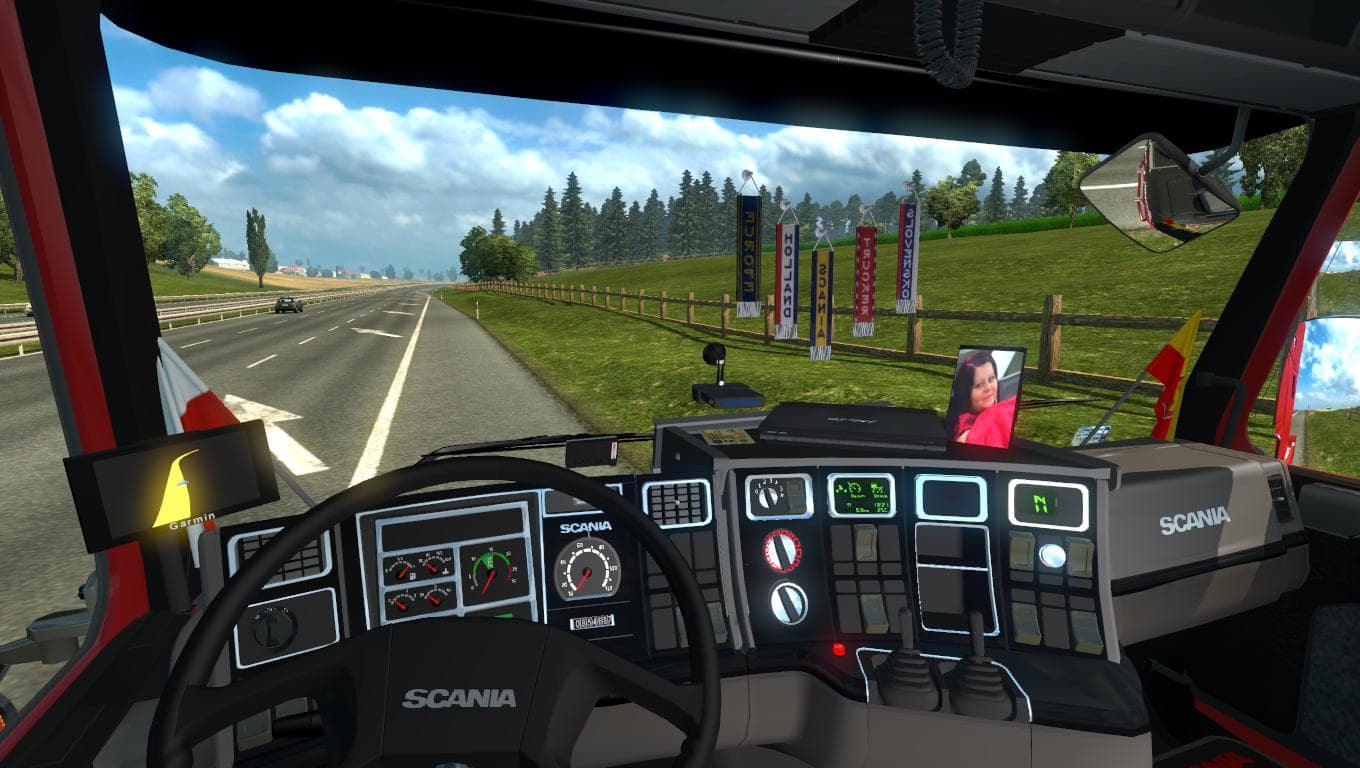
The SCANIA 143M 1.19.X mod introduces a classic Scania truck model to Euro Truck Simulator 2, compatible with version 1.19 of the game. This mod adds a drivable cab and chassis that players can purchase directly from a large Scania dealer in the game. The model aims to reflect original specifications, making it a familiar choice for fans of vintage trucks.
Truck mods like this one typically come with their own set of engine and transmission options, interior designs, and paint slots for customization. This allows players to tailor their vehicle to their preferences and fit it into various roles across the ETS2 map. The SCANIA 143M mod is no exception; its skinning capabilities let users change its appearance to suit different styles or themes.
When using mods that add new trucks, it's useful to consider load order and compatibility with other vehicle mods or gameplay enhancements. Truck mods generally load well alongside map expansions or traffic packs but might require attention if other mods alter Scania models specifically. Keeping backups before adding new trucks can save headaches later.
This particular Scania fits nicely in modded setups where classic or vintage vehicles are appreciated. Players looking for variety beyond the game's standard fleet will find this addition worthwhile. It offers a different driving experience compared to modern trucks, bringing some nostalgia to the roads of ETS2.
Since the creator is unknown and file size isn't listed, users should approach installation as they would any typical truck mod: placing files into the appropriate mod folder and enabling them via the game's Mod Manager. Ensuring compatibility with version 1.19 avoids common issues that arise from mismatched game versions.
Overall, if you're someone who enjoys collecting different truck models or prefers driving something outside the usual lineup, this SCANIA 143M could be a good fit for your virtual garage.
How to install
1. Download the .scs file from the original source linked above. 2. Copy the file to `Documents/Euro Truck Simulator 2/mod/`. 3. Launch ETS2, open the Mod Manager from the main menu, enable the mod, restart the game. 4. Visit any truck dealer to spawn the new truck.
After the mod loads, save your game inside a safe area (parking lot or service) before deciding whether to keep it. If the game refuses to load with the mod enabled, check that all required DLCs are installed and that the supported ETS2 version chips on this page include your installed game patch.
Reviews
No ratings yetNo reviews yet — be the first to rate this mod.





![Fuso Supergreat Hi Cab Truck [1.50 – 1.60] – Trucks mod for Euro Truck Simulator 2](/_next/image?url=https%3A%2F%2F802software.s3.us-east-1.amazonaws.com%2Fets2modspot%2Fscreenshots%2F7494%2F0.jpg&w=3840&q=75)