SCANIA 113 + ACCESSORIES + TRAILER V2
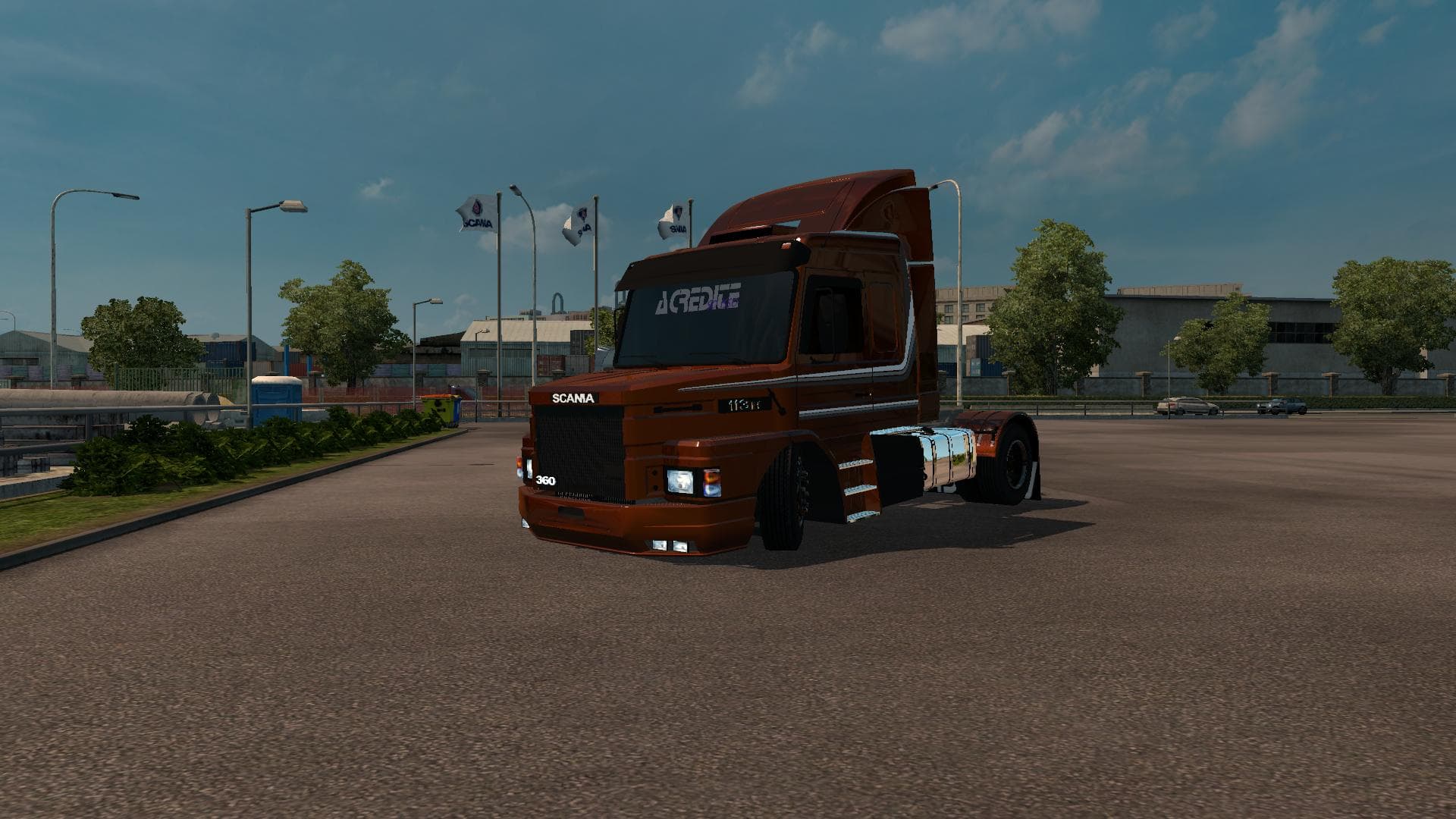
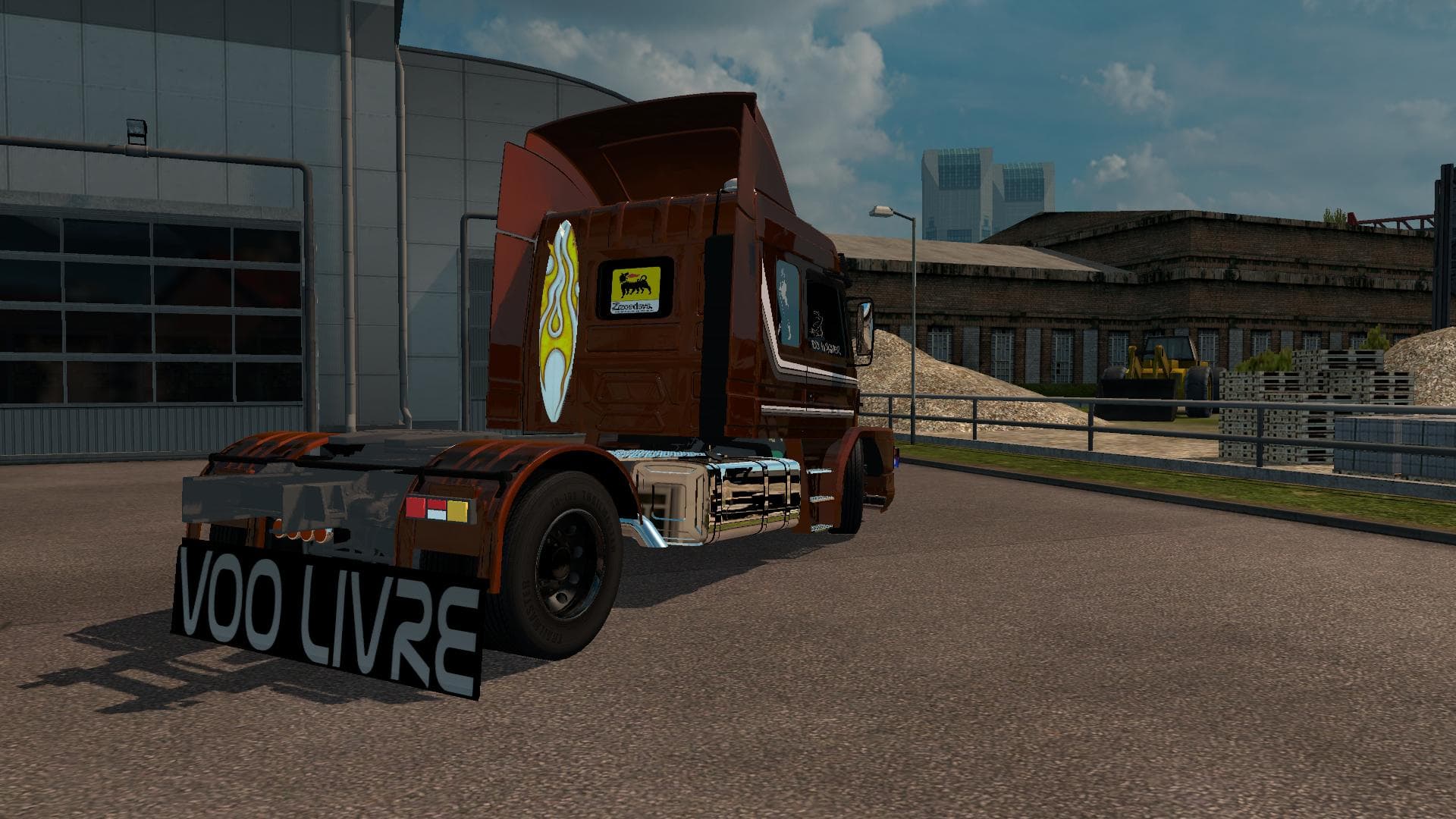
The SCANIA 113 mod for ETS2 offers a replacement for the Scania R truck with painted and metallic options, 2 interiors, and custom sounds. Tested on version 1.2
This mod swaps out the default Scania R truck with a model inspired by the SCANIA 113, complete with additional accessories and a trailer. It comes painted with both standard and metallic finishes, offering a fresh visual alternative to the base game’s trucks. Inside, there are two different interior options to choose from, along with custom sounds that enhance the driving experience. This particular mod is designed for ETS2 version 1.21, ensuring compatibility with that update.
Truck mods like this add a new drivable cab and chassis to Euro Truck Simulator 2, which you can purchase at in-game dealerships. They typically provide their own engine and transmission choices plus paint slots, allowing players to customize their vehicles extensively. Mods of this nature replace or supplement existing truck models rather than adding completely new brands or classes.
When including this mod in your setup, it’s wise to check your load order so it doesn’t conflict with other truck replacements or sound mods you might be running. Since it replaces the Scania R, any other mod that affects the same base model could cause issues if not loaded properly. Keeping an organized mod list will help maintain stability and visual consistency.
Players who enjoy classic Scania models or want a bit more variety in their truck lineup will find this mod worth trying out. Its combination of exterior upgrades, interior choices, and sound tweaks makes for a different driving feel without straying too far from familiar territory. If you’re running a modded profile centered around European trucking routes like those through Germany or France, this fits right in.
How to install
1. Download the .scs file from the original source linked above. 2. Copy the file to `Documents/Euro Truck Simulator 2/mod/`. 3. Launch ETS2, open the Mod Manager from the main menu, enable the mod, restart the game. 4. Visit any truck dealer to spawn the new truck.
After the mod loads, save your game inside a safe area (parking lot or service) before deciding whether to keep it. If the game refuses to load with the mod enabled, check that all required DLCs are installed and that the supported ETS2 version chips on this page include your installed game patch.
Reviews
No ratings yetNo reviews yet — be the first to rate this mod.





![Fuso Supergreat Hi Cab Truck [1.50 – 1.60] – Trucks mod for Euro Truck Simulator 2](/_next/image?url=https%3A%2F%2F802software.s3.us-east-1.amazonaws.com%2Fets2modspot%2Fscreenshots%2F7494%2F0.jpg&w=3840&q=75)