SCANDINAVIA ROAD TEXTURE V1.07
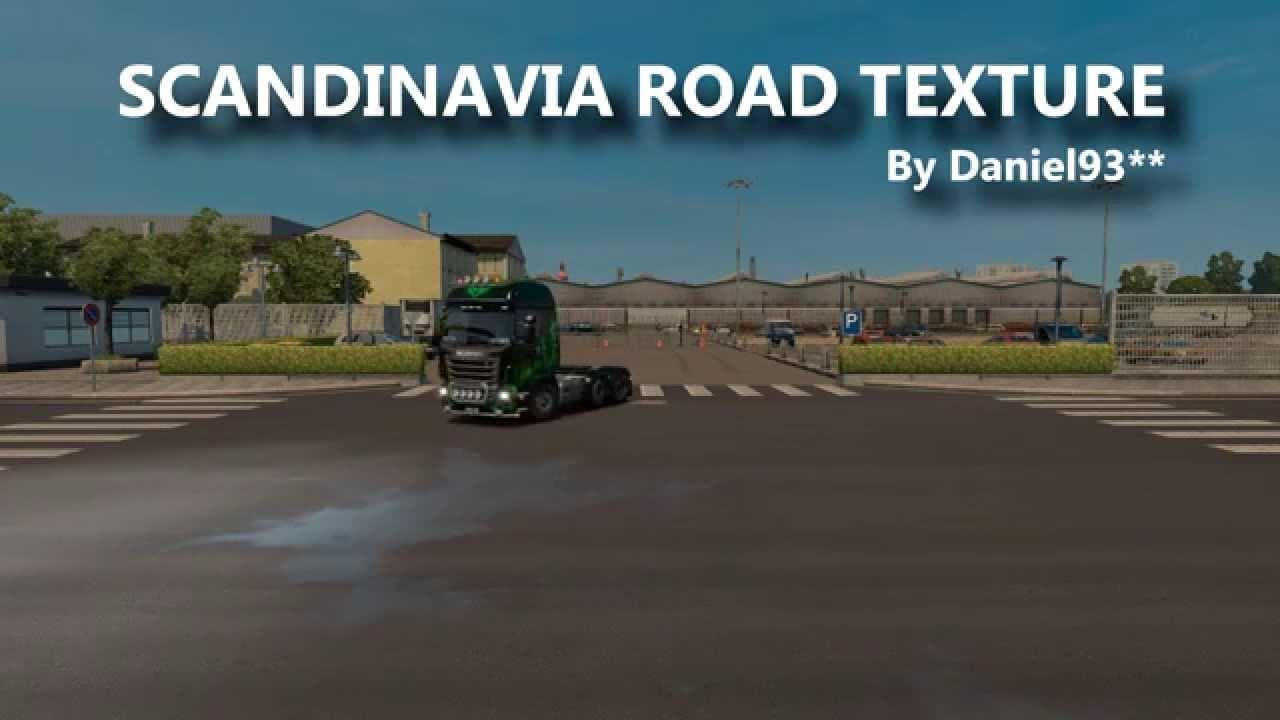
SCANDINAVIA ROAD TEXTURE mod version 1.07 by Euro Truck Simulator 2 adds new textures to companies, tested on ETS2 versions 1.18 to 1.21 without DLC Scandinavia
SCANDINAVIA ROAD TEXTURE V1.07 is a map mod that focuses on enhancing the road surfaces within the Scandinavian region of Euro Truck Simulator 2. Rather than adding new cities or expanding the map, this mod updates the textures you see while driving, giving roads a refreshed look that fits better with the Nordic environment. It's compatible with several ETS2 versions including 1.18 through 1.21, and works without needing the official Scandinavia DLC, which can be handy if you don’t own that expansion.
Map mods like this one alter how parts of the game world appear or function by modifying files that control terrain and road visuals. They usually come as .scs files you add to your mod folder and activate in-game. Because they change core assets, load order matters; you’ll want to position texture mods after any major map expansions to ensure their changes take effect properly without conflicts.
In a setup where you run multiple map mods, SCANDINAVIA ROAD TEXTURE V1.07 slots in as an aesthetic enhancement rather than a content expansion. This means it pairs well with larger Scandinavian or Northern Europe maps by improving immersion through updated road graphics. Just keep an eye on your load order and test for compatibility, especially if other mods also tweak textures or the same regions.
This mod suits players who enjoy driving across Scandinavia and want a more authentic or visually consistent experience on familiar routes. It’s for those who appreciate subtle improvements that make long hauls feel less repetitive, especially when exploring Nordic countries like Sweden, Norway, and Finland.
If your rig includes various regional maps like norway, sweden, or denmark expansions—or even mods covering broader europe—you might find this texture update a nice touch to refresh old roads without overhauling gameplay.
How to install
1. Download every .scs file from the source page (map mods often ship multiple files). 2. Copy all files to `Documents/Euro Truck Simulator 2/mod/`. 3. Enable each file in Mod Manager **in the order documented by the modder**. Load order matters for maps. 4. Start a new save or use an existing save that already supports the map's base regions.
After the mod loads, save your game inside a safe area (parking lot or service) before deciding whether to keep it. If the game refuses to load with the mod enabled, check that all required DLCs are installed and that the supported ETS2 version chips on this page include your installed game patch.
Known conflicts
No conflicts reported for this mod yet. Running a big mod list? Check your whole setup for conflicts →
Reviews
No ratings yetNo reviews yet — be the first to rate this mod.





