SACHSENLAND BETA
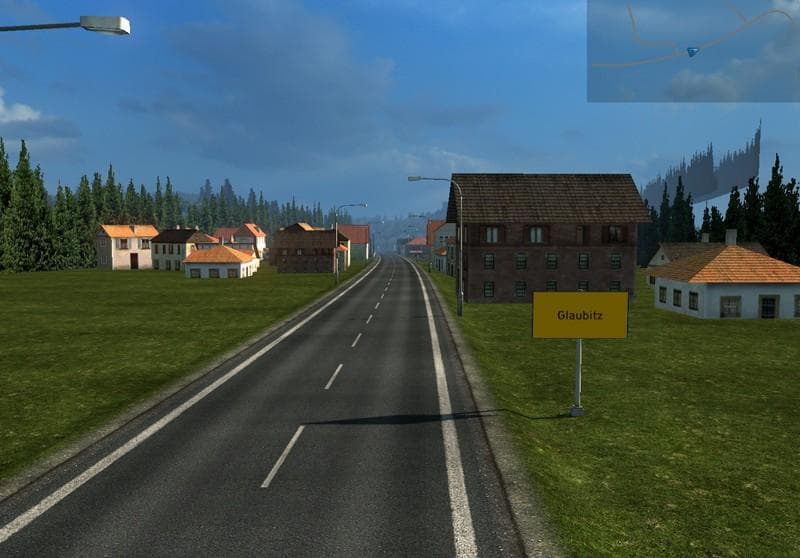
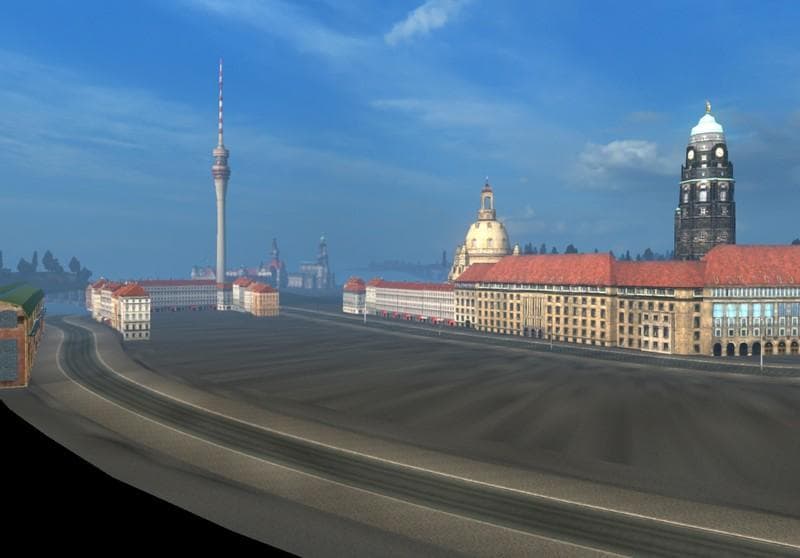
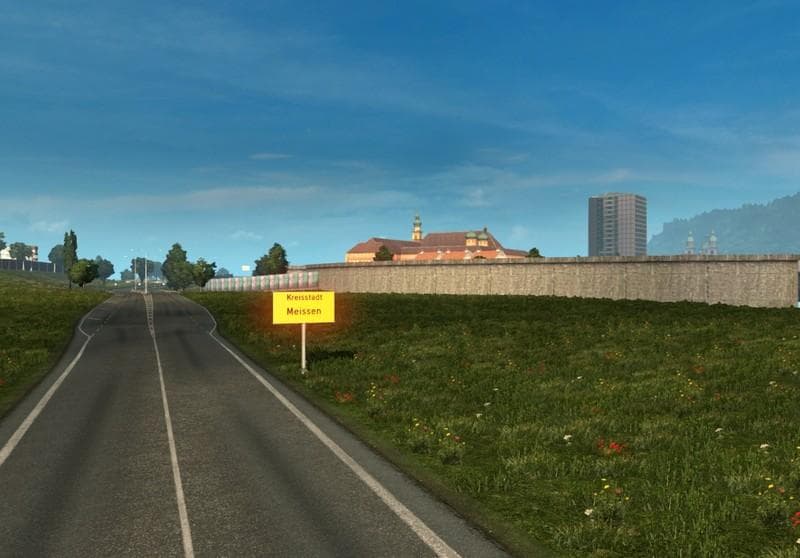
SACHSENLAND BETA is a map mod for ETS2, currently in version 0.5 beta. It adds new cities, improves existing roads, and includes new road additions. The creator
SACHSENLAND BETA is a map mod that adds new cities and roads, improving existing routes and expanding the drivable area in Euro Truck Simulator 2. Being a beta version, it introduces fresh content like additional streets and refined pathways to enhance the driving experience in the region it covers. Map mods like this one work by integrating new terrain and infrastructure into the base game through .scs files, which must be loaded correctly for everything to function as intended.
This type of mod enlarges your ETS2 world by providing new places to explore and haul cargo across, often requiring a compatible base map or specific DLCs depending on where the added areas are located. Since SACHSENLAND BETA focuses on adding roads and cities, players will find more variety in their routes without leaving the game's core environment. However, these mods can be sensitive to load order; placing them properly in the mod manager ensures stability and prevents conflicts with other map expansions.
In a heavily modded setup, SACHSENLAND BETA fits alongside other regional or global map enhancements. It’s advisable to test it with your current maps since overlapping territories might cause issues if two mods alter the same locations. Fresh profiles sometimes help when installing large map mods to avoid corrupt save data or crashes caused by incompatible changes.
Players who enjoy exploring beyond standard routes or want more diverse delivery options will appreciate what this mod offers. It's geared toward those looking for additional urban environments and road improvements within Germany or central Europe. Even without official updates or detailed version info, users familiar with map mods should find its additions worthwhile for expanding their trucking experience.
How to install
1. Download every .scs file from the source page (map mods often ship multiple files). 2. Copy all files to `Documents/Euro Truck Simulator 2/mod/`. 3. Enable each file in Mod Manager **in the order documented by the modder**. Load order matters for maps. 4. Start a new save or use an existing save that already supports the map's base regions.
After the mod loads, save your game inside a safe area (parking lot or service) before deciding whether to keep it. If the game refuses to load with the mod enabled, check that all required DLCs are installed and that the supported ETS2 version chips on this page include your installed game patch.
Known conflicts
No conflicts reported for this mod yet. Running a big mod list? Check your whole setup for conflicts →
Reviews
No ratings yetNo reviews yet — be the first to rate this mod.





