RUTAS MORTALES
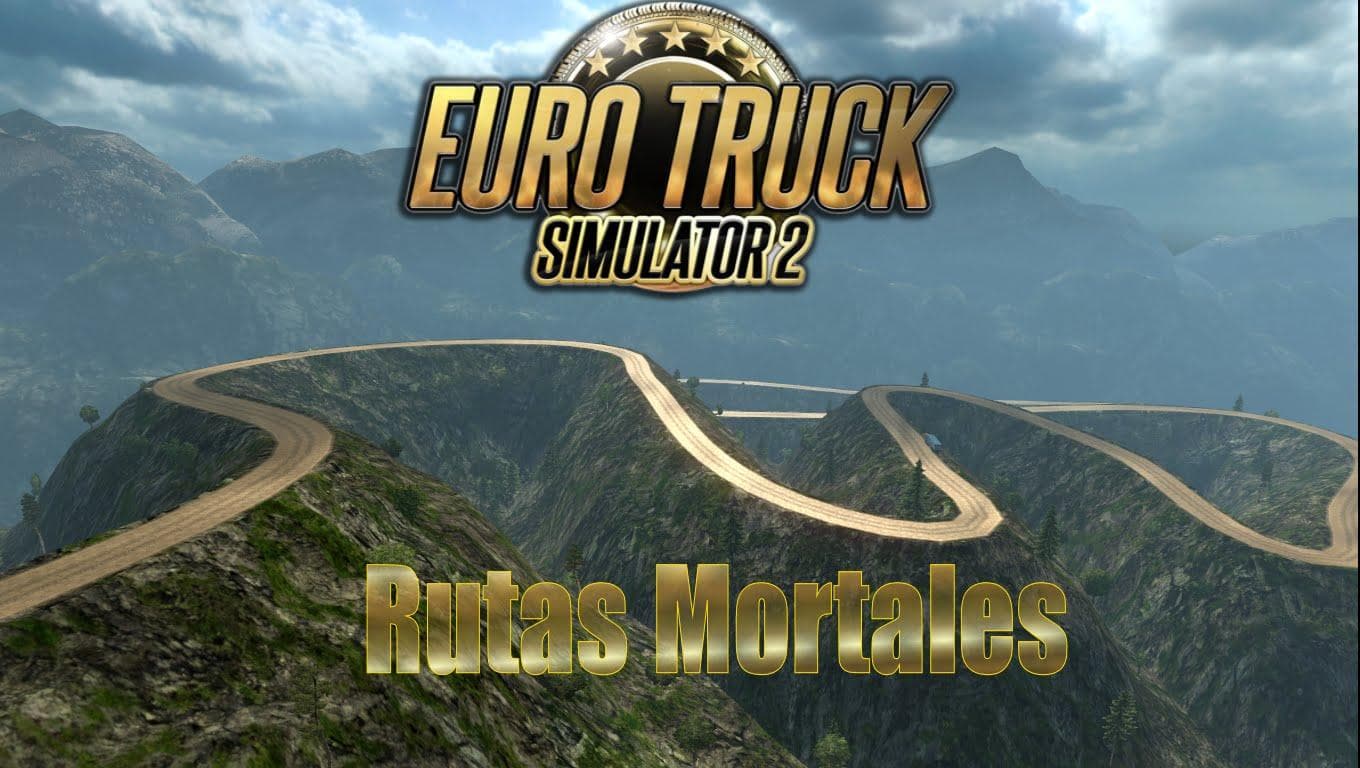
RUTAS MORTALES is a map mod for ETS2 with 5 cities. The creator is unknown, and details such as mod version, supported game versions, file size, and last update
RUTAS MORTALES is a map mod that adds five new cities for players to explore. Map mods like this one broaden the driving environment in Euro Truck Simulator 2 by introducing fresh roads and urban areas, which can give a different feel compared to the base game. Since this is the creator's first map, it offers a straightforward expansion rather than an extensive overhaul.
These types of mods usually come as .scs files that you place in your mods folder. Because maps are quite sensitive to load order, it's generally a good idea to activate them carefully alongside other map expansions or terrain-altering mods. Sometimes starting a new profile might be necessary if there are conflicts or if specific base map DLCs are required, though details for RUTAS MORTALES aren't specified.
For players who enjoy trying out new routes and cities beyond what ETS2 originally provides, this mod could fit well into a setup focused on exploration. It may complement other regional mods or serve as a light addition without drastically changing the overall geography. Compatibility depends on what other map mods you have installed, so testing load order is recommended.
Drivers who want to experience fresh urban landscapes and added variety will find this kind of mod useful. Since it includes only five cities, it’s less overwhelming than larger map packs but still adds some diversity to your delivery runs. It's suitable for those who like small expansions that keep things manageable while offering something different.
How to install
1. Download every .scs file from the source page (map mods often ship multiple files). 2. Copy all files to `Documents/Euro Truck Simulator 2/mod/`. 3. Enable each file in Mod Manager **in the order documented by the modder**. Load order matters for maps. 4. Start a new save or use an existing save that already supports the map's base regions.
After the mod loads, save your game inside a safe area (parking lot or service) before deciding whether to keep it. If the game refuses to load with the mod enabled, check that all required DLCs are installed and that the supported ETS2 version chips on this page include your installed game patch.
Known conflicts
No conflicts reported for this mod yet. Running a big mod list? Check your whole setup for conflicts →
Reviews
No ratings yetNo reviews yet — be the first to rate this mod.





