RUSSIAN OPEN SPACES V3.0
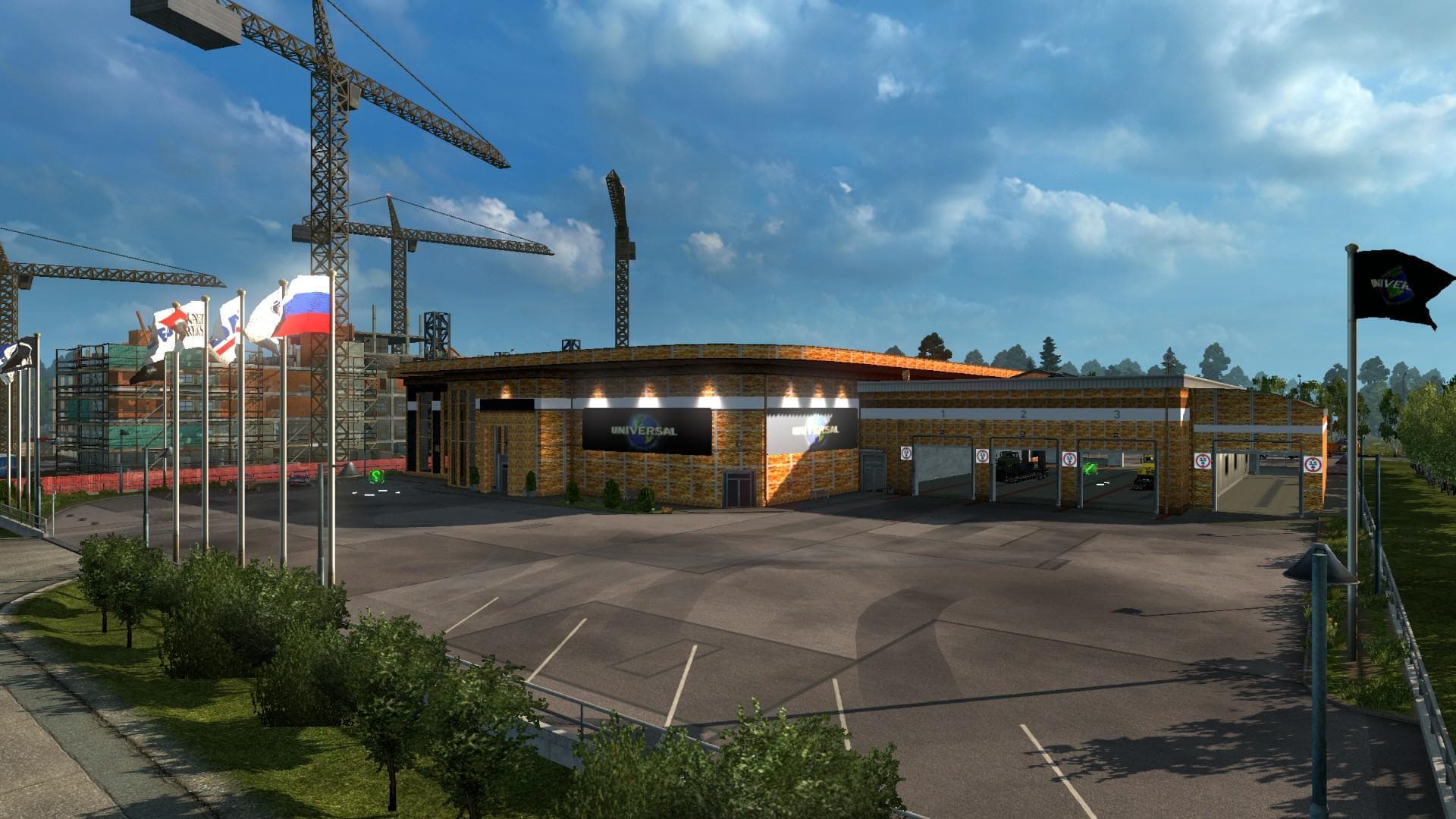
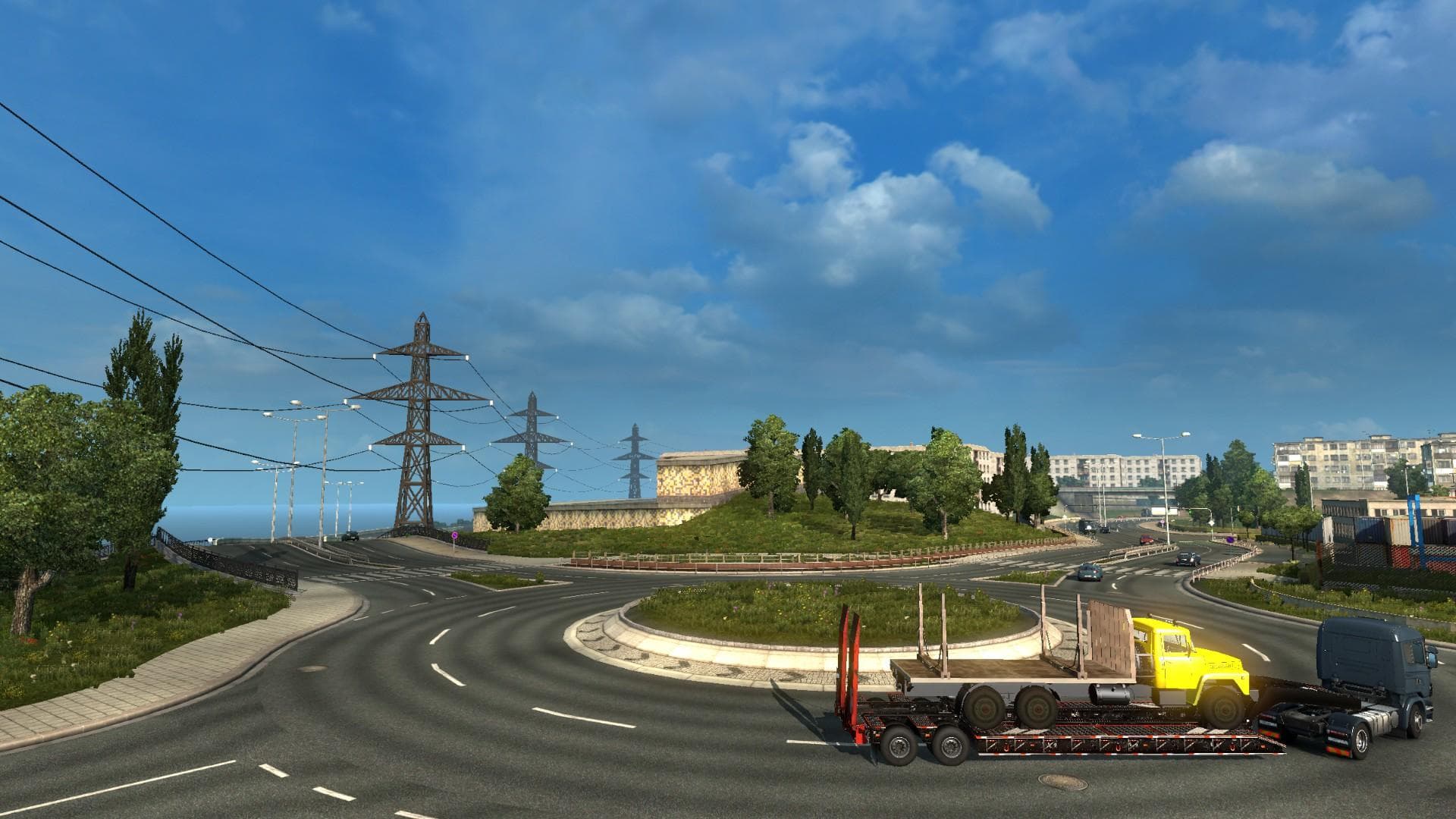
RUSSIAN OPEN SPACES is a map mod for ETS2 created by Euro Truck Simulator 2, featuring 62 cities in Russia. Version 3.0 includes optimizations, modified winter
RUSSIAN OPEN SPACES V3.0 is a map mod that significantly expands the drivable area in Euro Truck Simulator 2 by adding 62 cities across Russia. This update brings optimizations to the map, tweaks to winter-themed objects, and introduces new models and prefabs to enhance the environment. Map mods like this one are designed to give players fresh routes and regions to explore beyond the base game’s geography.
In ETS2, map mods work by loading additional .scs files that alter or extend the existing world. They often require careful attention to load order since conflicts can arise if multiple maps overlap or modify similar areas. Players usually need a clean profile or specific DLCs for some maps to function correctly, so it’s wise to check compatibility before installing.
This particular mod fits well into setups focused on Eastern Europe and Russia, complementing other regional expansions like those covering Kazakhstan or Ukraine. Since it alters a large portion of the world with new cities and roads, it might not pair smoothly with other extensive map mods unless managed properly in the load order.
Drivers who enjoy long hauls through diverse landscapes will find this expansion adds more depth to Russian trucking routes. Those interested in experiencing different climates and city layouts will appreciate the updated winter elements and additional prefabs that add variety to the scenery.
While exact version support isn’t specified, users should ensure their ETS2 installation is up-to-date and back up profiles before adding large map mods. Testing for conflicts with other map expansions is recommended due to possible overlapping areas or resource use.
How to install
1. Download every .scs file from the source page (map mods often ship multiple files). 2. Copy all files to `Documents/Euro Truck Simulator 2/mod/`. 3. Enable each file in Mod Manager **in the order documented by the modder**. Load order matters for maps. 4. Start a new save or use an existing save that already supports the map's base regions.
After the mod loads, save your game inside a safe area (parking lot or service) before deciding whether to keep it. If the game refuses to load with the mod enabled, check that all required DLCs are installed and that the supported ETS2 version chips on this page include your installed game patch.
Known conflicts
No conflicts reported for this mod yet. Running a big mod list? Check your whole setup for conflicts →
Reviews
No ratings yetNo reviews yet — be the first to rate this mod.





