RusMap
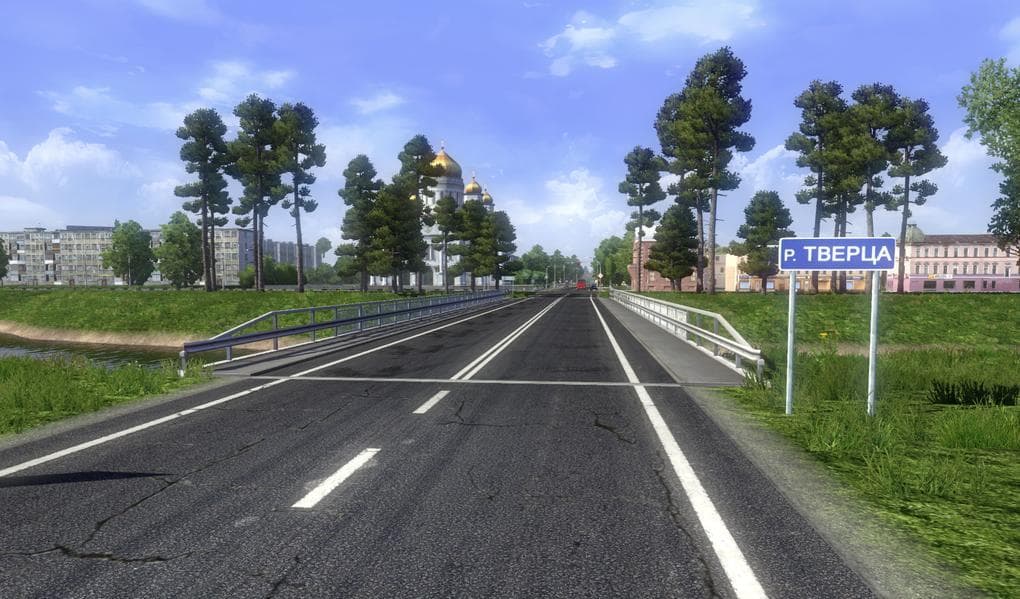
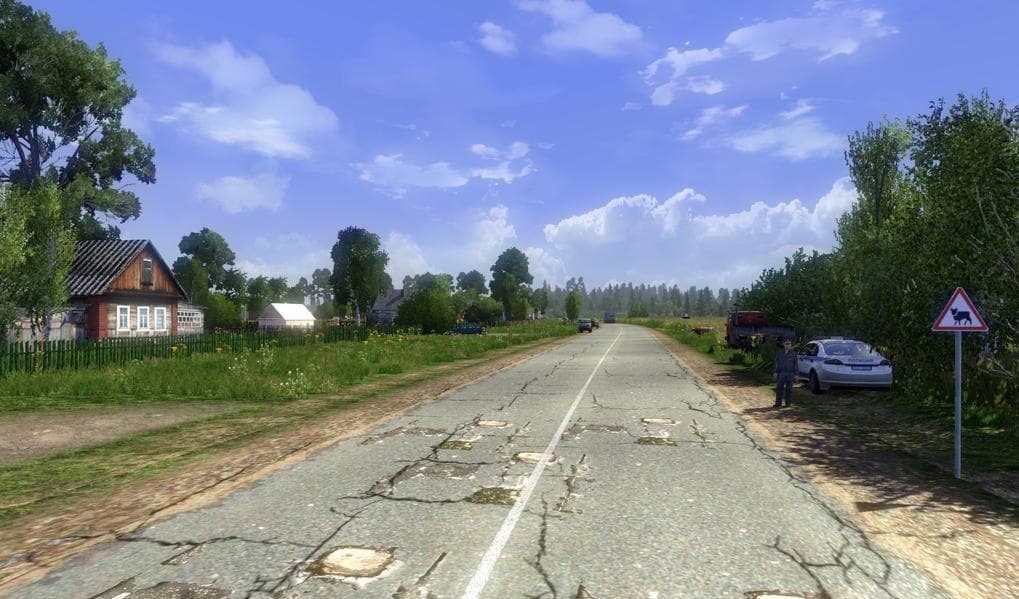
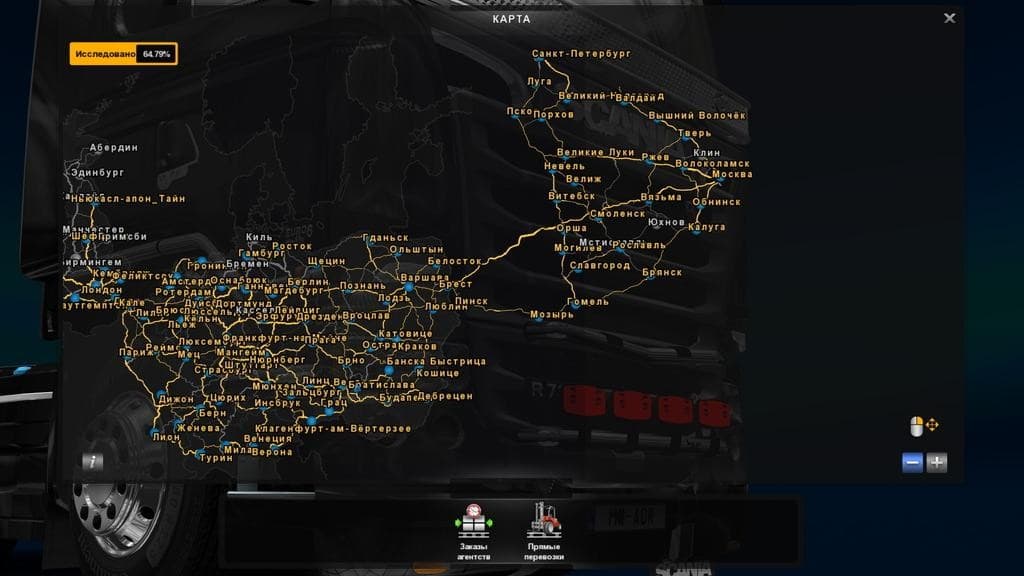
RusMap is a map mod for Euro Truck Simulator 2 that significantly expands the game's driving area by adding new regions, roads, and cities to explore. This particular version, 1.5.2, is designed to be compatible with ETS2 versions from 1.5 up to 1.20 and requires the Going East! and Scandinavia DLCs to function properly. Map mods like RusMap come as one or more .scs files that need to be loaded in a specific order to avoid conflicts with other mods or base game files.
Map mods such as this one work by integrating additional geographic content into the game, often providing fresh routes and destinations beyond the standard map. Players who enjoy longer hauls or want a change of scenery benefit most from these expansions because they offer diverse environments and new challenges behind the wheel.
In a modded setup, it's essential to place map mods correctly within your load order since these can clash with other map additions or modifications affecting terrain and roads. Sometimes starting a new profile is advisable when introducing large-scale maps like RusMap to prevent save corruption or glitches.
This mod suits players interested in trucking across Eastern Europe and Russia’s vast landscapes, bringing more depth and variety compared to the base game alone. If you have the required DLCs installed and want your journeys extended into those regions, RusMap adds meaningful content without breaking compatibility with other well-established mods.
Considering its file size and scope, installing RusMap will noticeably expand your available routes and destinations within ETS2’s world. It's a solid choice for truckers seeking fresh locations beyond Western Europe while maintaining integration with popular map packs.
How to install
1. Download every .scs file from the source page (map mods often ship multiple files). 2. Copy all files to `Documents/Euro Truck Simulator 2/mod/`. 3. Enable each file in Mod Manager **in the order documented by the modder**. Load order matters for maps. 4. Start a new save or use an existing save that already supports the map's base regions.
After the mod loads, save your game inside a safe area (parking lot or service) before deciding whether to keep it. If the game refuses to load with the mod enabled, check that all required DLCs are installed and that the supported ETS2 version chips on this page include your installed game patch.
Known conflicts
No conflicts reported for this mod yet. Running a big mod list? Check your whole setup for conflicts →
Reviews
No ratings yetNo reviews yet — be the first to rate this mod.





