Rus Map (1.19.x)
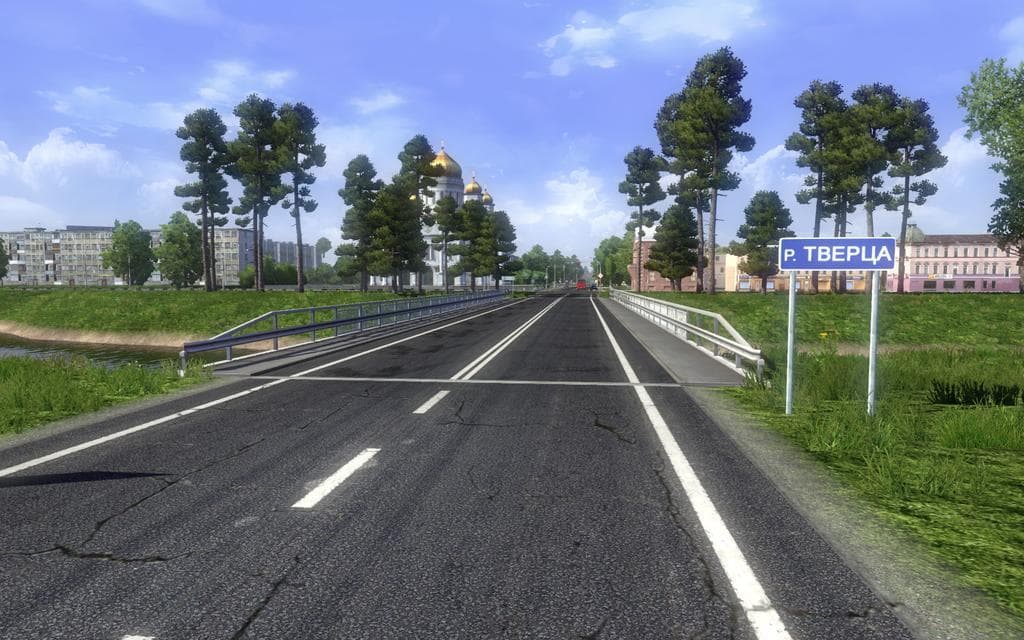
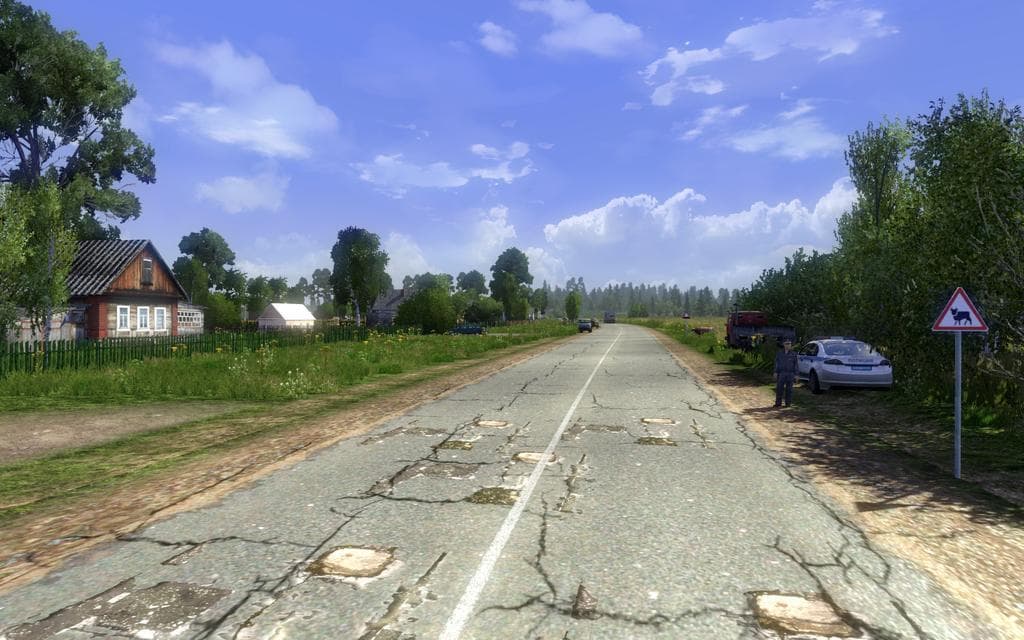
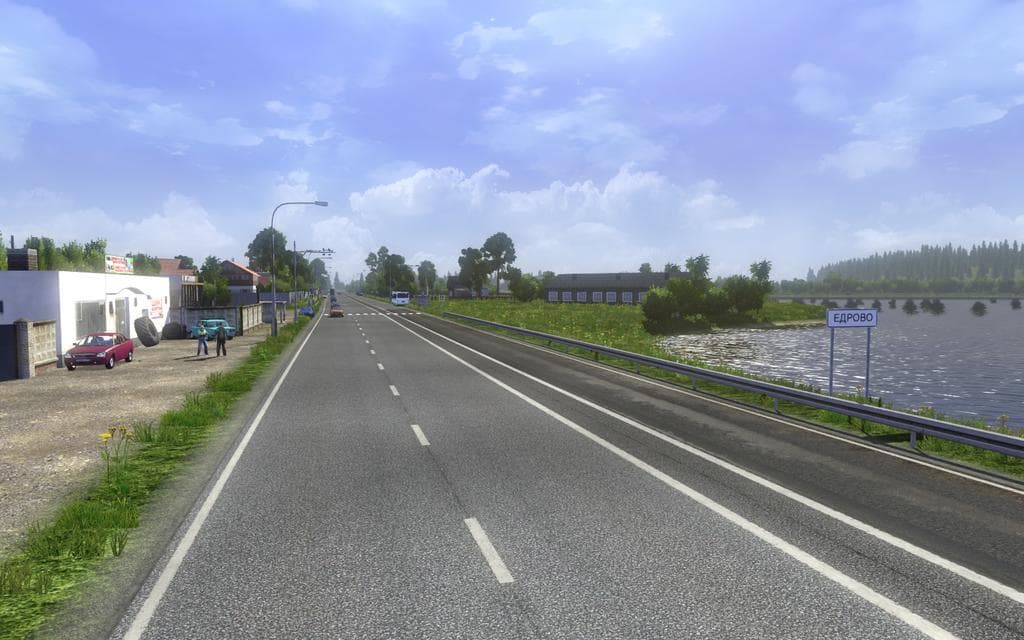
Rus Map (1.19.x) is a map mod that adds a detailed representation of Russia and Belarus to Euro Truck Simulator 2. It includes 24 cities across Russia and 13 in Belarus, broadening the game's drivable area significantly. This version has been updated to support game versions 1.5 through 1.19, with various bug fixes implemented for smoother play.
Map mods like this one expand or reshape the ETS2 world by introducing new roads, cities, and regions not found in the base game. They usually come as .scs files which must be loaded in the right order along with other map mods or DLCs to avoid conflicts or crashes. Sometimes starting a new profile is recommended when adding extensive map expansions.
Rus Map fits well into modded setups that already include other large-scale maps such as Map of Europe or similar expansions covering Eastern Europe and neighboring countries. Ensuring compatibility often means placing this mod below any core map DLCs in the mod manager’s load order and checking for updates when switching ETS2 versions.
This kind of map mod is ideal for players looking to explore less commonly featured territories in ETS2, especially if they want to experience the geography and trucking routes of Russia and Belarus. It complements existing European road networks by adding authentic urban centers and connecting highways.
Because it adds significant new areas, users should be mindful of their system performance and save backups before installing. Regular updates can improve stability and fix bugs discovered after release, so keeping track of version changes like the current 1.5.1 update is advisable.
How to install
1. Download every .scs file from the source page (map mods often ship multiple files). 2. Copy all files to `Documents/Euro Truck Simulator 2/mod/`. 3. Enable each file in Mod Manager **in the order documented by the modder**. Load order matters for maps. 4. Start a new save or use an existing save that already supports the map's base regions.
After the mod loads, save your game inside a safe area (parking lot or service) before deciding whether to keep it. If the game refuses to load with the mod enabled, check that all required DLCs are installed and that the supported ETS2 version chips on this page include your installed game patch.
Known conflicts
No conflicts reported for this mod yet. Running a big mod list? Check your whole setup for conflicts →
Reviews
No ratings yetNo reviews yet — be the first to rate this mod.





