ROMANIAN MAP V8.1
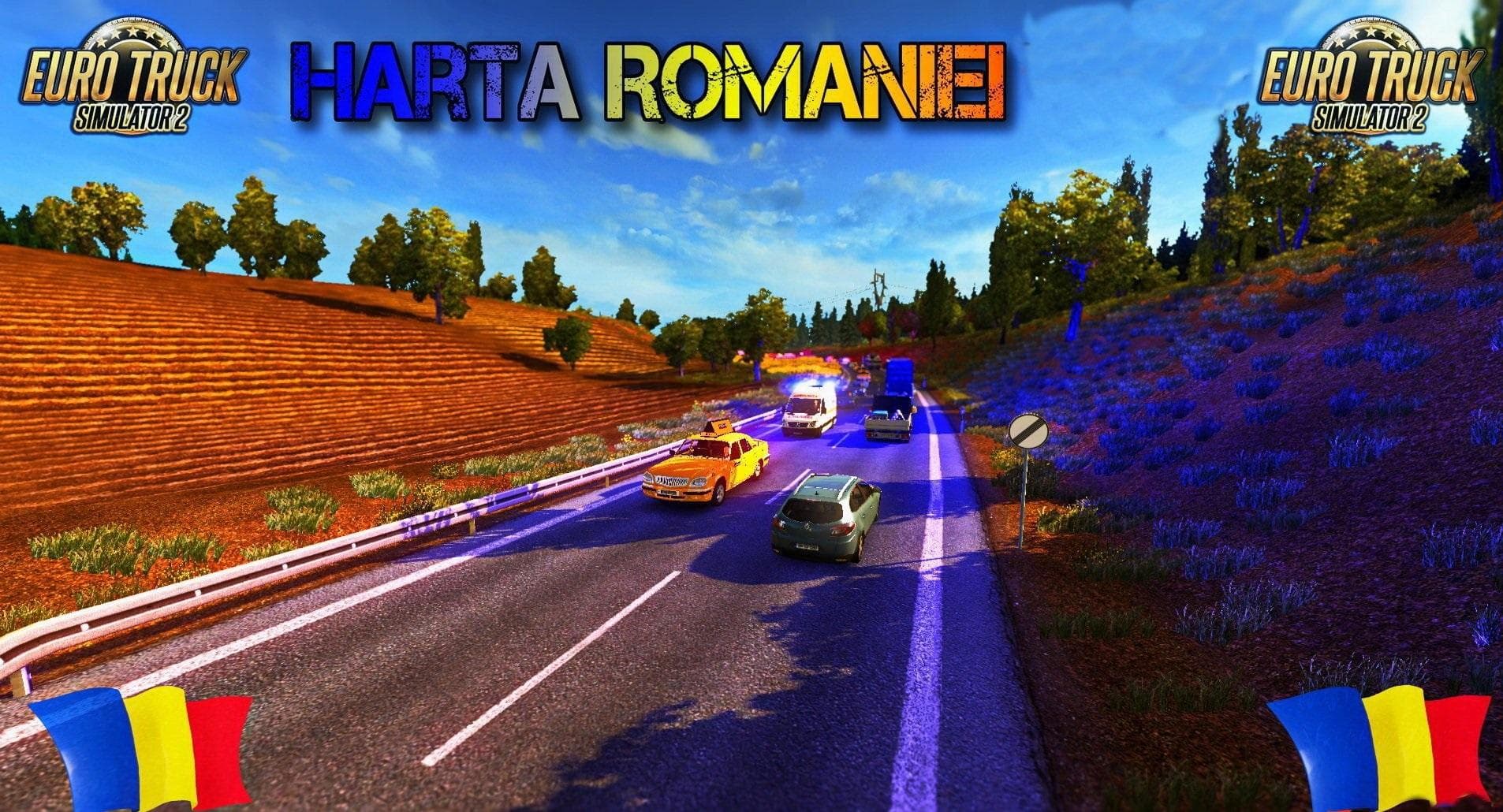
The "ROMANIAN MAP" mod version 8.1 for Euro Truck Simulator 2 includes performance improvements to various models on almost all roads. Additionally, the mod fea
Romanian Map V8.1 is a map modification for Euro Truck Simulator 2 that updates and optimizes the in-game representation of Romania. This version focuses on model changes aimed at enhancing performance, which can be particularly noticeable across various routes. It also includes adjustments that affect gameplay during winter mode, reflecting seasonal conditions more accurately.
Map mods like this one expand the game's drivable area by adding new roads, cities, and regions or improving existing ones. They typically come as one or more .scs files that need to be placed in the ETS2 mod folder. Since these mods are load-order sensitive, it's wise to position them correctly relative to other map mods and base game DLCs to avoid conflicts or issues.
In a modded setup with several map expansions installed, Romanian Map V8.1 fits well as part of a larger Eastern European network, often complementing maps covering neighboring countries such as Bulgaria, Hungary, or Serbia. Some players may need a fresh profile if they encounter problems after installation because map mods can sometimes cause save file incompatibilities when updated.
This kind of map mod appeals mostly to those who want a more detailed and realistic driving experience within Romania's borders in ETS2. If you're interested in exploring less-covered areas or just enjoy the challenge of navigating different road systems under varying weather conditions, this mod offers practical improvements without drastically altering the core gameplay.
How to install
1. Download every .scs file from the source page (map mods often ship multiple files). 2. Copy all files to `Documents/Euro Truck Simulator 2/mod/`. 3. Enable each file in Mod Manager **in the order documented by the modder**. Load order matters for maps. 4. Start a new save or use an existing save that already supports the map's base regions.
After the mod loads, save your game inside a safe area (parking lot or service) before deciding whether to keep it. If the game refuses to load with the mod enabled, check that all required DLCs are installed and that the supported ETS2 version chips on this page include your installed game patch.
Known conflicts
No conflicts reported for this mod yet. Running a big mod list? Check your whole setup for conflicts →
Reviews
No ratings yetNo reviews yet — be the first to rate this mod.





