ROMANIA MAP ANDUTEAM V1.0.1
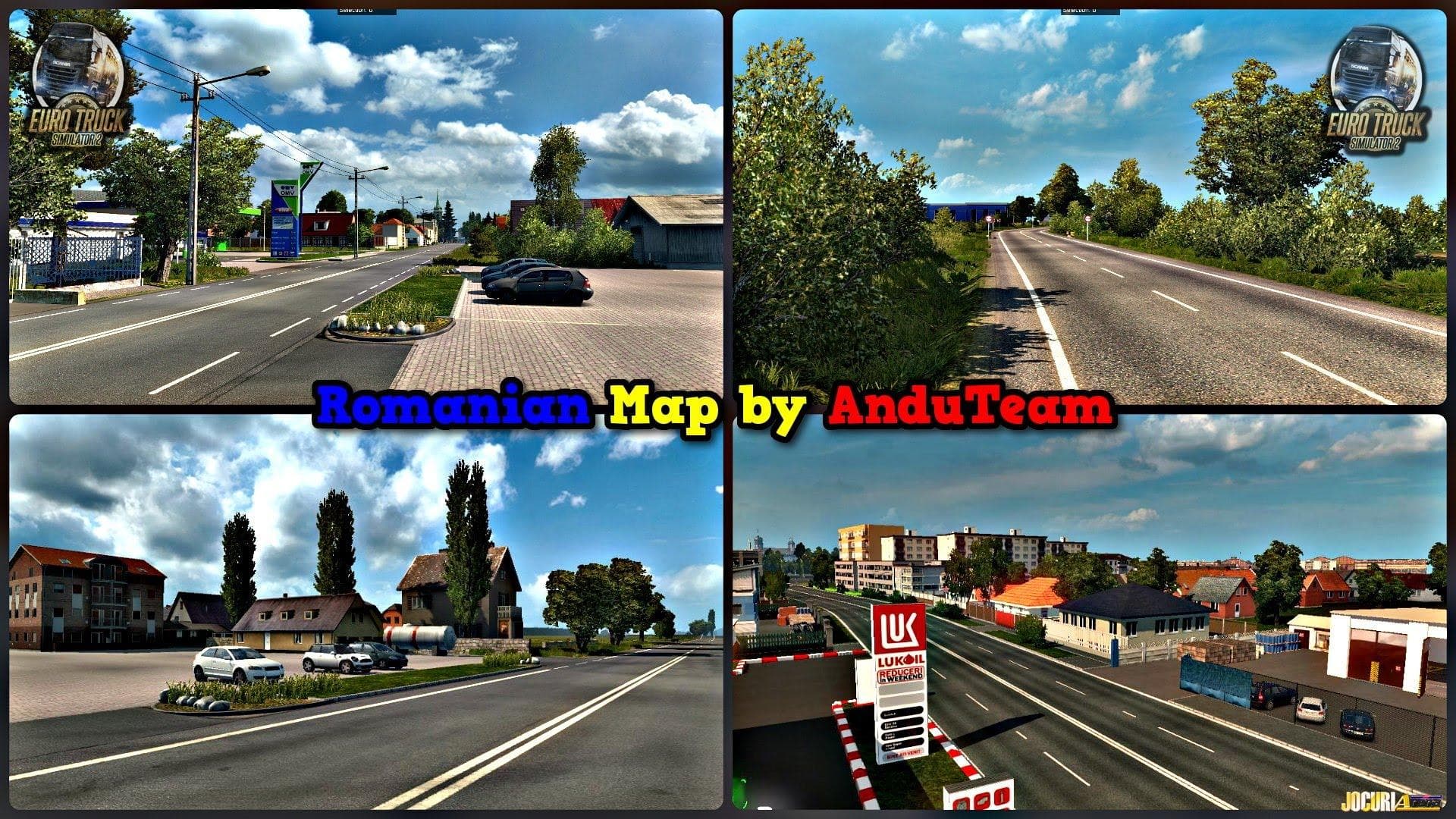
The ROMANIA MAP ANDUTEAM is a standalone map mod for ETS2 version 1.0 created by Euro Truck Simulator 2. Currently in alpha stage, it requires a new save to wor
ROMANIA MAP ANDUTEAM V1.0.1 is a standalone map mod for Euro Truck Simulator 2 that reworks the drivable area by focusing on Romania. This mod is still in its early alpha stage, so it primarily introduces new roads and regions to explore within this Eastern European country. Since it's designed as a standalone map, players will need to start a fresh profile to use it properly, which is common for this type of mod that significantly alters the base world layout.
Map mods like this one expand or overhaul the playable environment by adding cities, highways, and other geographical features that aren't included in the original game. They come packaged as .scs files and require careful attention to load order because conflicts with other maps or existing DLC can cause issues. It’s typical for map mods at an alpha phase to receive updates over time that fill out missing areas and improve road networks.
In a modded setup, standalone map mods such as ROMANIA MAP ANDUTEAM often sit at the bottom of your mod list due to their extensive changes to the game world. Compatibility with official base-map DLCs may be necessary depending on how the mod was built, but specifics are not provided here. Players combining multiple map expansions should check compatibility notes and be prepared for occasional glitches or incomplete areas since this version is labeled alpha.
This kind of map mod appeals mainly to those who want to drive through less commonly represented regions in ETS2 or enjoy exploring new routes and cities beyond the default game content. If you’re interested in Romanian landscapes or just want a fresh driving experience in ETS2, trying out an early-stage regional map like this could be worthwhile.
How to install
1. Download every .scs file from the source page (map mods often ship multiple files). 2. Copy all files to `Documents/Euro Truck Simulator 2/mod/`. 3. Enable each file in Mod Manager **in the order documented by the modder**. Load order matters for maps. 4. Start a new save or use an existing save that already supports the map's base regions.
After the mod loads, save your game inside a safe area (parking lot or service) before deciding whether to keep it. If the game refuses to load with the mod enabled, check that all required DLCs are installed and that the supported ETS2 version chips on this page include your installed game patch.
Known conflicts
No conflicts reported for this mod yet. Running a big mod list? Check your whole setup for conflicts →
Reviews
No ratings yetNo reviews yet — be the first to rate this mod.





