ROAD ATLAS FOR VANILLA + TSM + RUSMAP + RUSSIA OPEN SPACES
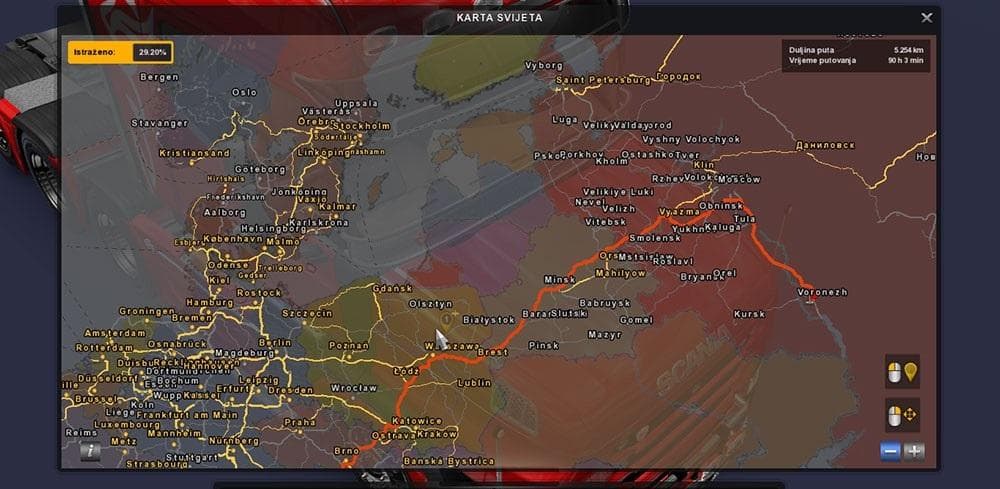
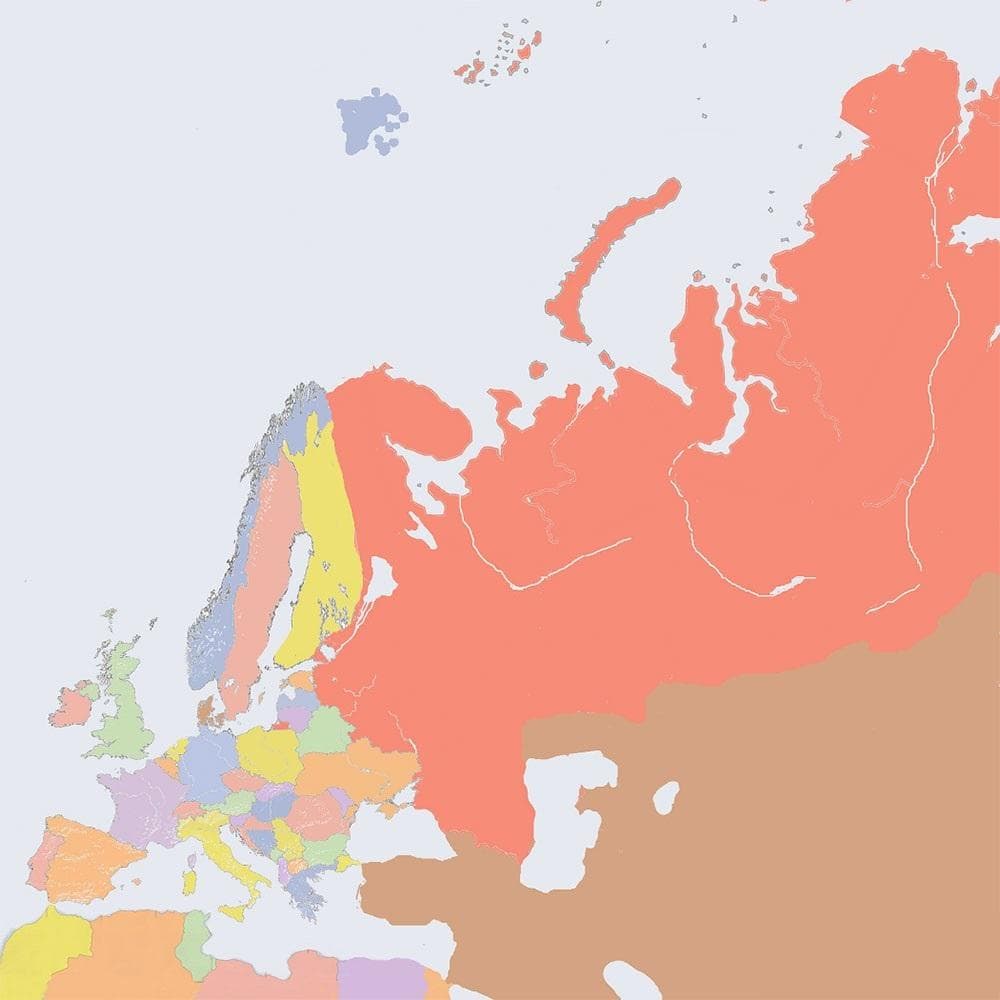
This mod is a map category add-on for ETS2 that changes the road atlas background. Created by Euro Truck Simulator 2, it combines various Europe maps and adjust
The ROAD ATLAS FOR VANILLA + TSM + RUSMAP + RUSSIA OPEN SPACES mod updates the background image of the in-game road atlas. Instead of the default map, it uses a custom design created by combining different European maps, with adjustments made specifically for the Russian territory to align with Russia Open Spaces. This change affects what you see behind the navigation interface and can enhance immersion when using multiple map expansions.
Map mods like this one generally work by adding or altering regions, cities, and roads within ETS2's driving world. While this particular mod focuses on the visual aspect of the road atlas rather than expanding drivable areas, it's part of a broader ecosystem where map mods can complement each other. They usually come as .scs files and require proper load order to avoid conflicts.
When used alongside popular map expansions such as TSM (Truck Simulation Map), RusMap, and Russia Open Spaces, this mod fits into a modded setup by visually unifying the atlas background with these separate but compatible maps. It's important to load your map mods in a correct sequence since conflicts can arise if they overwrite similar files or assets.
Players who enjoy exploring extended parts of Europe and Russia with multiple map DLCs might appreciate this mod because it helps keep their in-game navigation visually consistent across various regions. It's especially useful for those running large-scale map combinations wanting a cohesive look while plotting routes.
As with many map-related mods, users should consider that changes to visuals like atlas backgrounds may require starting a new profile or ensuring compatibility with existing DLCs to prevent issues. Testing load orders when combining several large map mods remains good practice for smooth gameplay.
This type of mod is suited for players who value details in their simulation experience and like tweaking how information appears on their screen without changing gameplay mechanics directly.
How to install
1. Download every .scs file from the source page (map mods often ship multiple files). 2. Copy all files to `Documents/Euro Truck Simulator 2/mod/`. 3. Enable each file in Mod Manager **in the order documented by the modder**. Load order matters for maps. 4. Start a new save or use an existing save that already supports the map's base regions.
After the mod loads, save your game inside a safe area (parking lot or service) before deciding whether to keep it. If the game refuses to load with the mod enabled, check that all required DLCs are installed and that the supported ETS2 version chips on this page include your installed game patch.
Known conflicts
No conflicts reported for this mod yet. Running a big mod list? Check your whole setup for conflicts →
Reviews
No ratings yetNo reviews yet — be the first to rate this mod.





