Republic of Moldova Map Project RC1
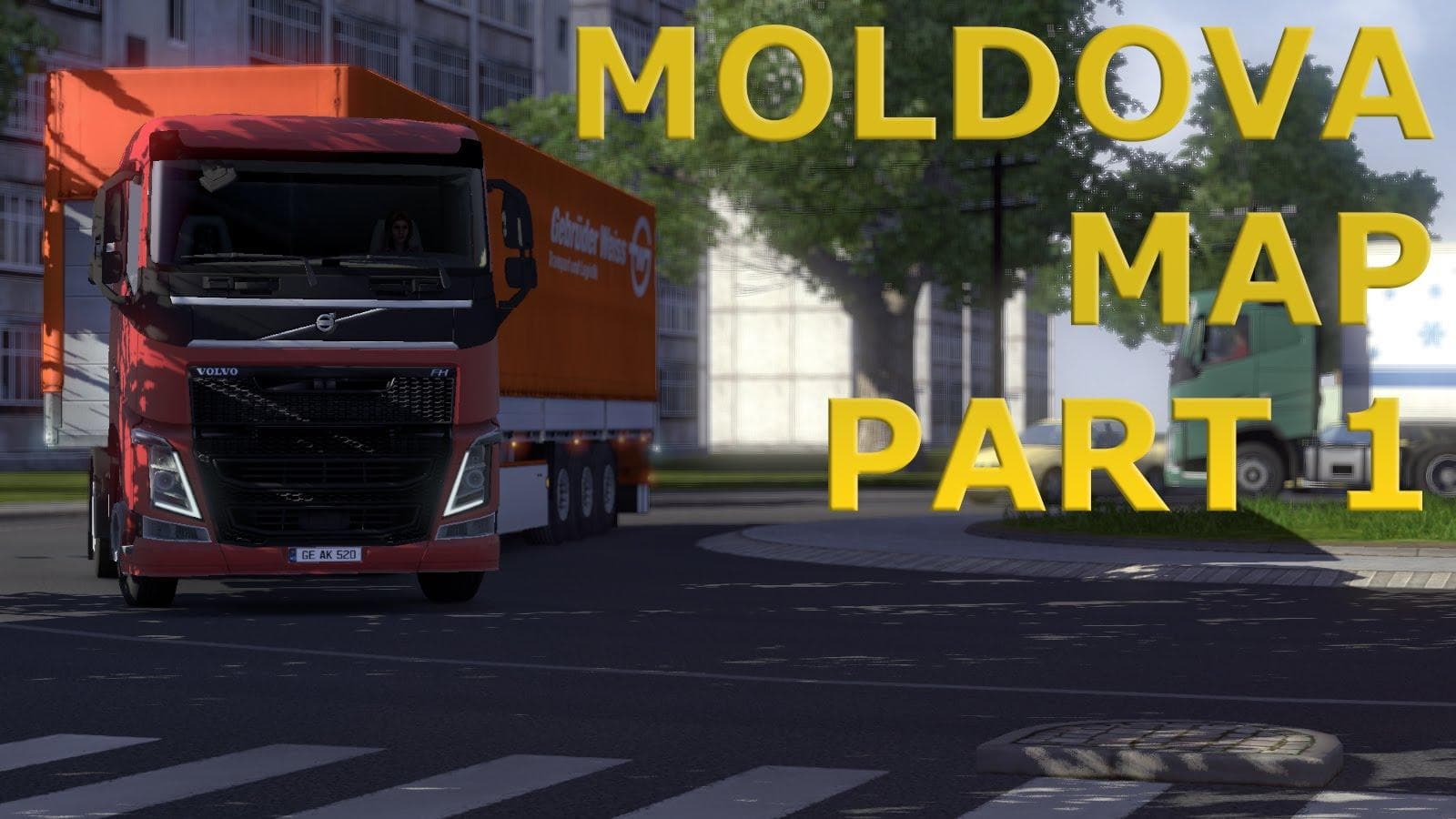
The Republic of Moldova Map Project RC1 is a map mod for ETS2 that offers the first interpretation of Moldova in the game. Created by an unknown creator, this m
The Republic of Moldova Map Project RC1 brings a fresh take on the country of Moldova to Euro Truck Simulator 2. This mod attempts to represent Moldovan roads and landscapes, giving players a new area to explore beyond the base game map. As an early version, it offers an initial interpretation rather than a fully detailed overhaul.
Map mods like this one add or rework regions within ETS2, expanding where you can drive. They usually come as .scs files that you drop into your mod folder. Because map mods affect the game's geography, they are sensitive to load order and sometimes require starting a new profile or having certain base map DLCs installed to work correctly.
In terms of fitting into a modded setup, adding a country-specific map helps diversify your routes and adds variety if you’ve already explored many parts of the core game and other map expansions. Make sure it doesn’t conflict with other large-scale maps; placing this mod lower in the load order is generally advisable so its changes are recognized.
Since specific compatibility details aren't provided, it's wise to test it alongside your current mods cautiously. Map mods can occasionally clash with others that modify similar areas or underlying road networks, so keeping backups before adding is recommended.
Players interested in driving through Eastern Europe will find this mod appealing. It’s particularly suited for those who want to try out less commonly featured countries in ETS2 or who enjoy expanding their virtual trucking routes beyond familiar territories.
Because this is an early version at 0.2, expect further updates or refinements down the line. Still, if you’re looking for new places to haul cargo and explore on your virtual truck runs, this Moldova map project offers an intriguing addition.
How to install
1. Download every .scs file from the source page (map mods often ship multiple files). 2. Copy all files to `Documents/Euro Truck Simulator 2/mod/`. 3. Enable each file in Mod Manager **in the order documented by the modder**. Load order matters for maps. 4. Start a new save or use an existing save that already supports the map's base regions.
After the mod loads, save your game inside a safe area (parking lot or service) before deciding whether to keep it. If the game refuses to load with the mod enabled, check that all required DLCs are installed and that the supported ETS2 version chips on this page include your installed game patch.
Known conflicts
No conflicts reported for this mod yet. Running a big mod list? Check your whole setup for conflicts →
Reviews
No ratings yetNo reviews yet — be the first to rate this mod.





