REPUBLIC OF KAZAKHSTAN MAP V0.2
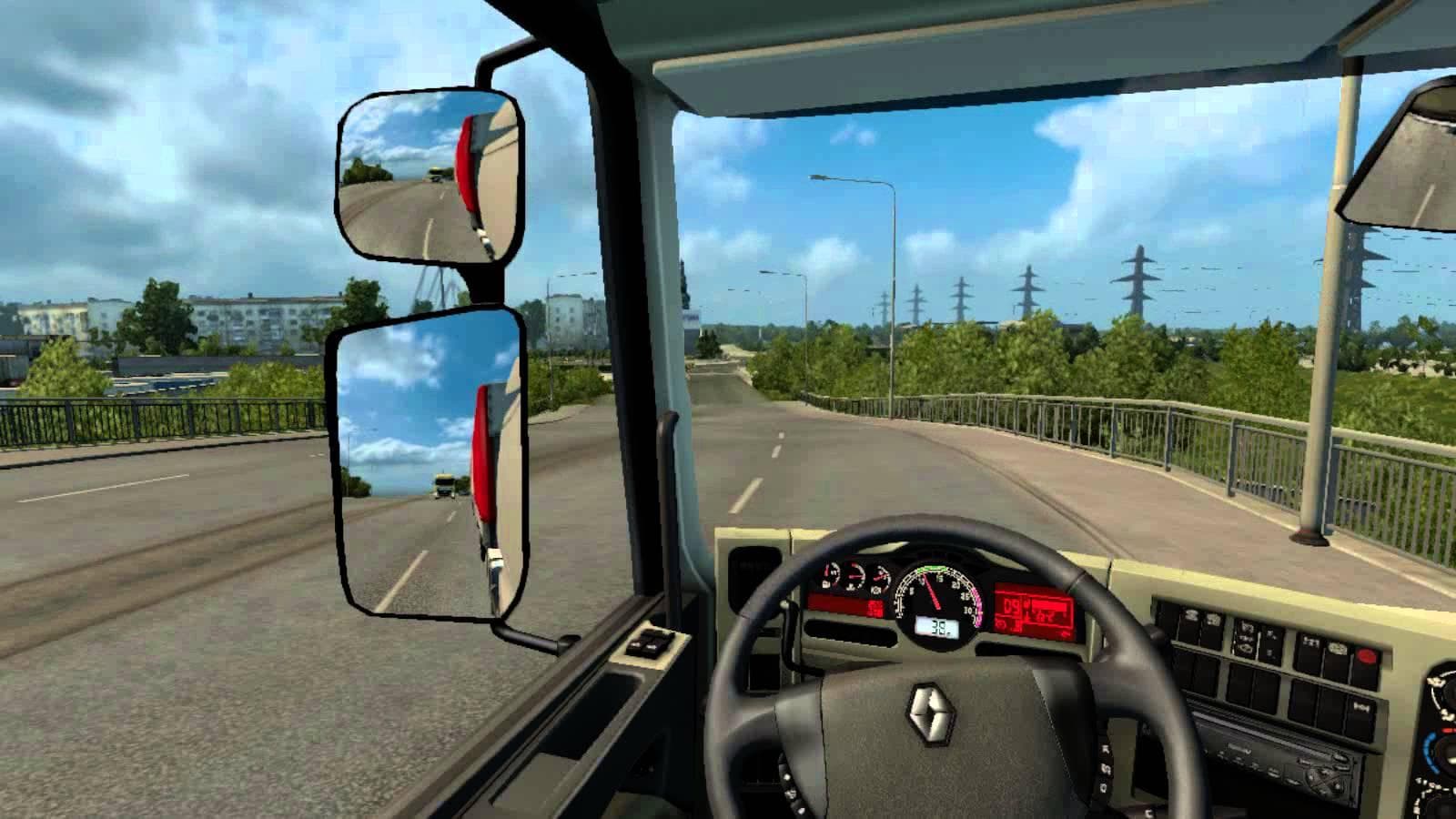
The "Republic of Kazakhstan Map" is a standalone mod for ETS2 version 1.22, created by Euro Truck Simulator 2. It includes 7 cities such as Karaganda, Temirtau,
The Republic of Kazakhstan Map V0.2 is a standalone map mod for Euro Truck Simulator 2 that introduces a new region featuring seven cities including Karaganda, Temirtau, and Shahtinsk. This kind of mod expands the game's drivable world by adding new roads, urban areas, and points of interest that aren't part of the base game. Players get to explore a different cultural and geographic setting without needing to link it to existing maps.
Map mods like this one usually come as .scs files and require careful attention to load order in the mod manager to avoid conflicts with other map expansions or base game DLCs. Since it supports ETS2 version 1.22, compatibility with later versions might be limited unless updated. It's common practice to start a fresh profile when using substantial standalone maps to prevent issues related to savegame corruption or missing assets.
This particular addition fits well into a modded setup focused on expanding the world beyond the default European routes. It gives players an opportunity to drive through less common regions and experience different road layouts and city designs. However, users should be mindful about how this map interacts with other large-scale map mods as overlapping territories can cause glitches or crashes.
Drivers who enjoy exploring off-the-beaten-path locations or those looking to diversify their routes will appreciate what this Kazakhstan map brings to ETS2. It's especially suitable for those who want a change from the usual European scenery and are prepared for some trial and error with mod combinations due to its standalone nature.
How to install
1. Download every .scs file from the source page (map mods often ship multiple files). 2. Copy all files to `Documents/Euro Truck Simulator 2/mod/`. 3. Enable each file in Mod Manager **in the order documented by the modder**. Load order matters for maps. 4. Start a new save or use an existing save that already supports the map's base regions.
After the mod loads, save your game inside a safe area (parking lot or service) before deciding whether to keep it. If the game refuses to load with the mod enabled, check that all required DLCs are installed and that the supported ETS2 version chips on this page include your installed game patch.
Known conflicts
No conflicts reported for this mod yet. Running a big mod list? Check your whole setup for conflicts →
Reviews
No ratings yetNo reviews yet — be the first to rate this mod.





