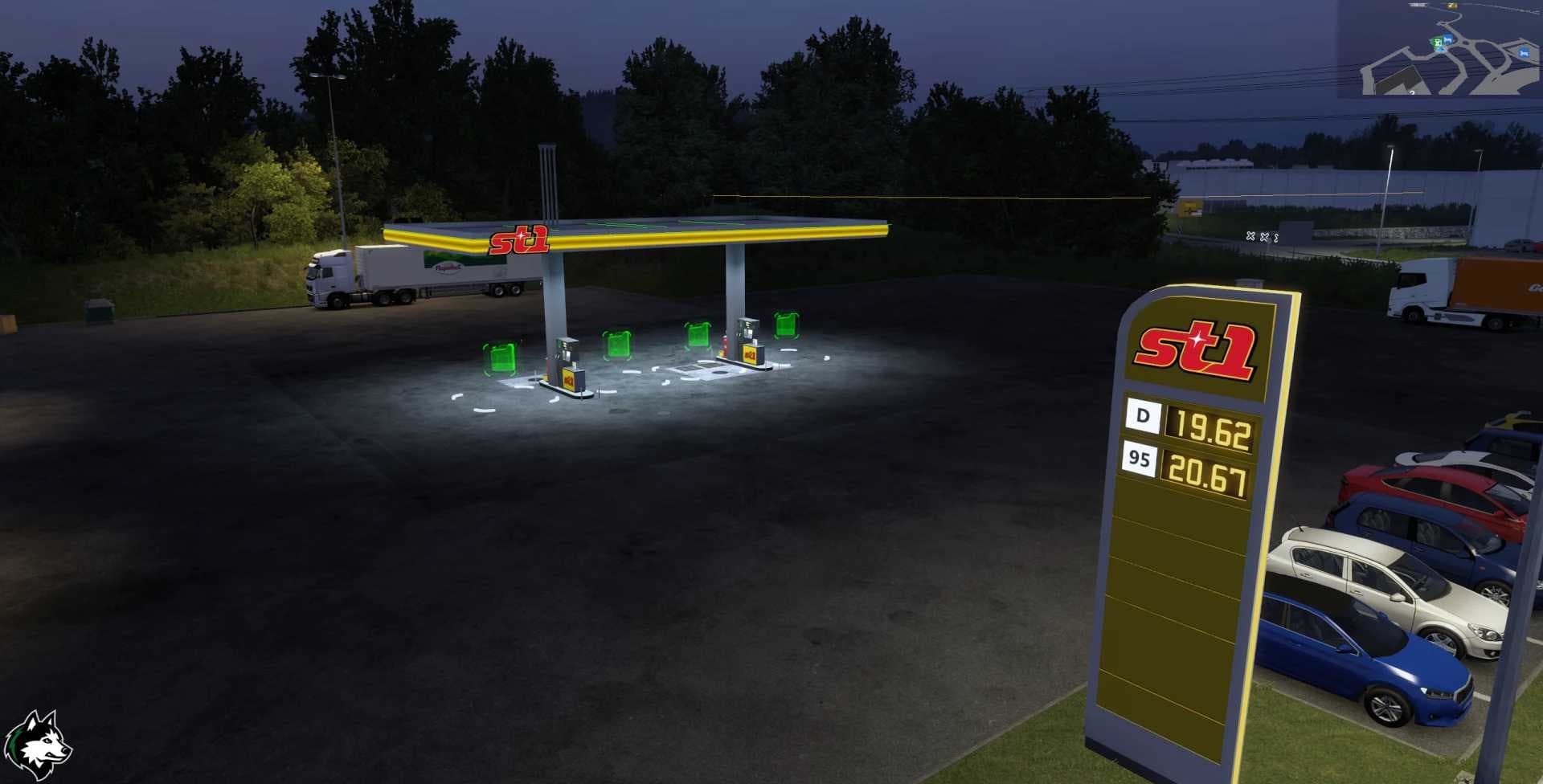
Red Devil Daf CF 1.18 - 1.21
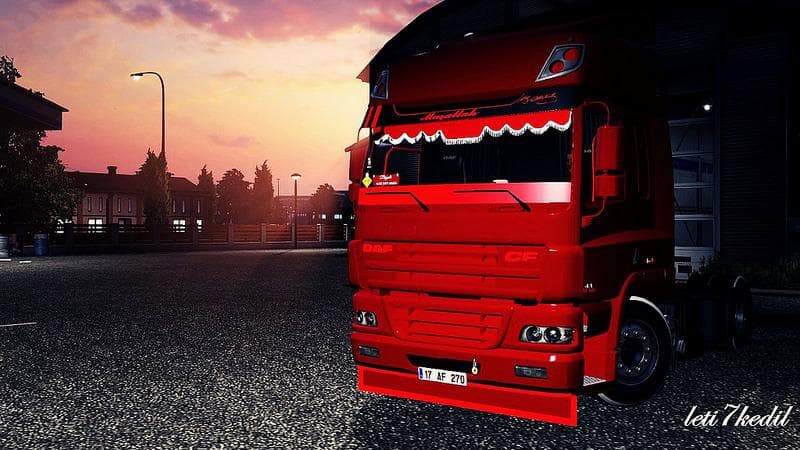
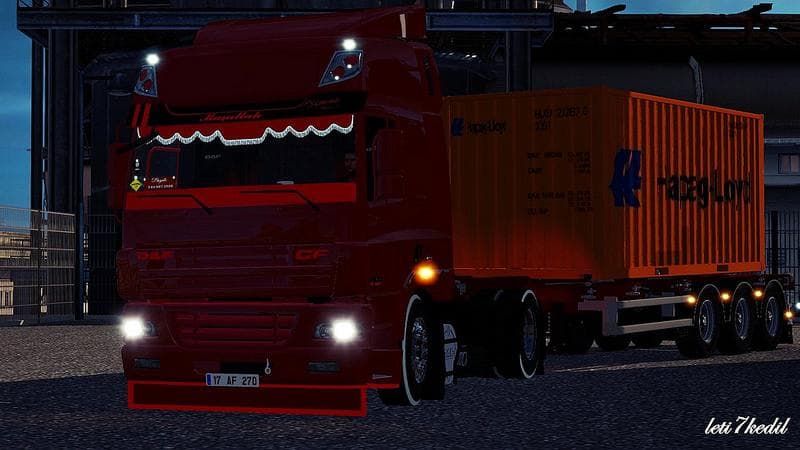
This Red Devil Daf CF skin mod is available for ETS2 versions 1.18 to 1.21. Created by Euro Truck Simulator 2, it features versions by authors Mr.Green, kirill7
The Red Devil Daf CF skin offers a fresh paint job for the Daf CF truck model, compatible with ETS2 versions 1.18 through 1.21. Skins like this one don't alter the truck's shape or performance but provide a new visual style by repainting the existing vehicle. This particular mod fits neatly into any setup where players want to customize their trucks without adding extra models or heavy files.
Skin mods are applied in the game's paint shop and depend entirely on having the base truck they're designed for installed. Because this mod is specifically made for the Daf CF, you'll need that vehicle available to see its effects. It's a straightforward way to change your truck's look, especially if you enjoy coordinating your fleet's appearance or just want a different vibe on familiar hardware.
When using skins, it's good to remember they load on top of the base game content and should generally be placed after any map or vehicle mods in your mod manager to avoid conflicts. Since this is a cosmetic update only, it tends to be compatible with most other mods unless those modify the same truck's textures or paint options.
This type of skin mod appeals mostly to players who appreciate detailed customization without altering gameplay mechanics. It’s also useful for streamers or screenshot enthusiasts aiming to give their vehicles distinct visual identities. The Red Devil theme adds a bold color scheme that stands out on European roads and fits nicely with other custom assets.
While the exact author isn't known, community contributions like this keep ETS2 feeling fresh by offering new ways to personalize your experience. Installing skins is usually as simple as placing them in your mod folder and activating them through the profile manager before starting your game.
How to install
1. Download the .scs file. 2. Drop it into `Documents/Euro Truck Simulator 2/mod/`. 3. Enable in Mod Manager. 4. Apply the skin in the truck/trailer paint shop.
After the mod loads, save your game inside a safe area (parking lot or service) before deciding whether to keep it. If the game refuses to load with the mod enabled, check that all required DLCs are installed and that the supported ETS2 version chips on this page include your installed game patch.
Reviews
No ratings yetNo reviews yet — be the first to rate this mod.