REALISTIC VISUALS V2.6
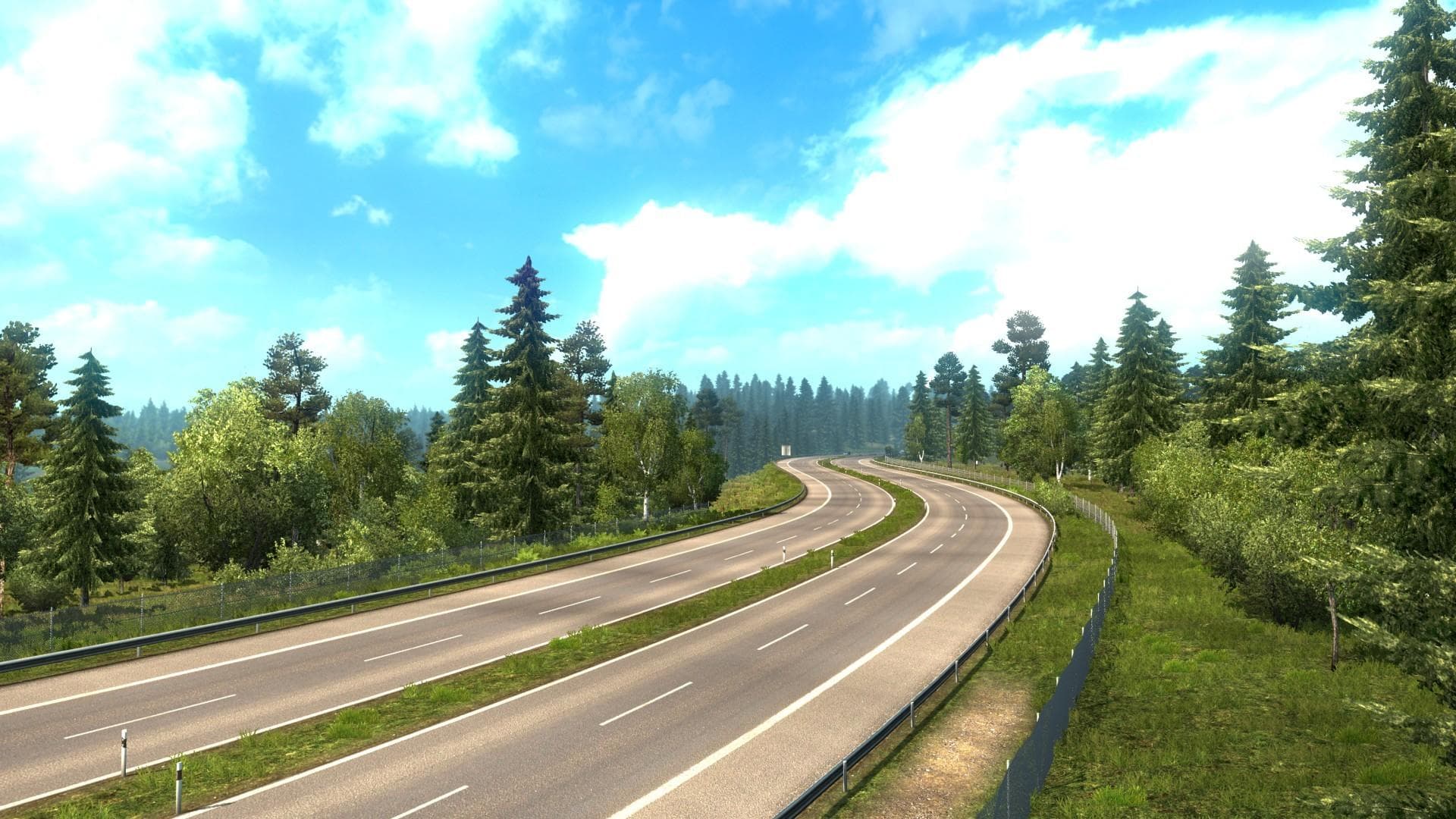
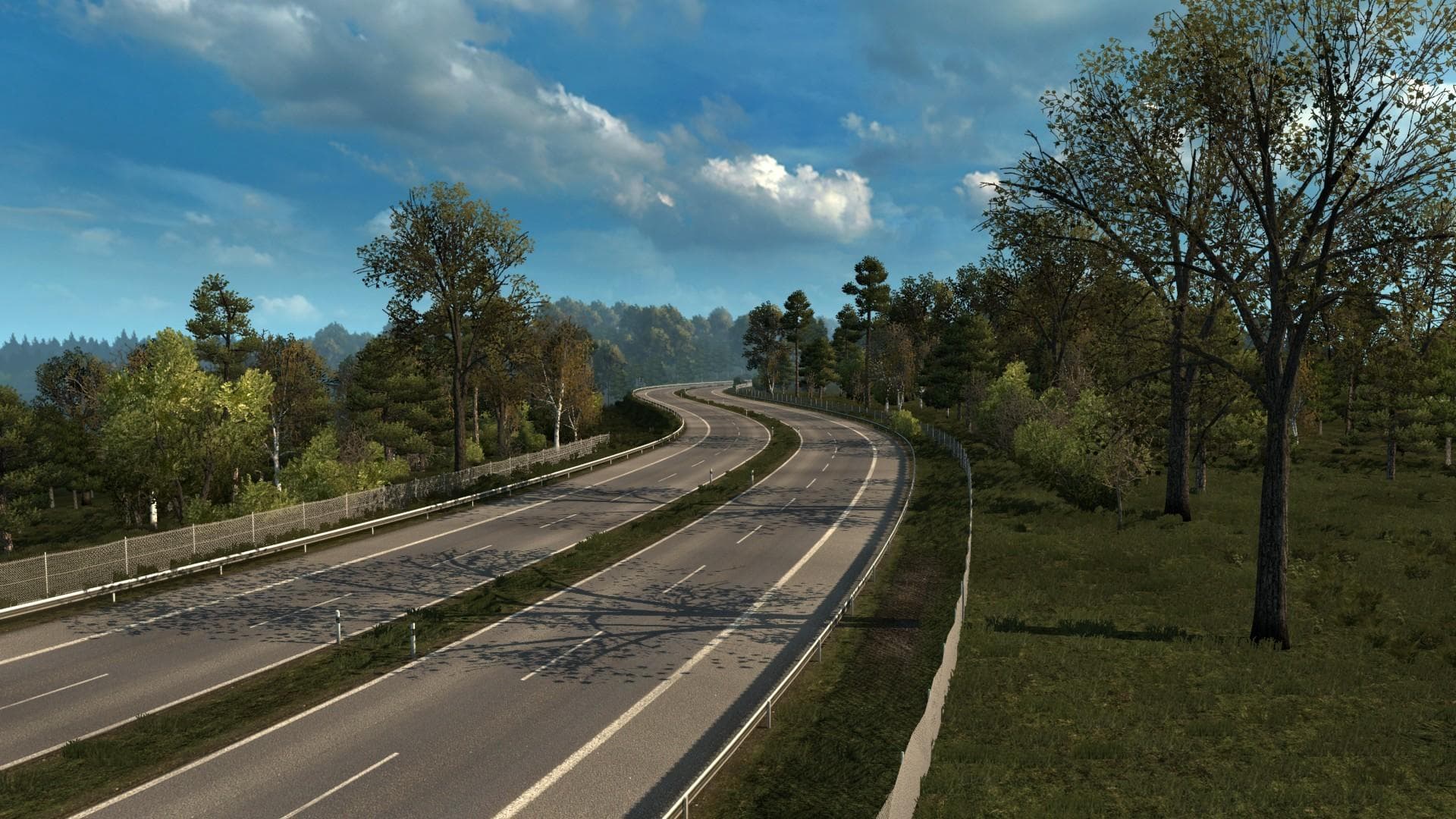
REALISTIC VISUALS is a map mod for ETS2 version 1.22 that changes tree patterns and colors to create an early autumn atmosphere. Some roads have been edited, wi
REALISTIC VISUALS V2.6 is a map mod designed for Euro Truck Simulator 2 version 1.22. It modifies the game's environment by adjusting tree patterns and colors to reflect an early autumn atmosphere, along with some tweaks to the road layouts. This kind of mod focuses on enhancing the visual experience of the existing map rather than adding new regions or cities.
Map mods like this one typically come as .scs files and need to be loaded carefully alongside other mods, since load order can affect how changes apply in-game. Because it adjusts visuals and roads, it's wise to use REALISTIC VISUALS V2.6 with compatible base maps or DLCs to avoid conflicts or unexpected behavior in certain areas.
This mod fits well into a setup where players want a more immersive or seasonally varied look without drastically changing their driving routes. It doesn't expand the drivable world but refines what’s already there, making familiar landscapes feel fresher and more detailed for those who value subtle environmental changes.
Users running multiple map mods should ensure REALISTIC VISUALS V2.6 is placed correctly in their mod list so that its adjustments take effect properly. Since it alters roads slightly, using it with other map expansions might require testing for compatibility or profile resets depending on how extensive those other mods are.
Truckers interested in atmospheric tweaks rather than new destinations would find this mod appealing. It's suited for those who enjoy a seasonal shift in vegetation colors and road appearance while sticking with their favorite base maps and regions. The early autumn theme adds a distinct mood without overwhelming the core game experience.
How to install
1. Download every .scs file from the source page (map mods often ship multiple files). 2. Copy all files to `Documents/Euro Truck Simulator 2/mod/`. 3. Enable each file in Mod Manager **in the order documented by the modder**. Load order matters for maps. 4. Start a new save or use an existing save that already supports the map's base regions.
After the mod loads, save your game inside a safe area (parking lot or service) before deciding whether to keep it. If the game refuses to load with the mod enabled, check that all required DLCs are installed and that the supported ETS2 version chips on this page include your installed game patch.
Known conflicts
No conflicts reported for this mod yet. Running a big mod list? Check your whole setup for conflicts →
Reviews
No ratings yetNo reviews yet — be the first to rate this mod.





