REALISTIC PHYSICS JBGAMES
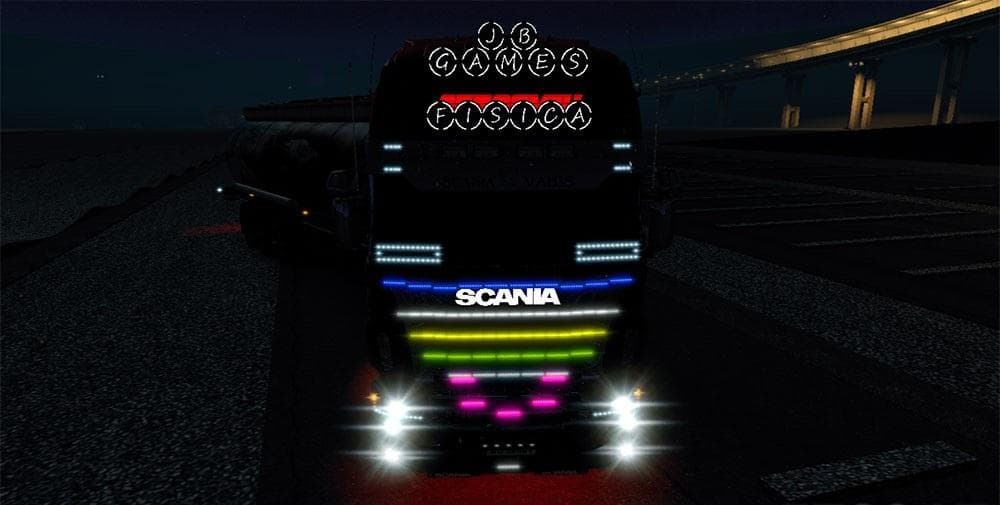
REALISTIC PHYSICS JBGAMES is a parts mod for ETS2 by Euro Truck Simulator 2. It includes new regulations for front shock absorbers, recalibrated tire horse and
The REALISTIC PHYSICS JBGAMES mod adjusts key mechanical aspects of trucks in Euro Truck Simulator 2, focusing on the front shock absorbers, tire calibration for both tractors and trailers, and the wheel differential settings. This kind of parts mod usually targets how these individual components behave under driving conditions, aiming to alter handling or performance characteristics rather than just visual customization.
In ETS2, parts mods like this one are installed through the truck customization menu, where players can tweak various accessories and mechanical parts. While many such mods cater to specific truck brands or models, physics-related adjustments impact the overall driving feel, potentially making the experience more immersive depending on personal preferences.
When adding physics-based parts mods to a setup that already includes other tuning or handling mods, it's wise to pay attention to load order. These mods often overwrite game files related to vehicle behavior, so they should be placed accordingly in your mod manager to avoid conflicts with other physics or suspension tweaks.
Because it recalibrates components like shock absorbers and wheel differentials, this mod might appeal especially to players looking for subtle changes in how their trucks respond on different terrains or when hauling varied loads. It’s not about flashy visual upgrades but about altering the way vehicles handle at a foundational level.
Players interested in a slightly altered driving dynamic without replacing their entire physics system might find this part mod useful. It fits well into setups where fine-tuning of vehicle mechanics complements broader gameplay adjustments rather than overriding them entirely.
How to install
1. Download the file(s) from the original source linked above. 2. Drop them into `Documents/Euro Truck Simulator 2/mod/`. 3. Enable in Mod Manager and restart the game.
After the mod loads, save your game inside a safe area (parking lot or service) before deciding whether to keep it. If the game refuses to load with the mod enabled, check that all required DLCs are installed and that the supported ETS2 version chips on this page include your installed game patch.
Reviews
No ratings yetNo reviews yet — be the first to rate this mod.