Realistic Physic v2.0
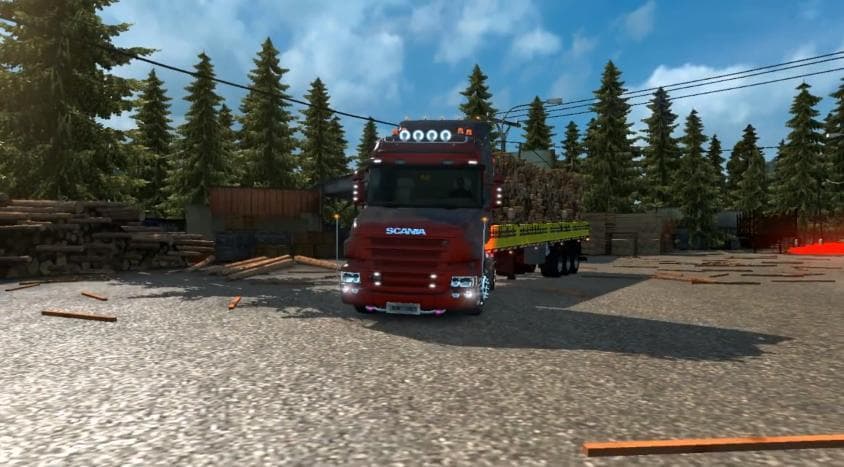
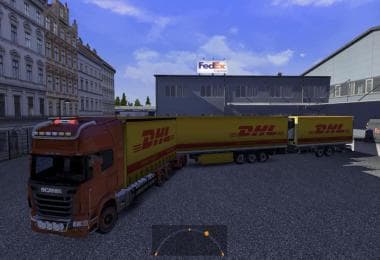
Realistic Physic mod version 2.0 by Euro Truck Simulator 2 offers tested support for versions 1.21 and 1.22. It provides a way for cushions in the game.
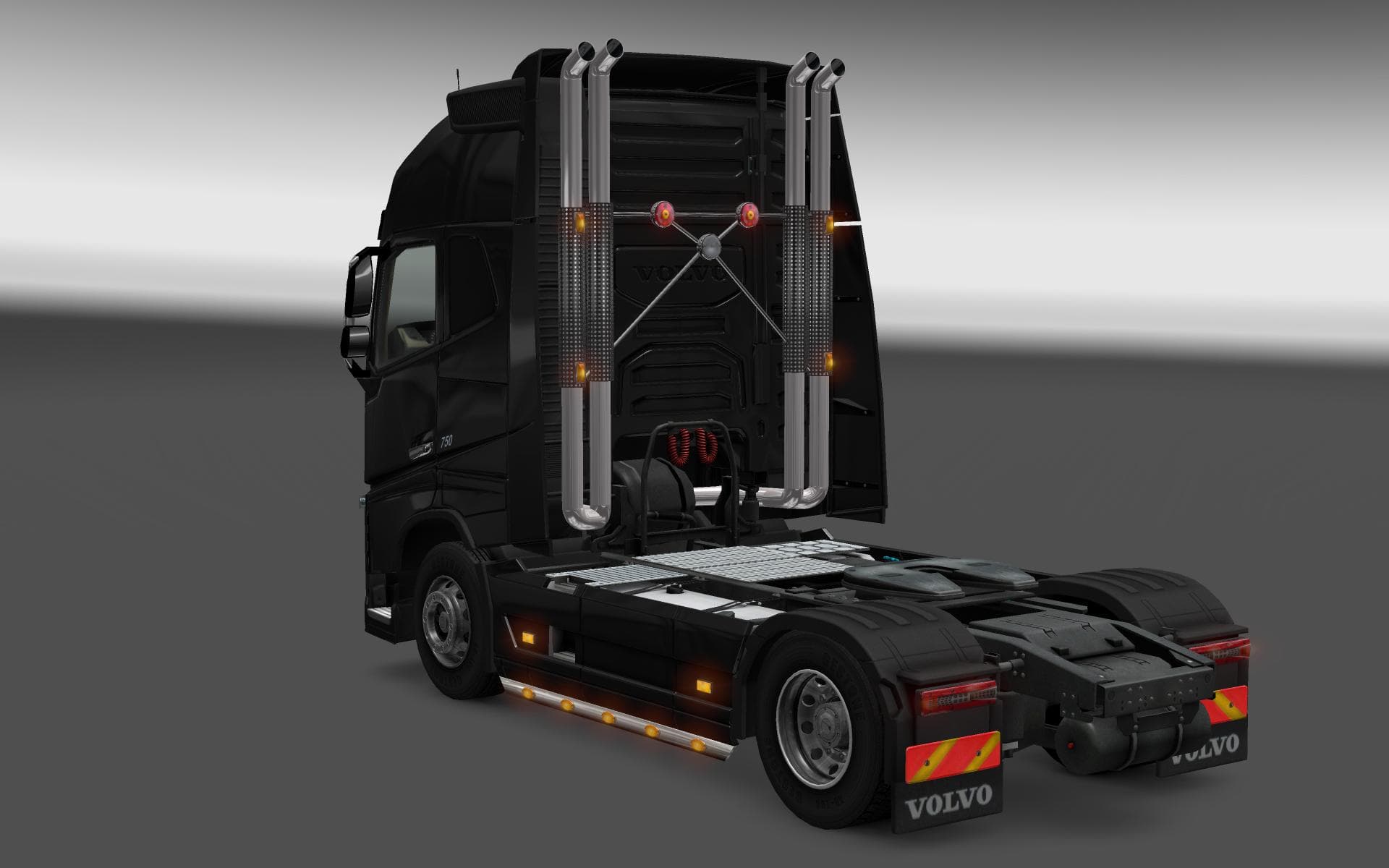
Realistic Physic v2.0 is a parts mod designed to enhance the physical elements of your truck setup in Euro Truck Simulator 2, compatible with versions 1.21 and 1.22. While specific details about its components are limited, parts mods generally introduce various accessories such as bull bars, additional lights, exhausts, and mirrors that you can add through the truck customization menu. These additions help personalize your vehicle beyond the standard options available in the base game.
Mods like this one fit naturally into a modded ETS2 environment by expanding the visual and functional customization of trucks. Since it targets physical parts, it usually works alongside tuning mods that improve both aesthetics and performance aspects without conflicting with map or gameplay mechanics mods. Ensuring that parts mods are loaded after any core truck model changes can help avoid compatibility issues.
When arranging your load order, it's wise to position parts mods like Realistic Physic v2.0 after major truck overhauls but before gameplay tweaks that affect physics or AI behavior. This helps maintain stability since parts mods modify elements attached to trucks rather than altering core game systems directly.
This type of mod is appealing for players who enjoy tweaking their rigs to reflect more realistic or personalized setups, especially those who spend time customizing their fleet's appearance and functionality in detail. It complements other visual upgrades well and can add subtle realism through enhanced part selection.
Overall, Realistic Physic v2.0 suits anyone looking to extend their customization options within ETS2's tuning system without drastically changing gameplay dynamics or core physics behavior.
How to install
1. Download the file(s) from the original source linked above. 2. Drop them into `Documents/Euro Truck Simulator 2/mod/`. 3. Enable in Mod Manager and restart the game.
After the mod loads, save your game inside a safe area (parking lot or service) before deciding whether to keep it. If the game refuses to load with the mod enabled, check that all required DLCs are installed and that the supported ETS2 version chips on this page include your installed game patch.
Reviews
No ratings yetNo reviews yet — be the first to rate this mod.