REALISTIC MAP 0.2.0 ALPHA
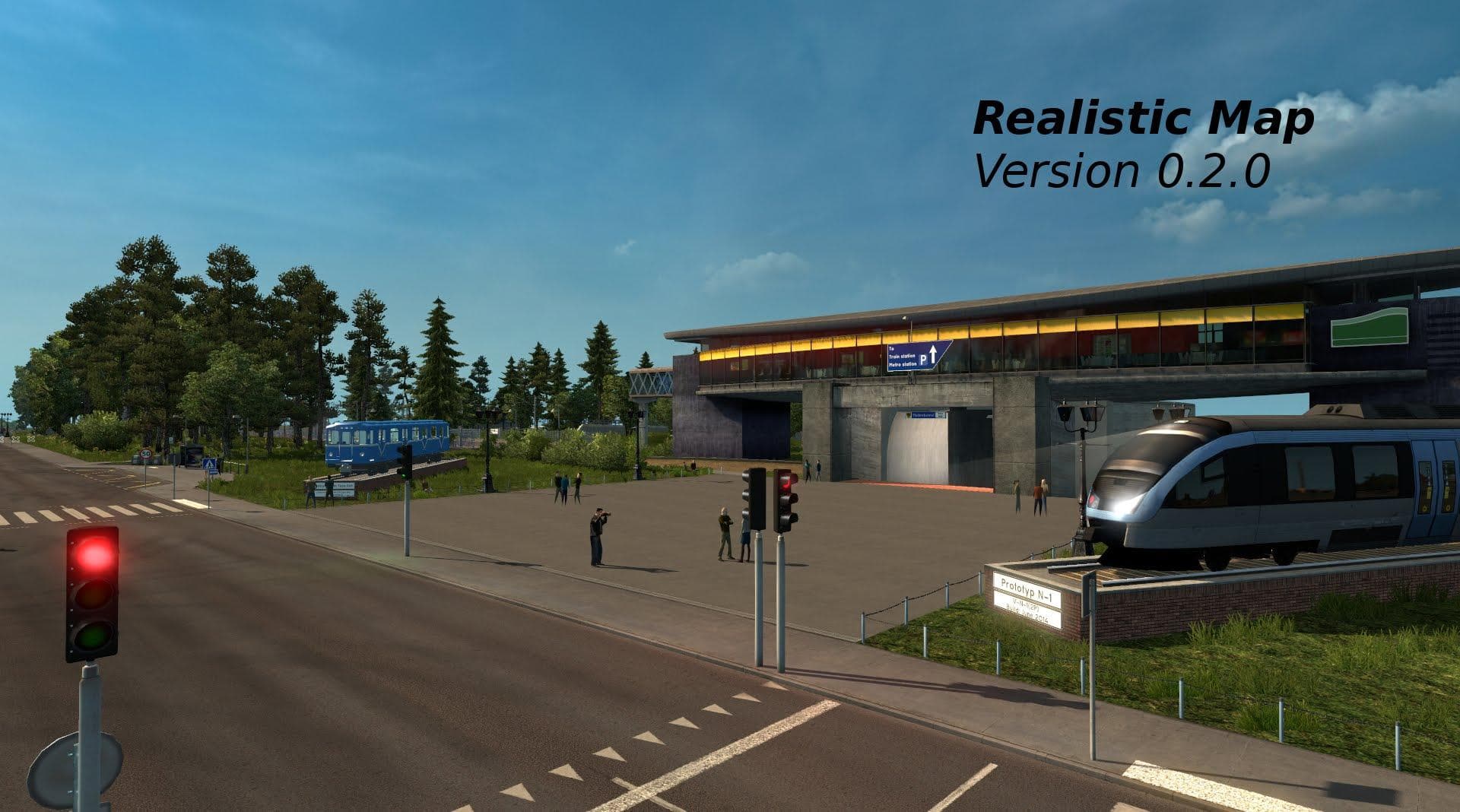
REALISTIC MAP 0.2.0 ALPHA is a standalone map mod for ETS2 featuring detailed environments, realistic atmosphere, and new models. Credits to GerScaniaTrucker, F
REALISTIC MAP 0.2.0 ALPHA is a standalone map mod for Euro Truck Simulator 2 that introduces a detailed and immersive environment with a focus on a realistic atmosphere and new models. Map mods like this one typically add or rework large areas of the game world, offering players fresh routes, cities, and regions to explore beyond the base game.
This type of mod usually comes as one or more .scs files that need to be loaded in the correct order within your mod manager. Since it's a standalone map, it should work independently but may require starting a new profile for full compatibility and optimal experience. Users often have to ensure their base map DLCs are compatible or present for the mod to function properly.
In a modded ETS2 setup, REALISTIC MAP 0.2.0 ALPHA fits well alongside other map expansions if they don’t overlap geographically or conflict in load order. Because map mods can clash when covering similar territories, it's advisable to check community feedback or documentation about how this mod interacts with others you might have installed.
Players who enjoy exploring new landscapes and appreciate added environmental detail will find this mod interesting. It's suited for those wanting to expand their trucking routes with fresh visuals and atmospheric touches without relying on existing official maps.
The mod credits several contributors, indicating collaborative development focused on enhancing realism through model variety and environmental design. This makes it appealing for players who value nuanced changes in their driving experience rather than just additional miles of road.
How to install
1. Download every .scs file from the source page (map mods often ship multiple files). 2. Copy all files to `Documents/Euro Truck Simulator 2/mod/`. 3. Enable each file in Mod Manager **in the order documented by the modder**. Load order matters for maps. 4. Start a new save or use an existing save that already supports the map's base regions.
After the mod loads, save your game inside a safe area (parking lot or service) before deciding whether to keep it. If the game refuses to load with the mod enabled, check that all required DLCs are installed and that the supported ETS2 version chips on this page include your installed game patch.
Known conflicts
No conflicts reported for this mod yet. Running a big mod list? Check your whole setup for conflicts →
Reviews
No ratings yetNo reviews yet — be the first to rate this mod.





