REALISTIC ECONOMY MOD V1.1
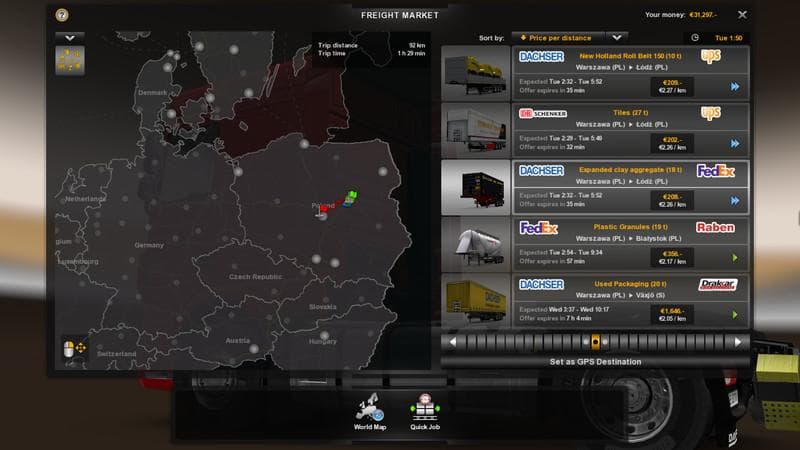
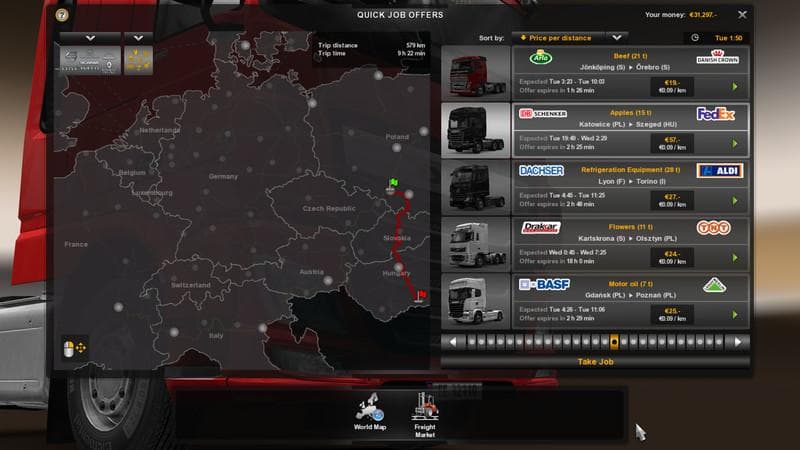
REALISTIC ECONOMY mod version 1.1 by Euro Truck Simulator 2 aims to mirror real transport fees in Europe. Created by MaRsBMG, the mod file size is 4 KB and can
The Realistic Economy Mod V1.1 adjusts transport fees to more closely match actual European rates, offering a fresh take on how in-game logistics earn money. This mod falls under the maps category, which typically involves changes that affect the game's world layout or related systems like economy and routes.
Maps mods in Euro Truck Simulator 2 often come as one or multiple .scs files and demand careful load order management to function properly. While this particular mod targets economic aspects rather than physical map expansion, it still ties into the broader map ecosystem and should be loaded considering any base-map DLCs or other map-related mods you have installed.
Mods that tweak economic parameters are great for players looking to deepen their simulation experience by making earnings feel less arbitrary and more grounded in reality. This one seems geared toward those who want a more immersive financial challenge without altering the core geography of the game.
If you're running a heavily modded profile with various map expansions, keeping an eye on compatibility is advised since economy mods can sometimes conflict with other tweaks affecting freight or job payouts. Starting a new profile might be recommended if you encounter issues, especially when combining multiple complex map-related mods.
Realistic Economy Mod V1.1 is suited for players wanting to see their hauling profits reflect something closer to real-world European transport costs. It fits nicely into setups aiming for authenticity in both driving and business management within ETS2.
How to install
1. Download every .scs file from the source page (map mods often ship multiple files). 2. Copy all files to `Documents/Euro Truck Simulator 2/mod/`. 3. Enable each file in Mod Manager **in the order documented by the modder**. Load order matters for maps. 4. Start a new save or use an existing save that already supports the map's base regions.
After the mod loads, save your game inside a safe area (parking lot or service) before deciding whether to keep it. If the game refuses to load with the mod enabled, check that all required DLCs are installed and that the supported ETS2 version chips on this page include your installed game patch.
Known conflicts
No conflicts reported for this mod yet. Running a big mod list? Check your whole setup for conflicts →
Reviews
No ratings yetNo reviews yet — be the first to rate this mod.





