REAL TIRE ADDON FOR 50KEDAS WHEEL PACK V4.2
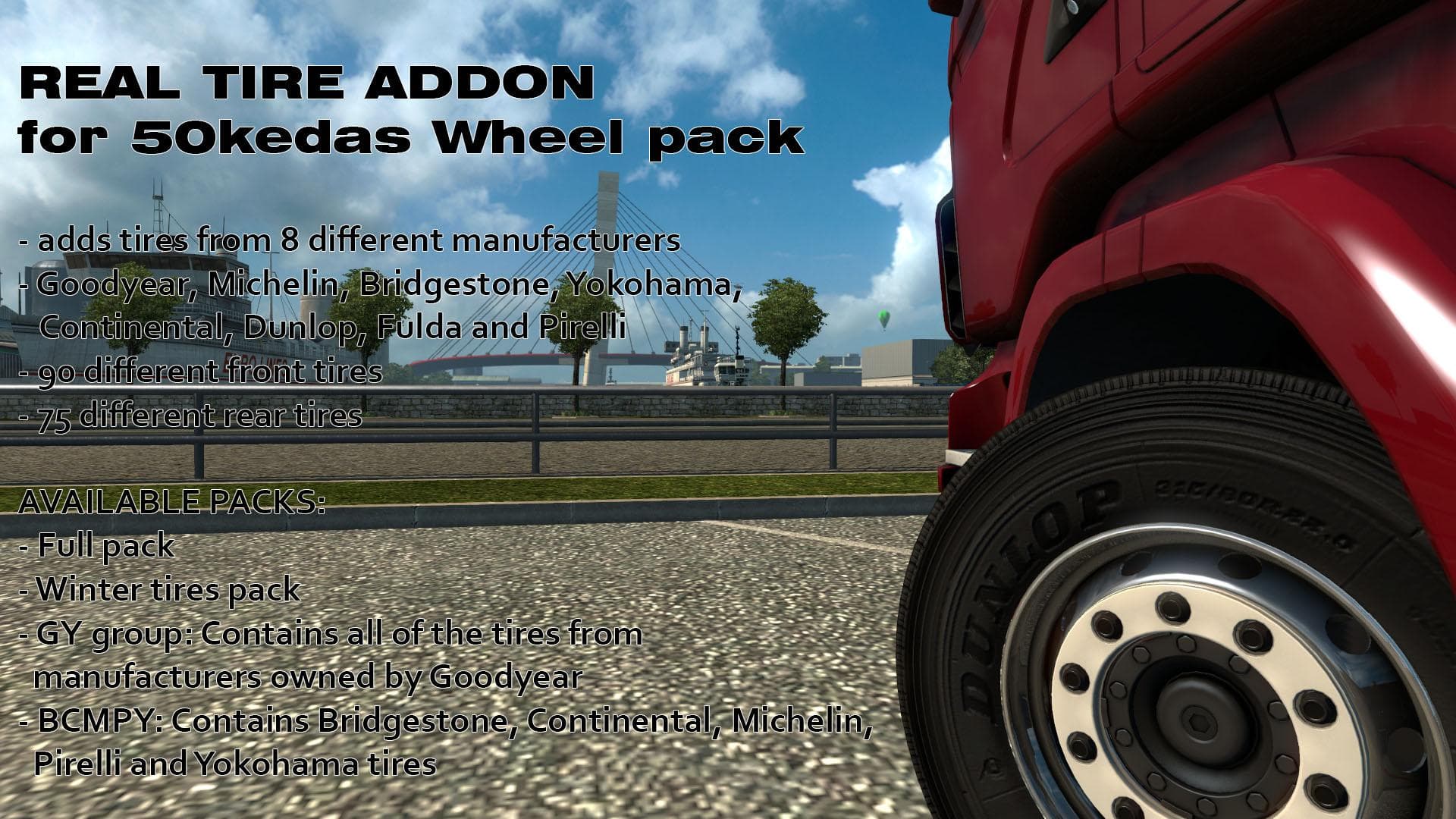
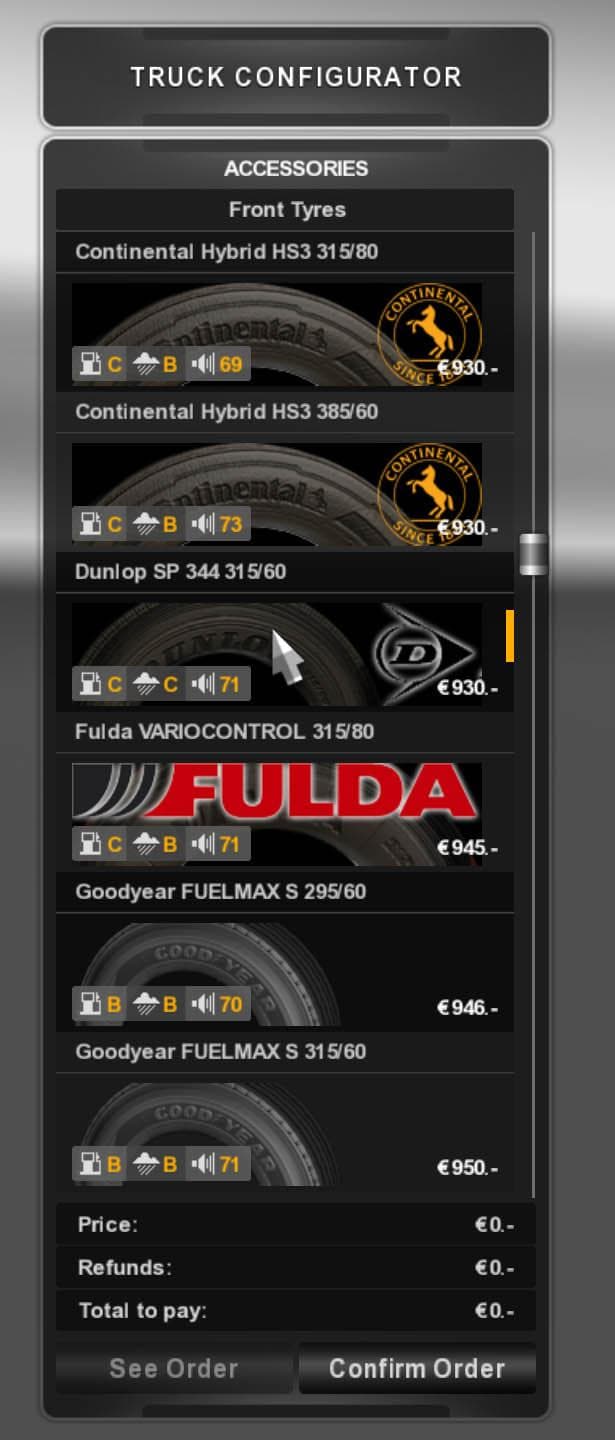
REAL TIRE ADDON FOR 50KEDAS WHEEL PACK version 4.2 adds icons. Credits to 50keda, Ventyres, and galimim. File size is 50.1 MB.
The REAL TIRE ADDON FOR 50KEDAS WHEEL PACK V4.2 is a parts mod designed to enhance the tire options available for the 50Kedas wheel pack in Euro Truck Simulator 2. This addon specifically focuses on providing realistic tire models, adding a new layer of detail to your truck customization experience. Parts mods like this one typically extend the range of accessories and components you can fit onto your trucks, such as wheels, lights, or mirrors, through the in-game customization menus.
In ETS2, parts mods improve visual variety and personal expression by letting players fine-tune the appearance of their trucks beyond standard options. Realistic tires can make a noticeable difference in how your rig looks on different road surfaces or regions within the game world. Since this addon builds upon an existing wheel pack, it fits naturally into setups that already include the 50Kedas wheels and complements other tuning mods without replacing base game assets.
When integrating parts addons such as this tire pack into your mod lineup, it’s wise to pay attention to load order if you have multiple wheel or parts mods installed. Typically, these mods should be loaded after any general wheel packs but before broader tuning suites that might override tire visuals. Compatibility is usually straightforward if you're only modifying specific elements like tires rather than entire truck models.
This mod suits players who enjoy detailed truck customization and want to expand their collection of wheel options with more authentic-looking tires. It’s especially relevant if you already use the 50Kedas wheel pack and want to add more depth to your truck’s appearance without altering performance or game mechanics.
How to install
1. Download the file(s) from the original source linked above. 2. Drop them into `Documents/Euro Truck Simulator 2/mod/`. 3. Enable in Mod Manager and restart the game.
After the mod loads, save your game inside a safe area (parking lot or service) before deciding whether to keep it. If the game refuses to load with the mod enabled, check that all required DLCs are installed and that the supported ETS2 version chips on this page include your installed game patch.
Reviews
No ratings yetNo reviews yet — be the first to rate this mod.