REAL TIRE ADDON FOR 50KEDAS WHEEL PACK V3.4
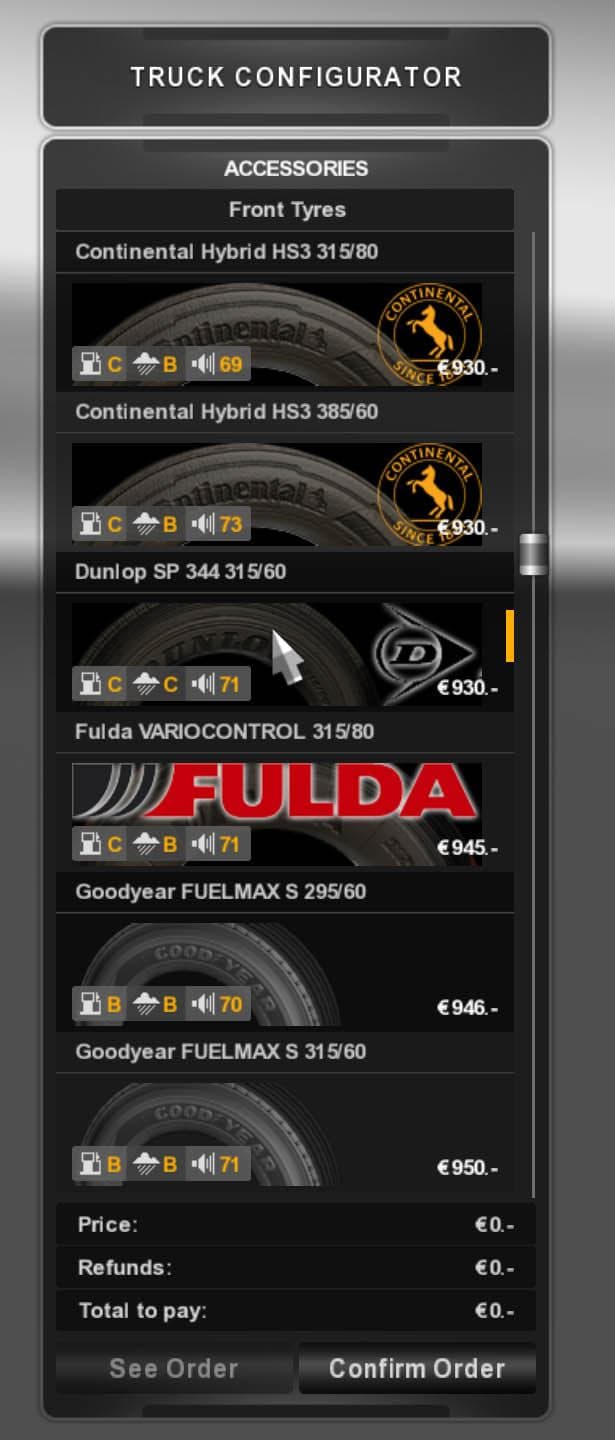
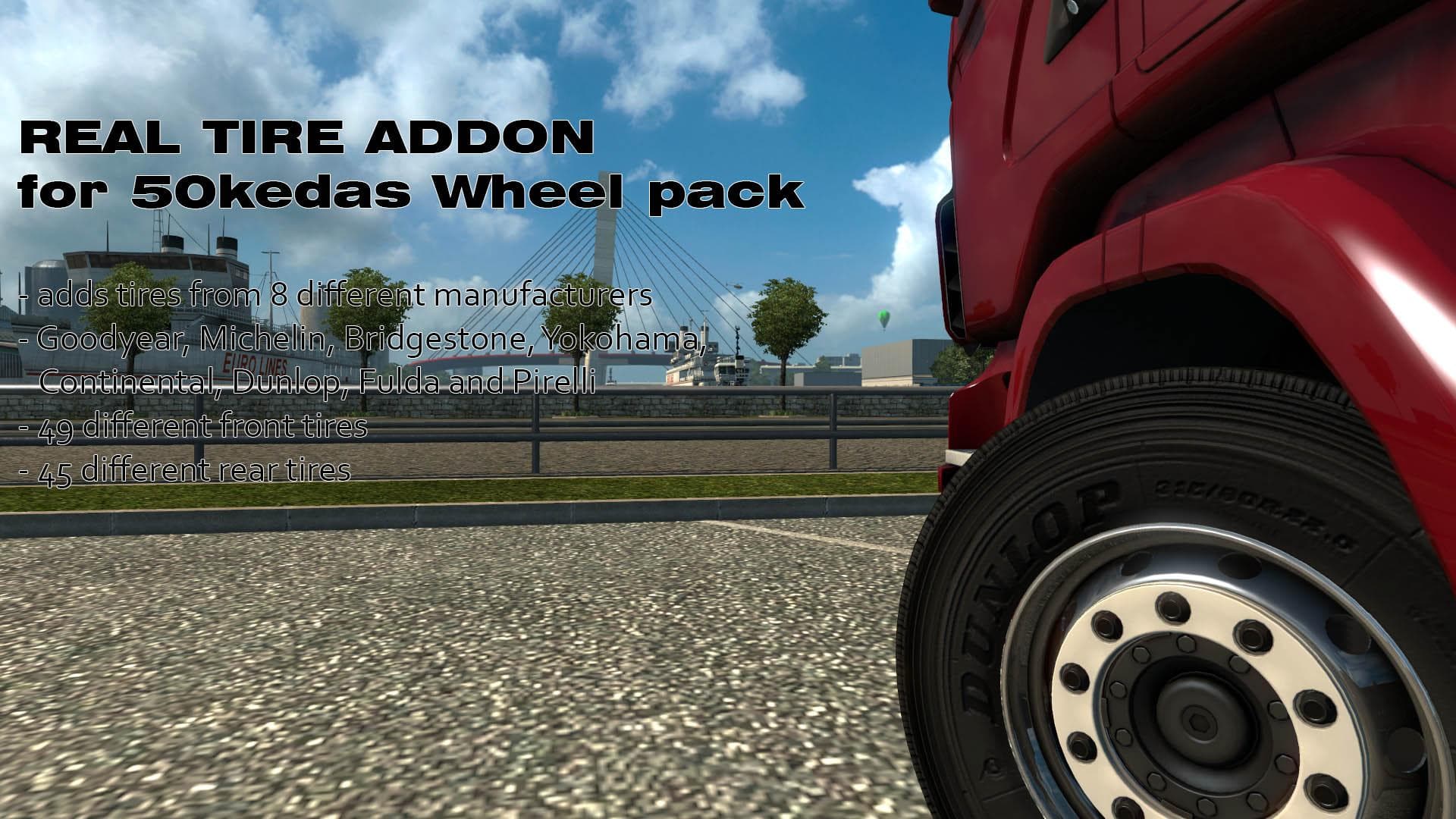
REAL TIRE ADDON FOR 50KEDAS WHEEL PACK version 3.4 includes updated textures, proper menu icons, and compatibility with abasstreppas wheelpack. Created by Euro
This mod serves as an addon to the 50keda Wheel Pack, bringing updated tire textures and better menu icons. It's designed to work alongside the main wheel pack and adds compatibility with another popular wheel pack by abasstreppas. Such parts mods generally extend the visual customization options available in Euro Truck Simulator 2, focusing on enhancing truck components like wheels and tires.
In ETS2, parts mods like this one allow players to modify specific elements of their trucks in the customization menu. They don't change gameplay mechanics but enrich the visual variety and personalization possibilities. Mods that update or add new tire designs can complement existing wheel packs and improve immersion when building a unique look for your rig.
Since this addon depends on the 50keda Wheel Pack and also supports abasstreppas’ wheels, it fits neatly into setups that already use these packs. When using multiple parts mods targeting similar components, it's wise to check load order for conflicts, usually placing addons after main packs to ensure textures and icons display correctly.
Players who enjoy tweaking their trucks with detailed accessories might appreciate this mod if they have or plan to use either of those wheel packs. It’s particularly useful for those aiming for a more complete or consistent visual style across their wheels, especially if they want updated textures instead of default ones.
No specifics are known about version compatibility or file size, so testing it in your current ETS2 installation is recommended before committing to long play sessions. Like many parts mods, it should slot in smoothly as long as you keep track of dependencies and don’t mix incompatible versions.
How to install
1. Download the file(s) from the original source linked above. 2. Drop them into `Documents/Euro Truck Simulator 2/mod/`. 3. Enable in Mod Manager and restart the game.
After the mod loads, save your game inside a safe area (parking lot or service) before deciding whether to keep it. If the game refuses to load with the mod enabled, check that all required DLCs are installed and that the supported ETS2 version chips on this page include your installed game patch.
Reviews
No ratings yetNo reviews yet — be the first to rate this mod.