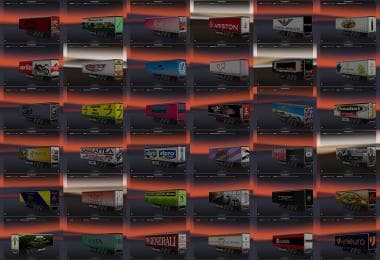
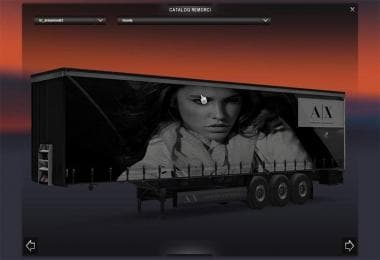
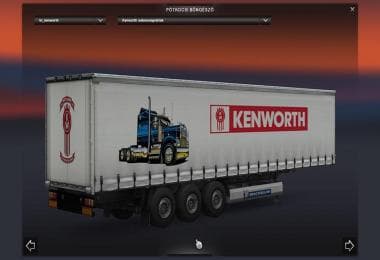
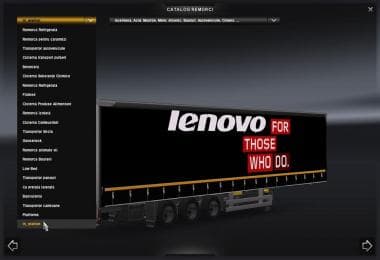
REAL SCHMITZ TRAILER LOGO V1.0
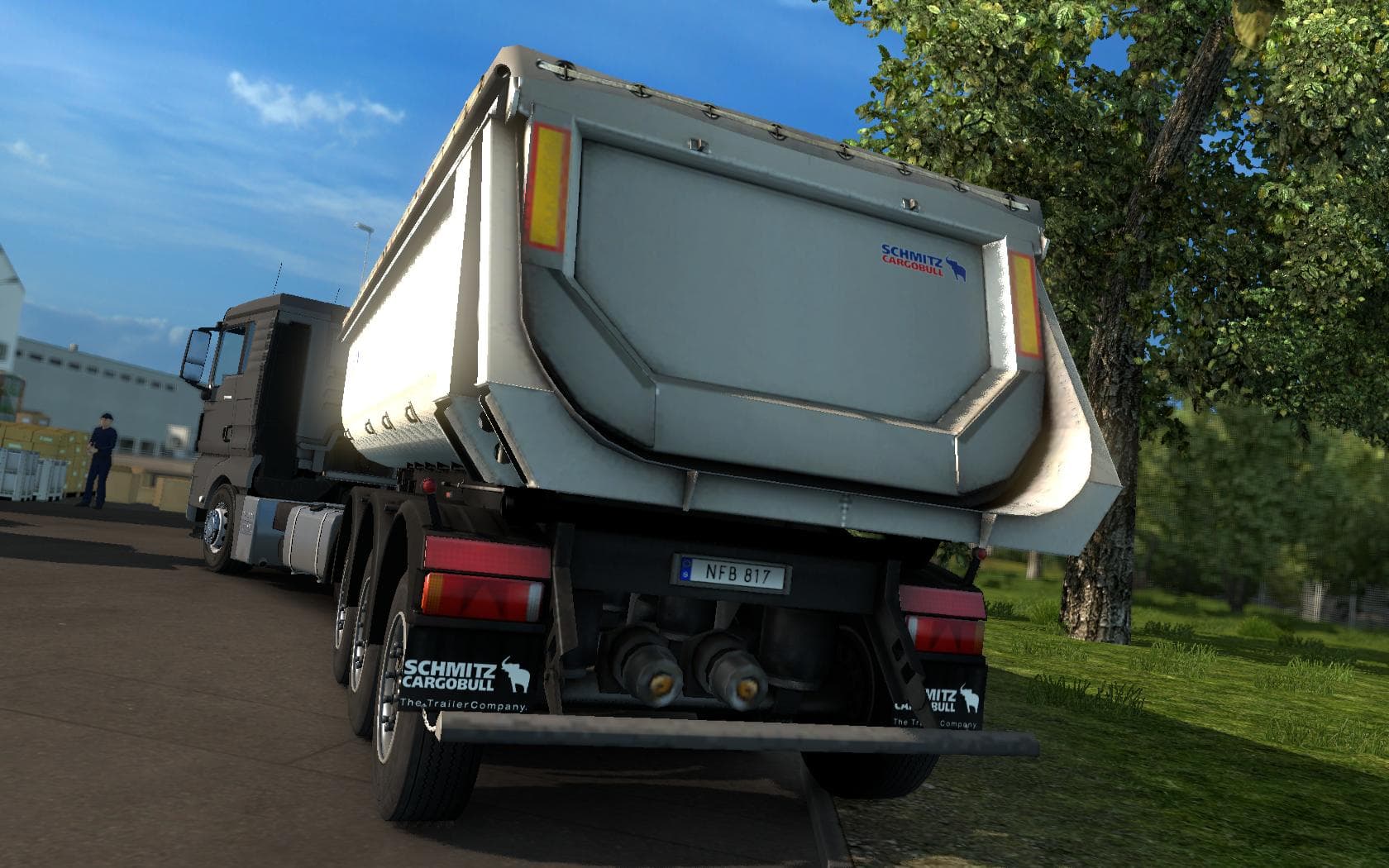
REAL SCHMITZ TRAILER LOGO mod changes the Schmied logo to the Schmitz Logo, compatible with all ETS2 versions. Created by Euro truck simulator 2, file size is 4
The REAL SCHMITZ TRAILER LOGO V1.0 mod replaces the default Schmied trailer logo with the Schmitz logo, giving trailers a more authentic appearance. This kind of mod tweaks visual details to better represent real-world branding on in-game trailers. It’s a subtle change but can enhance immersion for players who appreciate accurate company logos.
Trailer mods like this one typically adjust or add new haulable trailers or trailer skins that appear in cargo selection or at the trailer dealer. While this mod focuses solely on the logo replacement, it still fits neatly into setups where users want their trailers to look closer to real-life counterparts without altering gameplay mechanics.
In terms of compatibility, mods affecting trailer visuals usually load without conflict if placed correctly in the load order, especially since this is a simple graphic swap. Players should ensure no other mods overwrite the same textures or logos to avoid inconsistencies. It works with game version 1.0 and may require manual checking for newer updates.
This mod suits truckers who run fleets based on actual brands or those who enjoy adding realistic touches to their trucking experience. If you have other trailer mods installed that add Schmitz trailers or similar brands, this logo update complements them well by improving visual authenticity.
Overall, REAL SCHMITZ TRAILER LOGO is a lightweight addition for Euro Truck Simulator 2 that swaps out one logo for another, aiming at users who value detailed presentation in their haulage setups. It's straightforward and blends easily into broader mod collections without disrupting gameplay.
How to install
1. Download the .scs file. 2. Drop it into `Documents/Euro Truck Simulator 2/mod/`. 3. Enable in Mod Manager. 4. Trailer should appear in cargo selection or trailer dealer depending on the mod's design.
After the mod loads, save your game inside a safe area (parking lot or service) before deciding whether to keep it. If the game refuses to load with the mod enabled, check that all required DLCs are installed and that the supported ETS2 version chips on this page include your installed game patch.
Reviews
No ratings yetNo reviews yet — be the first to rate this mod.