REAL GAS STATION FIXED 1.20.X
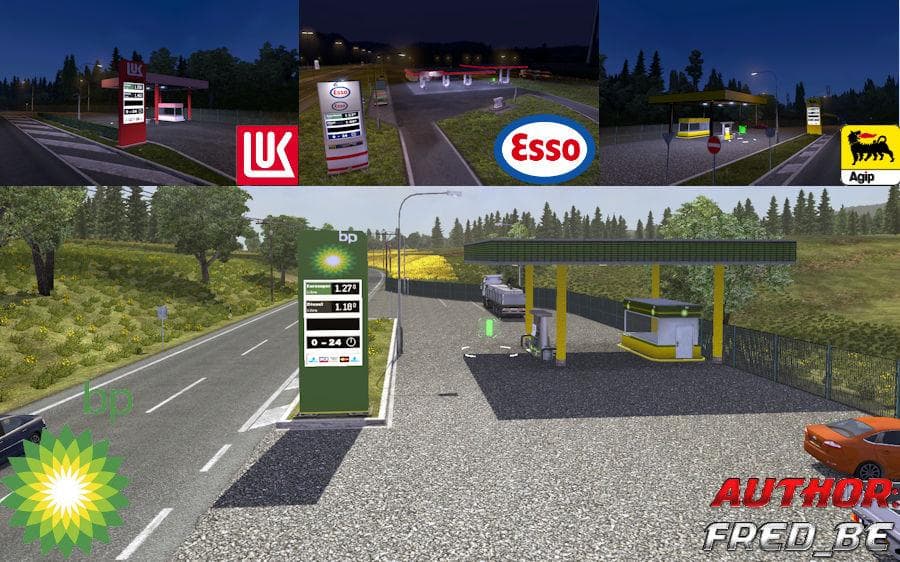
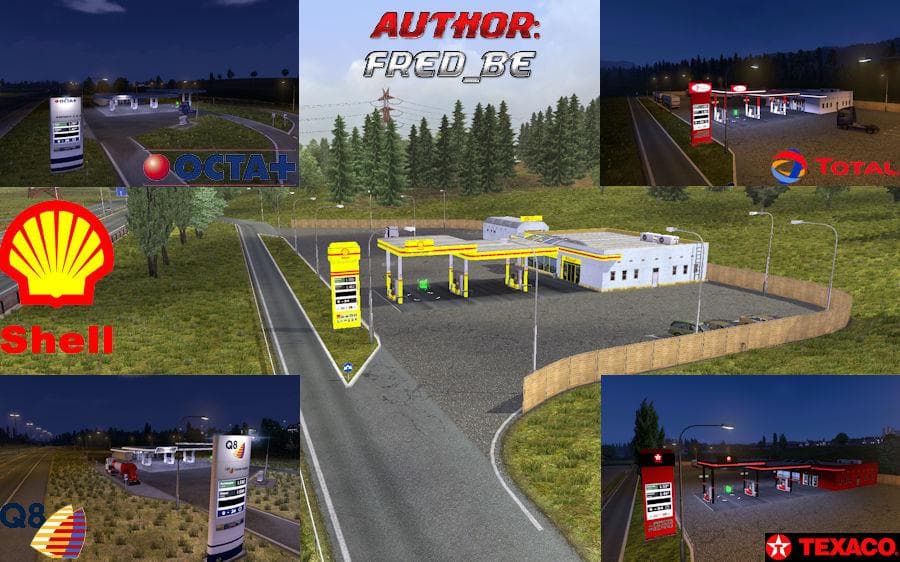
REAL GAS STATION FIXED 1.20.X is a mod for Euro Truck Simulator 2 version 1.20 that fixes bugs in gas stations. It is compatible with various DLCs and map mods
REAL GAS STATION FIXED 1.20.X is a map mod designed to address issues with gas stations in Euro Truck Simulator 2 version 1.20. It resolves bugs related to fueling points, ensuring that gas stations function correctly across various compatible environments. This type of map fix typically enhances the realism and usability of fuel stops within the game world, which is crucial for long-haul trucking routes.
Map mods like this one expand or improve existing areas by tweaking specific elements such as gas station placement and interaction points. They come as .scs files and require proper load order to avoid conflicts with other map expansions or mods. Since this fix is tested compatible with popular map packs such as Promods, TSM, MHAPro, and Jazzycat Pack, it fits well into a heavily modded setup without causing major disruptions.
Load order plays an important role when using map fixes; generally, these types of mods should be loaded after larger map DLCs and expansions to ensure their corrections are applied effectively. Users should avoid mixing incompatible versions or neglecting base map requirements to prevent errors during gameplay.
This gas station fix would appeal to players who rely on multiple extensive map mods for a more immersive trucking experience but have encountered fuel station glitches. By installing this mod, truckers can expect smoother refueling stops that align better with real-world locations and improve route planning in ETS2.
Overall, REAL GAS STATION FIXED 1.20.X helps maintain continuity in fuel logistics within the game by patching known problems related to fueling infrastructure on version 1.20. It's a practical addition for anyone combining several map expansions looking for consistent service points along their journey.
How to install
1. Download every .scs file from the source page (map mods often ship multiple files). 2. Copy all files to `Documents/Euro Truck Simulator 2/mod/`. 3. Enable each file in Mod Manager **in the order documented by the modder**. Load order matters for maps. 4. Start a new save or use an existing save that already supports the map's base regions.
After the mod loads, save your game inside a safe area (parking lot or service) before deciding whether to keep it. If the game refuses to load with the mod enabled, check that all required DLCs are installed and that the supported ETS2 version chips on this page include your installed game patch.
Known conflicts
No conflicts reported for this mod yet. Running a big mod list? Check your whole setup for conflicts →
Reviews
No ratings yetNo reviews yet — be the first to rate this mod.





