Real Company Logo 2.4
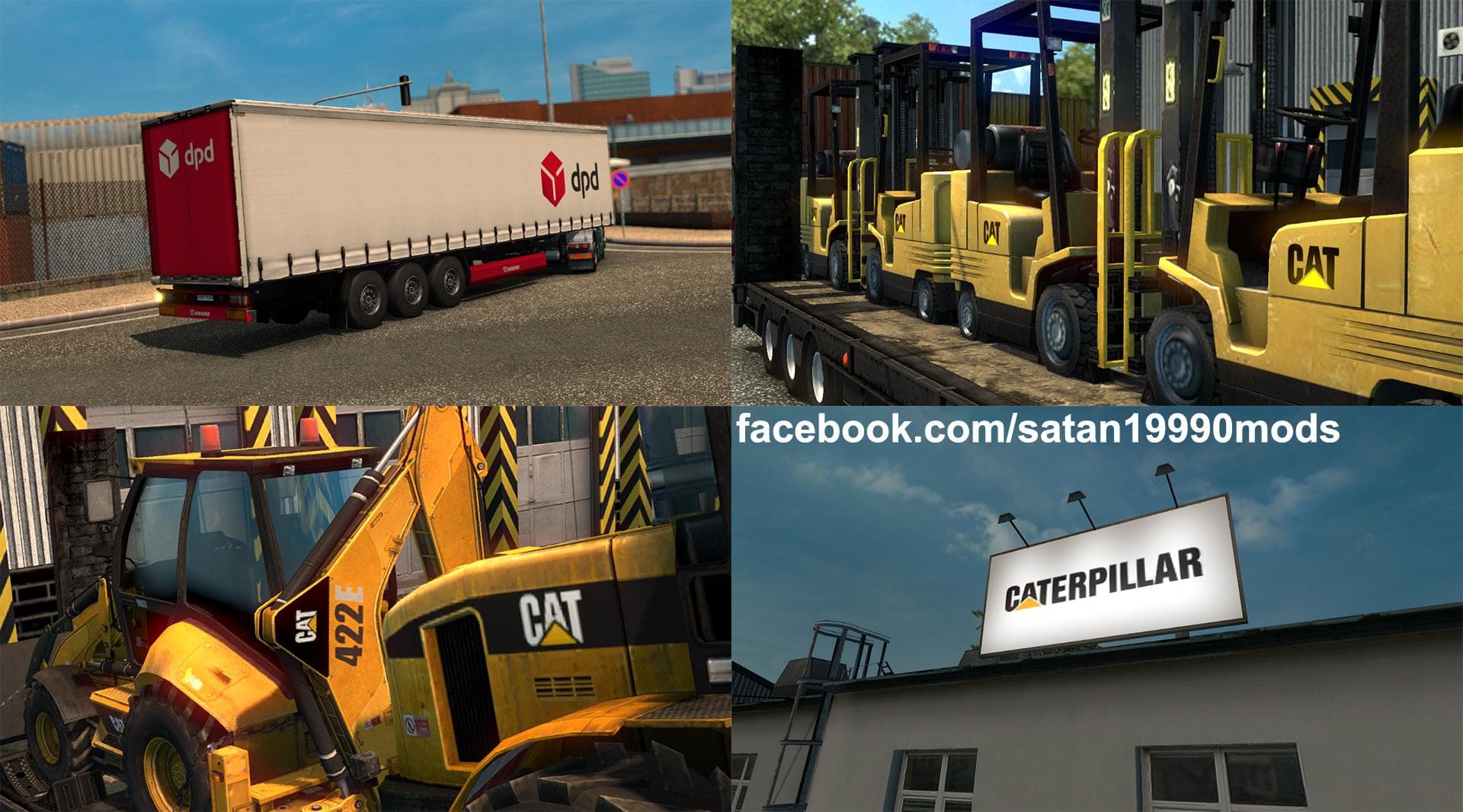
Real Company Logo 2.4 is a trailer mod for ETS2 that changes logos and skins on Krone and Schmitz trailers to real company designs. Created by Euro Truck Simula
Real Company Logo 2.4 is a trailer mod that updates the paint jobs on Krone and Schmitz trailers with authentic company logos. Rather than adding new trailers or cargo, it focuses on enhancing the visual detail of existing trailer models by replacing generic skins with those representing real-world brands. This kind of mod appeals to players who want more immersion and realism in their hauling experience without changing gameplay mechanics.
Trailer mods like this one typically work by altering texture files used by trailers in ETS2. Since it modifies skins, it must be loaded correctly alongside other trailer or paint job mods to avoid conflicts. Players often place these types of mods after general trailer packs in their load order to ensure the logos display properly.
Compatibility is generally straightforward for skin mods, but using them with other trailer painting or company logo mods requires some attention to load order. Real Company Logo 2.4 has been tested on ETS2 version 1.21, so players running that or close versions should expect stable performance.
This mod fits well into setups where players run several trailer enhancements or custom paints, offering a bit more authenticity for their fleet’s appearance. It doesn't add new cargo options but rather refreshes what’s already available visually, which some find preferable for keeping the game feeling fresh.
Players who prefer driving trailers from popular European manufacturers like Krone and Schmitz will appreciate this mod's focus on realistic branding. It's suited for those looking to add an extra layer of detail without overhauling their entire haulage setup.
How to install
1. Download the .scs file. 2. Drop it into `Documents/Euro Truck Simulator 2/mod/`. 3. Enable in Mod Manager. 4. Trailer should appear in cargo selection or trailer dealer depending on the mod's design.
After the mod loads, save your game inside a safe area (parking lot or service) before deciding whether to keep it. If the game refuses to load with the mod enabled, check that all required DLCs are installed and that the supported ETS2 version chips on this page include your installed game patch.
Reviews
No ratings yetNo reviews yet — be the first to rate this mod.





