RD Moving Van
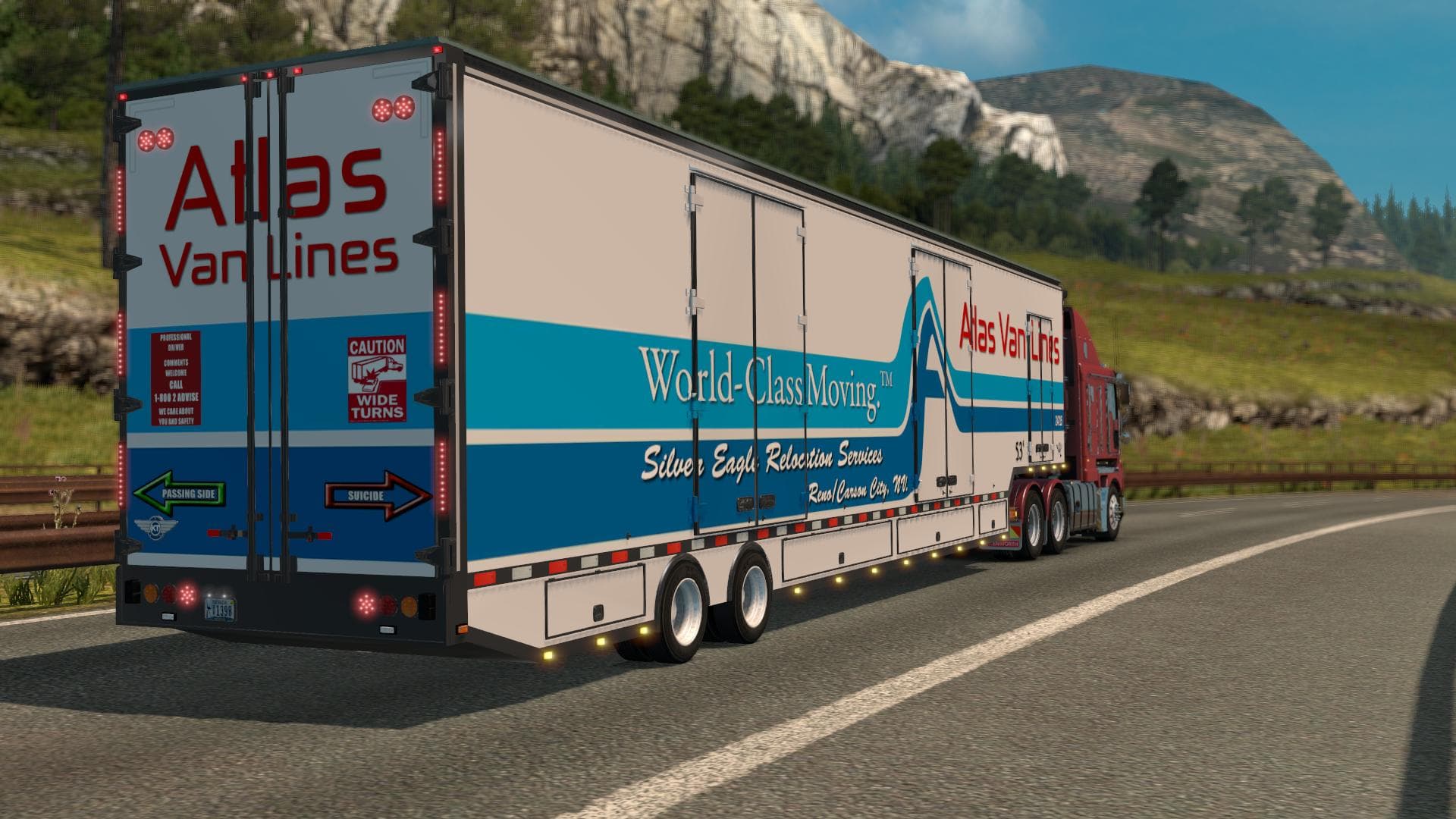
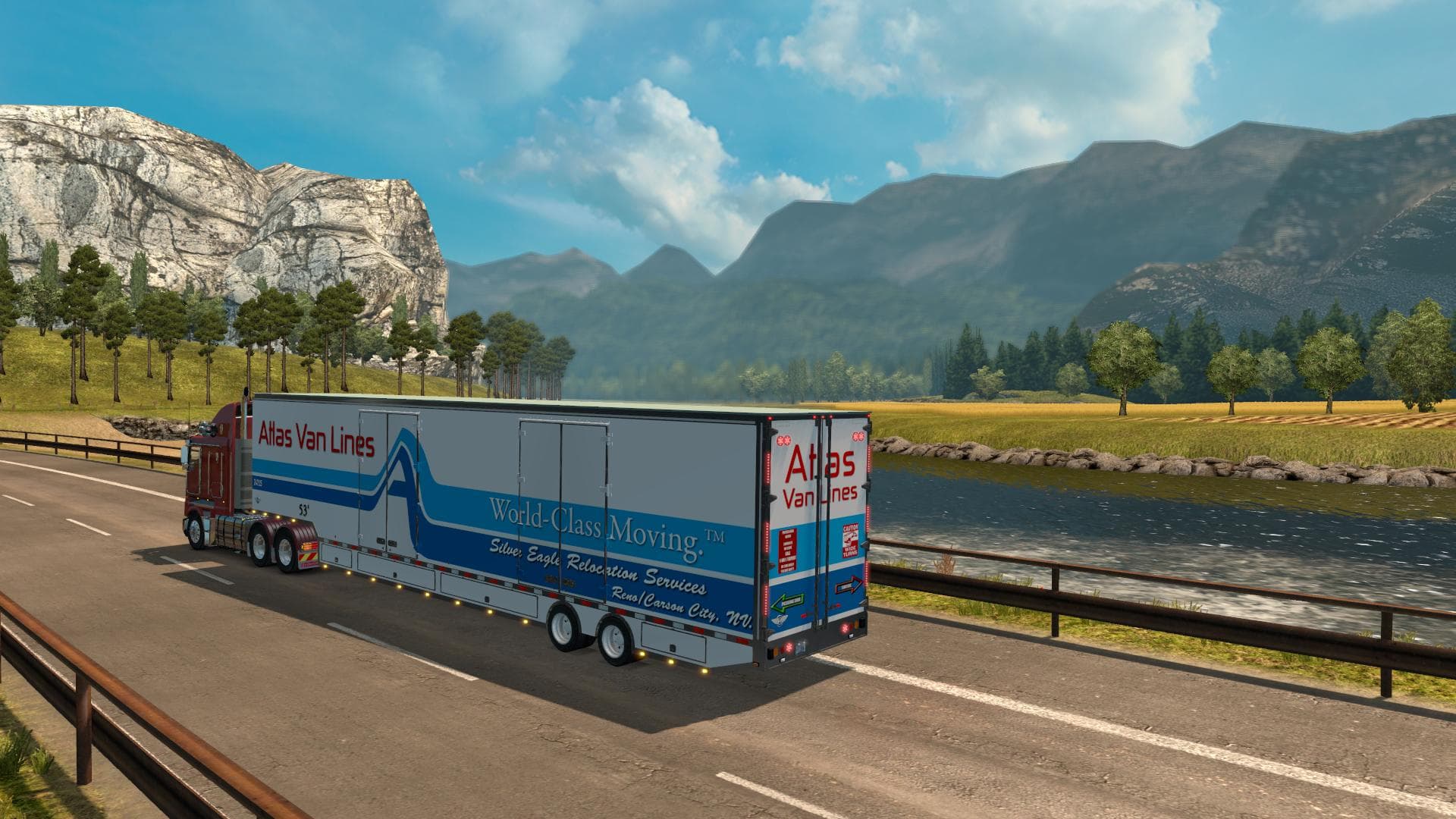
RD Moving Van is a trailer mod for ETS2, version 1.0, created by Euro Truck Simulator 2. It includes 17 skins, such as Atlas Vanlines and Reliable Carriers. Rem
The RD Moving Van is a trailer mod designed for Euro Truck Simulator 2 that brings new hauling options to the game. This mod introduces a moving van trailer featuring multiple skin variations, allowing players to expand their cargo selection with a fresh vehicle body. Trailer mods like this one typically add unique trailers or cargo types that can be purchased from the trailer dealer and hauled across the map.
Trailer mods enhance gameplay by offering more variety in how players transport goods. In ETS2, these trailers become part of your fleet and can be owned, customized, and used in jobs like any other trailer. The RD Moving Van adds realism by including different branded skins such as Atlas Vanlines and Reliable Carriers, giving a bit of flavor to your hauls.
When integrating this type of mod into a setup with other trailers or truck enhancements, it's worth considering load order. Trailer mods usually go after map expansions but before AI traffic tweaks to avoid conflicts. Since this one is compatible with ETS2 version 1.0, it fits well within setups based on earlier versions of the game without requiring extra compatibility patches.
Players who enjoy diversifying their trucking experience will find this mod useful. It’s suited for those who prefer hauling more specialized or thematic cargo types rather than generic freight. The inclusion of several skins also appeals to users who like visual variety without switching mods constantly.
Adding the RD Moving Van is straightforward; just place it among your mod files and enable it via the mod manager. Since its creator isn’t specified, keeping original links and credits intact respects modding community norms and helps track provenance.
Overall, this trailer mod slots nicely into collections aimed at expanding cargo options and enhancing immersion through distinct trailer models and liveries.
How to install
1. Download the .scs file. 2. Drop it into `Documents/Euro Truck Simulator 2/mod/`. 3. Enable in Mod Manager. 4. Trailer should appear in cargo selection or trailer dealer depending on the mod's design.
After the mod loads, save your game inside a safe area (parking lot or service) before deciding whether to keep it. If the game refuses to load with the mod enabled, check that all required DLCs are installed and that the supported ETS2 version chips on this page include your installed game patch.
Reviews
No ratings yetNo reviews yet — be the first to rate this mod.





