ProModz + Satellite Maps
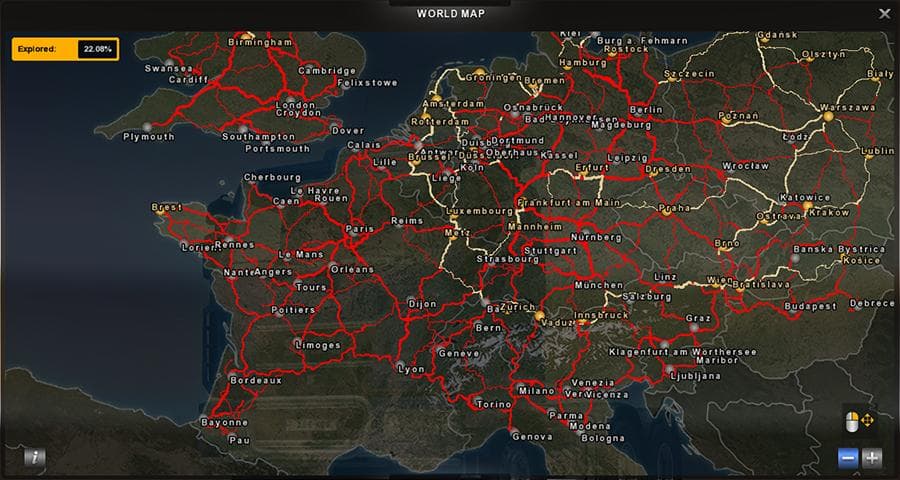
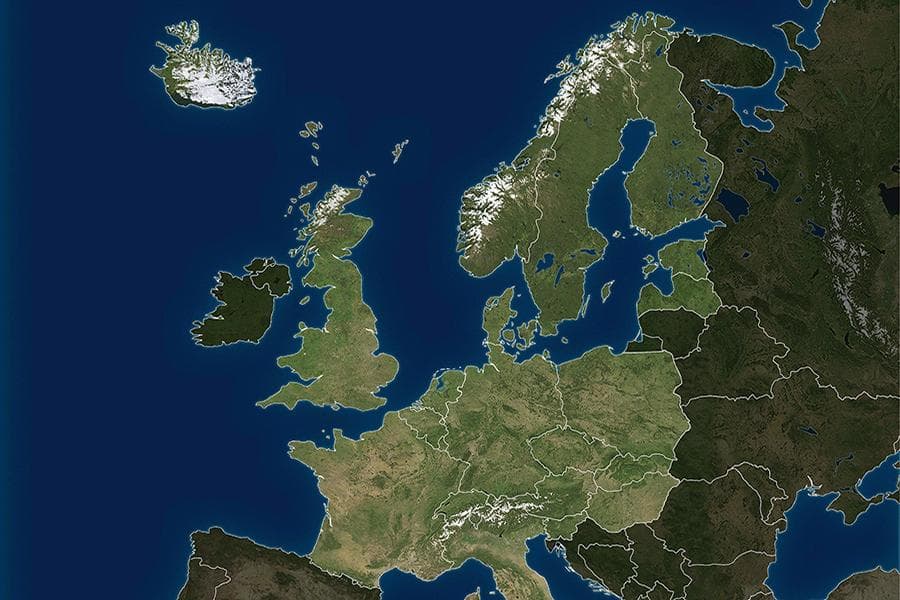
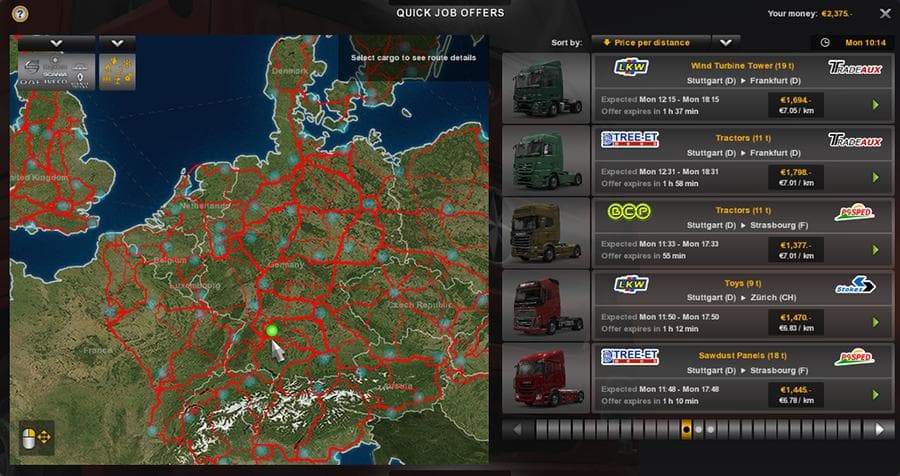
The ProModz + Satellite Maps mod for ETS2 has been updated to version 1.95, with a name change to better reflect its content. The map offers a satellite view fo
ProModz + Satellite Maps is a map mod that changes the look of the in-game world by replacing the usual color map with a satellite-style version. This kind of mod typically alters the visual texture of the roads and landscapes, giving a different perspective on familiar routes. Instead of new cities or roads, it focuses on how you see the existing areas while driving through them.
Map mods like this one come as .scs files that you add to your ETS2 mods folder. They need careful management in your mod manager since load order can affect how they work or conflict with other map expansions. Some map mods also require certain base game DLCs or a fresh profile for full compatibility, so it's wise to check those details before jumping in.
Because this mod replaces the color map with satellite imagery, it fits well alongside other map expansions or enhancements that add new regions or improve road networks. Players who run large map mod setups might appreciate how this gives their drives a more realistic or different visual style without changing gameplay elements such as routes or cities.
You’ll want to pay attention to how this mod interacts with any other visual mods that touch maps or textures. It’s not uncommon for map visuals to clash if two mods try to change similar assets, so test your load order if you notice oddities in appearance during play.
This mod will appeal mostly to players who enjoy exploring ETS2 with a fresh look at familiar geography. If you're someone who spends hours driving across European countries like France, Germany, or Spain and likes tweaking visuals, swapping out the default color maps for something like satellite imagery offers variety without altering your core experience.
How to install
1. Download every .scs file from the source page (map mods often ship multiple files). 2. Copy all files to `Documents/Euro Truck Simulator 2/mod/`. 3. Enable each file in Mod Manager **in the order documented by the modder**. Load order matters for maps. 4. Start a new save or use an existing save that already supports the map's base regions.
After the mod loads, save your game inside a safe area (parking lot or service) before deciding whether to keep it. If the game refuses to load with the mod enabled, check that all required DLCs are installed and that the supported ETS2 version chips on this page include your installed game patch.
Known conflicts
No conflicts reported for this mod yet. Running a big mod list? Check your whole setup for conflicts →
Reviews
No ratings yetNo reviews yet — be the first to rate this mod.





