PROMODZ & PRORUS SATELLITE MAPS
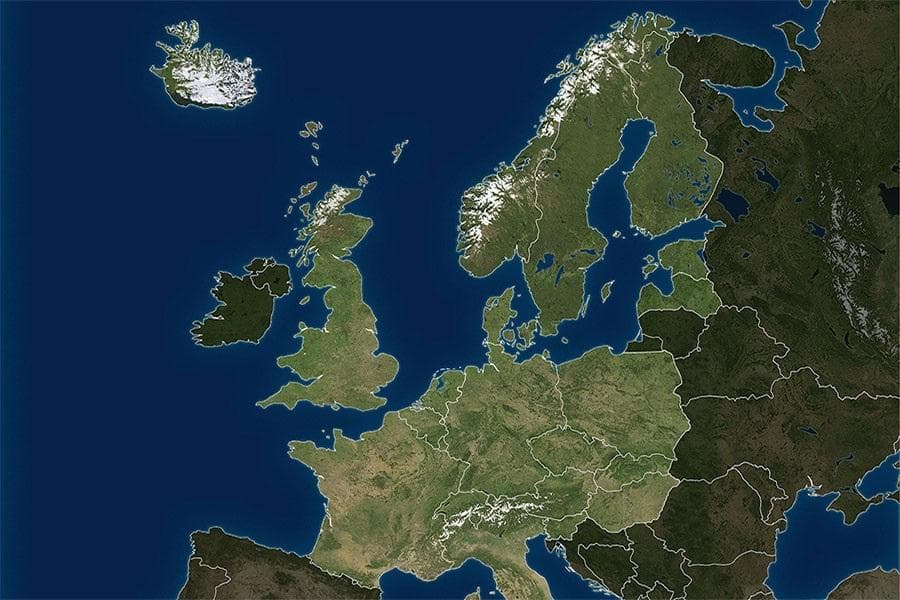
The PROMODZ & PRORUS SATELLITE MAPS mod for ETS2 version 1.20 has been updated to reflect changes since its release, including updates to ProMods. Created by Eu
PROMODZ & PRORUS SATELLITE MAPS update the ProModz and ProRus map expansions to be compatible with ETS2 version 1.20. These maps extend the playable world by adding new regions, roads, and cities, reflecting changes made since the latest game release and Promods updates. Map mods like these come as .scs files that you add to your mod folder, allowing you to explore expanded territories beyond the base game.
Map mods generally enhance your driving experience by broadening where you can deliver cargo and visit. They often require specific base map DLCs or a fresh profile to work properly, as they rely heavily on load order for stability. Since PROMODZ & PRORUS SATELLITE MAPS are updated for version 1.20, they're suited for players running that particular ETS2 build.
In a modded setup, these satellite maps complement the core ProMods or ProRus expansions by filling in more detailed areas around their coverage zones. It's common practice to load map mods near the top of your mod list but below any required dependencies. This ensures compatibility and prevents conflicts with other map additions or gameplay mods.
Truckers who enjoy extensive road networks and exploring Eastern Europe plus adjacent regions will find this mod interesting. It suits those who want a broader geographic range without leaving behind familiar ProMods or ProRus content. If you're into long hauls across various countries such as Russia, Ukraine, or surrounding areas, these satellite maps add valuable new routes.
Because details like file size and creator info aren't provided here, it's wise to check community forums or mod pages for installation tips and potential conflicts before integrating them into your profile. Keeping backups when testing map mods is always recommended due to their impact on save files.
Overall, PROMODZ & PRORUS SATELLITE MAPS serve as a solid expansion for players looking to deepen their ETS2 world with updated regions compatible with version 1.20.
How to install
1. Download every .scs file from the source page (map mods often ship multiple files). 2. Copy all files to `Documents/Euro Truck Simulator 2/mod/`. 3. Enable each file in Mod Manager **in the order documented by the modder**. Load order matters for maps. 4. Start a new save or use an existing save that already supports the map's base regions.
After the mod loads, save your game inside a safe area (parking lot or service) before deciding whether to keep it. If the game refuses to load with the mod enabled, check that all required DLCs are installed and that the supported ETS2 version chips on this page include your installed game patch.
Known conflicts
No conflicts reported for this mod yet. Running a big mod list? Check your whole setup for conflicts →
Reviews
No ratings yetNo reviews yet — be the first to rate this mod.





