PROMODZ & PRORUS SATELLITE MAPS
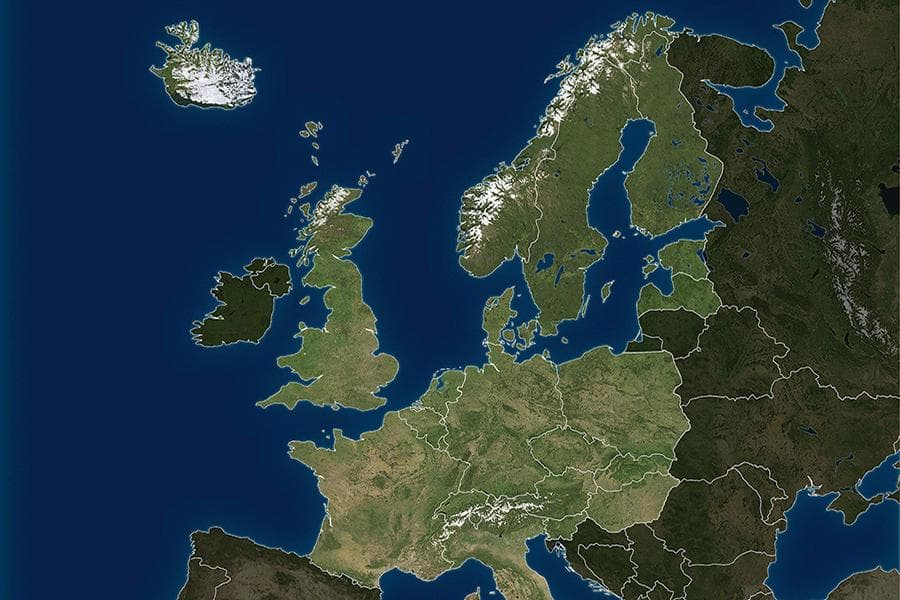
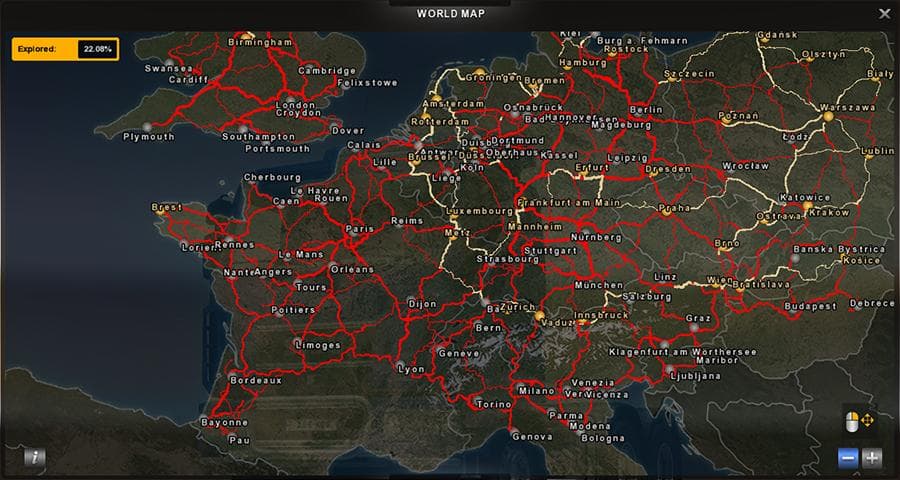
The PROMODZ & PRORUS SATELLITE MAPS mod for ETS2 version 1.20 has been updated to reflect changes since its release. Both versions have received updates to alig
PROMODZ & PRORUS SATELLITE MAPS is a map mod update tailored for ETS2 version 1.20, reflecting changes in both ProModz and ProRus versions. This type of mod expands the drivable area by adding or adjusting roads, cities, and regions, giving players more places to explore beyond the base game world. Map mods like this one typically come as .scs files that need to be loaded in the correct order to function properly within the game.
Maps such as these often require players to have specific base map DLCs installed since they build upon existing geography rather than replace it entirely. They can significantly alter the gameplay experience by providing new routes and destinations, making long hauls more varied and interesting. However, users should be aware that starting a fresh profile might be necessary when using major map expansions to avoid conflicts or save corruption.
When integrating PROMODZ & PRORUS SATELLITE MAPS into a modded setup, it's advisable to check load order carefully because map mods are sensitive to it. They usually go near the top of your load order but behind any required DLC compatibility patches or core maps. Compatibility with other map mods may vary, so it's wise to test for conflicts if combining multiple expansions.
Players who enjoy exploring detailed new landscapes and expanding their European or Russian trucking routes will find this mod useful. It caters especially to those who already use ProMods or similar large-scale map additions and want updated content compatible with ETS2 1.20.
Overall, this mod fits well into setups focused on extended map experiences and provides fresh content for drivers seeking greater immersion in new areas across Europe and Russia.
How to install
1. Download every .scs file from the source page (map mods often ship multiple files). 2. Copy all files to `Documents/Euro Truck Simulator 2/mod/`. 3. Enable each file in Mod Manager **in the order documented by the modder**. Load order matters for maps. 4. Start a new save or use an existing save that already supports the map's base regions.
After the mod loads, save your game inside a safe area (parking lot or service) before deciding whether to keep it. If the game refuses to load with the mod enabled, check that all required DLCs are installed and that the supported ETS2 version chips on this page include your installed game patch.
Known conflicts
No conflicts reported for this mod yet. Running a big mod list? Check your whole setup for conflicts →
Reviews
No ratings yetNo reviews yet — be the first to rate this mod.





