PROJECT BALKANS 1.02: PROMODS ADDON FOR 1.22.X
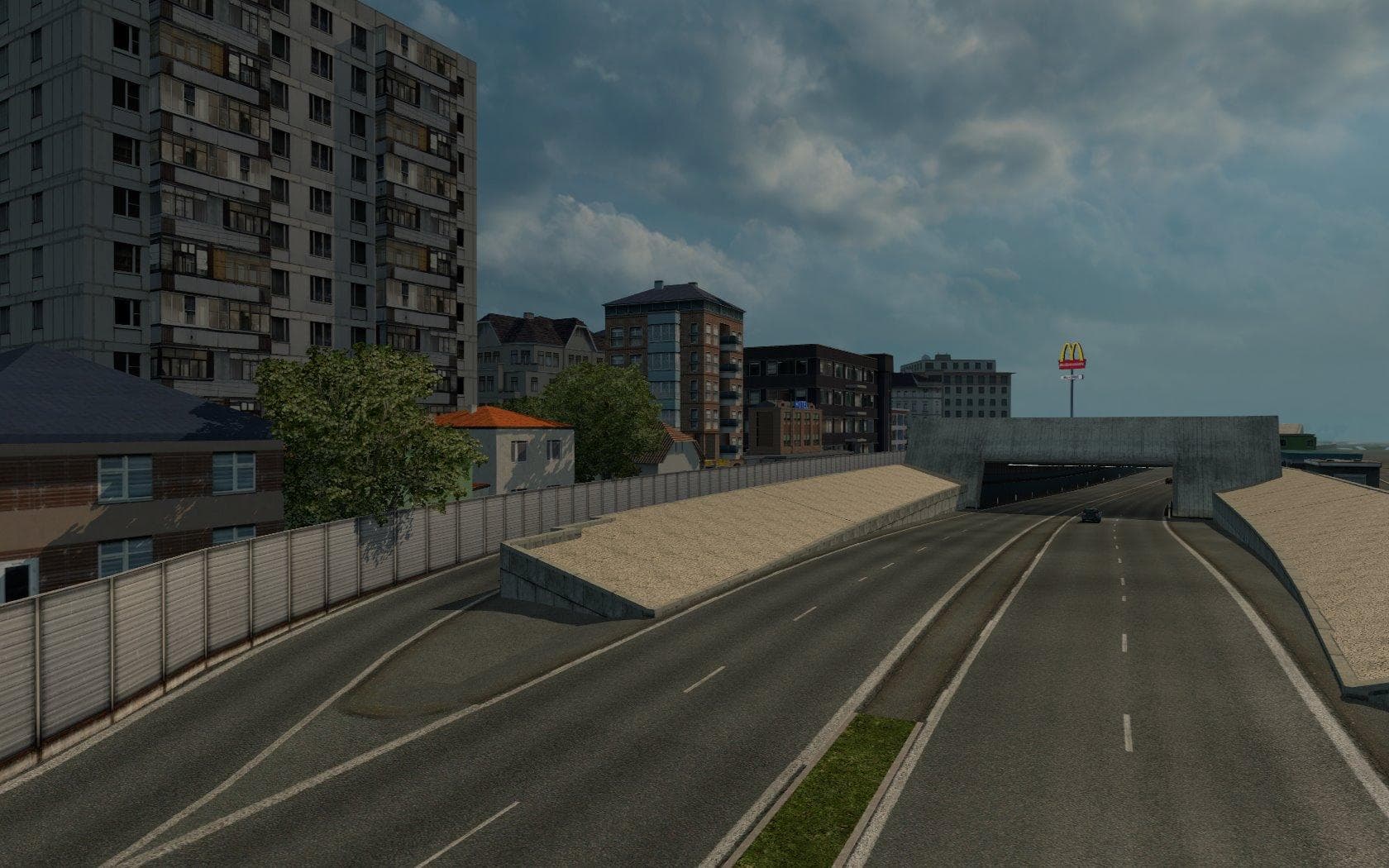
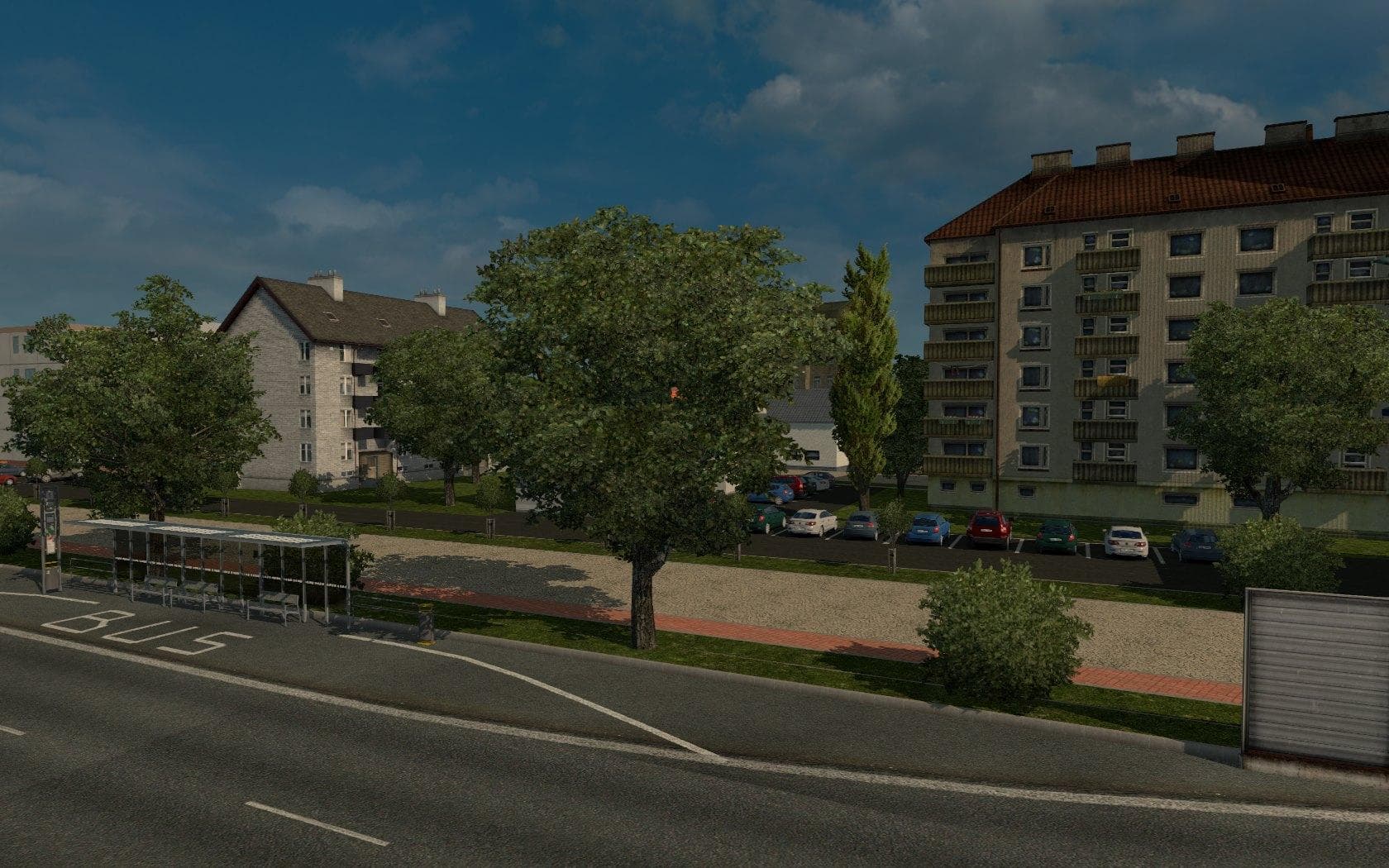
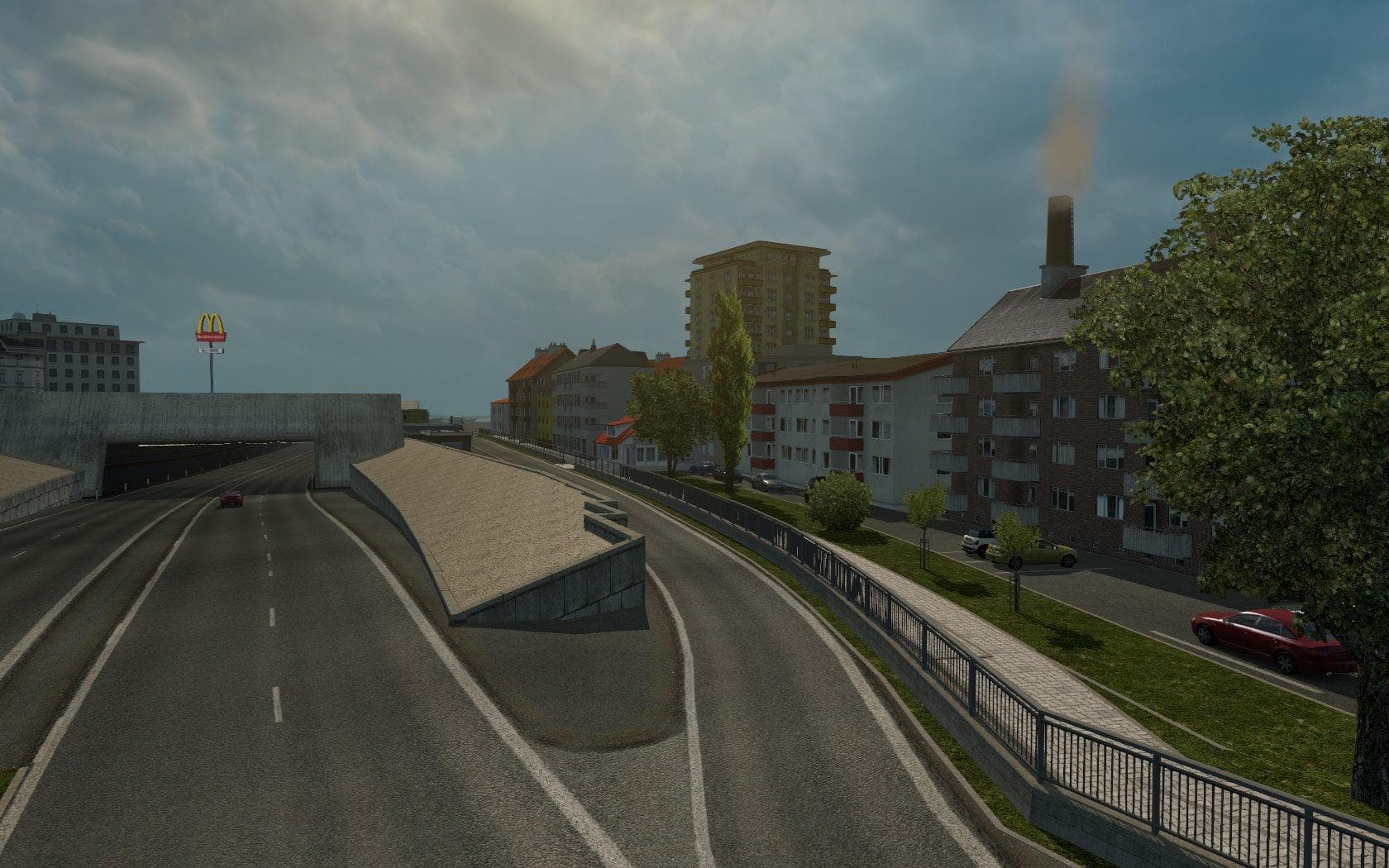
PROJECT BALKANS 1.02 is a map mod for ETS2 expanding the game world with a detailed Balkans map. It requires Promods 2.0 and both DLCs for full functionality.
PROJECT BALKANS 1.02 is a map mod designed to extend the Euro Truck Simulator 2 game world by adding a detailed representation of the Balkans region. This mod requires Promods 2.0 as a base and both relevant DLCs to function properly, integrating smoothly with the larger Promods map ecosystem. Map expansions like this one enhance the driving experience by introducing new roads, cities, and regions that players can explore beyond the vanilla game limits.
Map mods in ETS2 come as .scs files that must be loaded in a specific order to ensure compatibility and stability. Since PROJECT BALKANS is an addon for Promods, it should be placed correctly in the mod manager relative to other map files. Many map mods also require starting a fresh profile or having certain official DLCs installed because they rely on those base assets to work correctly.
This kind of mod fits well within a heavily modded setup where players seek more variety in their trucking routes across Europe. It specifically adds depth to Eastern Europe by covering countries like Serbia, Bulgaria, Croatia, Romania, and others within the Balkans area. Players who already enjoy Promods will find this an organic extension that broadens their range without breaking immersion or gameplay flow.
Drivers interested in exploring lesser-covered parts of Europe or expanding their virtual trucking routes with fresh environments will appreciate PROJECT BALKANS. Its compatibility with ETS2 versions 1.02 through 1.22 means it remains usable across several patches, making it accessible for many players aiming to diversify their map options.
While exact file size and creator details are unknown, its reliance on Promods and specific DLCs highlights the importance of following installation guidelines carefully. Proper load order and meeting prerequisites are key to avoiding conflicts or crashes when using this type of large-scale map modification.
How to install
1. Download every .scs file from the source page (map mods often ship multiple files). 2. Copy all files to `Documents/Euro Truck Simulator 2/mod/`. 3. Enable each file in Mod Manager **in the order documented by the modder**. Load order matters for maps. 4. Start a new save or use an existing save that already supports the map's base regions.
After the mod loads, save your game inside a safe area (parking lot or service) before deciding whether to keep it. If the game refuses to load with the mod enabled, check that all required DLCs are installed and that the supported ETS2 version chips on this page include your installed game patch.
Known conflicts
No conflicts reported for this mod yet. Running a big mod list? Check your whole setup for conflicts →
Reviews
No ratings yetNo reviews yet — be the first to rate this mod.





