POLISH WINTER DAYLIGHT HOURS V1.2
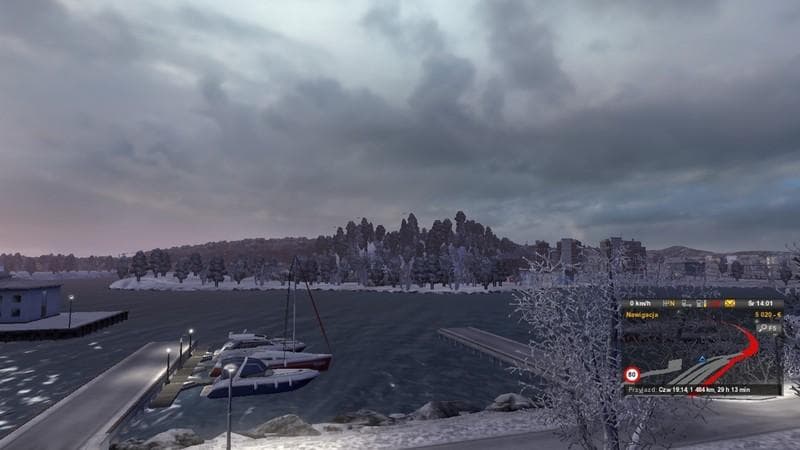
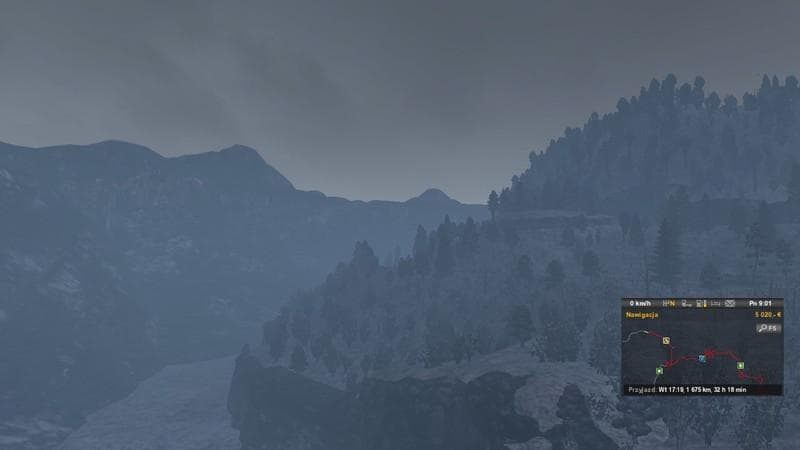
This mod, titled "POLISH WINTER DAYLIGHT HOURS," version 1.2, focuses on the longest night and shortest day of the year. Created by Euro Truck Simulator 2, it i
POLISH WINTER DAYLIGHT HOURS V1.2 is a map mod designed to adjust the daylight cycle in Poland during winter, specifically reflecting the longest night and shortest day of the year. This kind of mod tweaks environmental settings related to time and light, enhancing realism for players who want their in-game experience to better match seasonal changes in specific regions.
Map mods like this one usually come as .scs files that modify or add elements to the existing game world. Since it deals with lighting cycles rather than expanding roads or cities, it focuses on environmental immersion rather than new locations. Players often load these alongside other map mods but should be mindful of the load order to avoid conflicts, especially if other mods also affect weather or time settings.
Because this mod is tailored to Poland's winter daylight hours, it fits well within a setup that includes Polish or Central European map expansions. Users running base maps with Poland coverage will likely notice subtle but meaningful differences in how daytime and nighttime transition during winter months.
When using any map-related mod affecting environment conditions, it's wise to test them with your current profile as some may require a fresh save for changes to take effect properly. Compatibility generally depends on avoiding overlaps with other lighting or time cycle modifications to keep the game stable and visually consistent.
This mod appeals primarily to those who enjoy immersive driving experiences through Poland's landscape during winter. If you like having your ETS2 environment reflect realistic seasonal patterns, especially shorter days and longer nights typical of Polish winters, this mod offers that extra layer of authenticity.
How to install
1. Download every .scs file from the source page (map mods often ship multiple files). 2. Copy all files to `Documents/Euro Truck Simulator 2/mod/`. 3. Enable each file in Mod Manager **in the order documented by the modder**. Load order matters for maps. 4. Start a new save or use an existing save that already supports the map's base regions.
After the mod loads, save your game inside a safe area (parking lot or service) before deciding whether to keep it. If the game refuses to load with the mod enabled, check that all required DLCs are installed and that the supported ETS2 version chips on this page include your installed game patch.
Known conflicts
No conflicts reported for this mod yet. Running a big mod list? Check your whole setup for conflicts →
Reviews
No ratings yetNo reviews yet — be the first to rate this mod.





