PJ INDO MAP V1.6
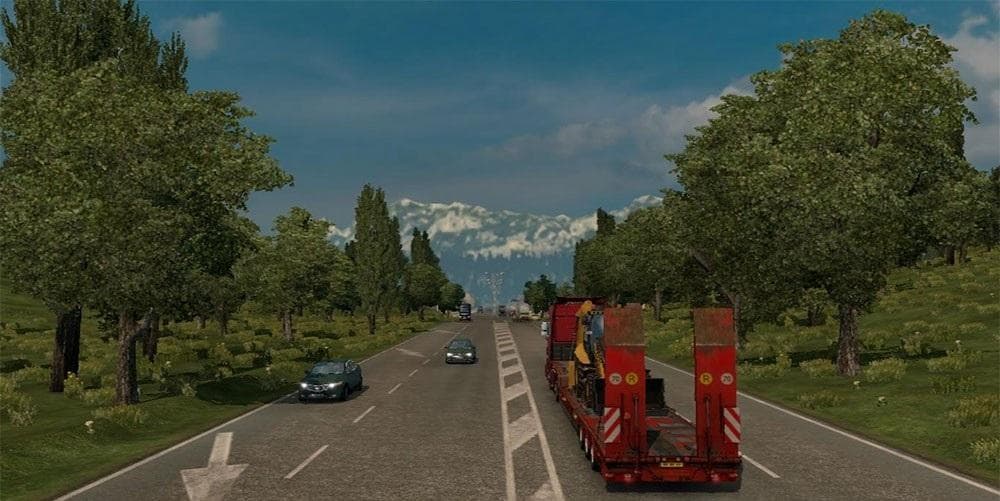
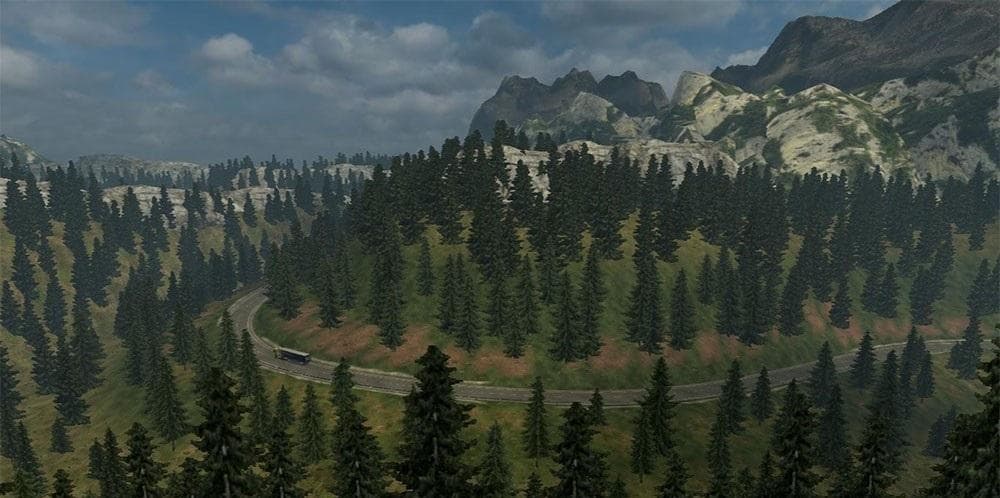
PJ INDO MAP is a map mod for ETS2 version 1.6 and 1.22, created by Euro truck simulator 2. It features an Indonesia addon map with beautiful European nature, wi
PJ INDO MAP V1.6 is a map mod for Euro Truck Simulator 2 that adds an Indonesian-themed expansion to the game world. It brings new roads, cities, and regions inspired by Indonesia's landscape but with elements reminiscent of European nature. This kind of map mod broadens the areas you can explore beyond the base game, giving more variety to long hauls and trucking routes.
Map mods like this one usually come as .scs files that you place in your mods folder. They are sensitive to load order, so it's good practice to check compatibility with other map expansions you have installed. Some require a fresh profile or certain base-map DLCs to function properly, though details for this specific mod aren't provided.
This version supports ETS2 versions 1.6 through 1.22, making it compatible with several updates of the game. It's been tested on 1.22.x builds, which suggests it should work fine if you're running those or earlier supported versions. Note that older or much newer ETS2 versions might not be compatible without adjustments.
If your ETS2 setup already includes multiple map mods from regions like Germany, Poland, or the Balkans, this Indonesian-themed addon offers a different geographical flavor that could diversify your driving experience. Just be mindful of potential overlaps or conflicts in road networks when combining map expansions.
Drivers who enjoy exploring new territories and want a change from European-focused maps might find PJ INDO MAP appealing. It caters to players looking for fresh routes and scenery within their virtual trucking career while sticking to familiar gameplay mechanics.
How to install
1. Download every .scs file from the source page (map mods often ship multiple files). 2. Copy all files to `Documents/Euro Truck Simulator 2/mod/`. 3. Enable each file in Mod Manager **in the order documented by the modder**. Load order matters for maps. 4. Start a new save or use an existing save that already supports the map's base regions.
After the mod loads, save your game inside a safe area (parking lot or service) before deciding whether to keep it. If the game refuses to load with the mod enabled, check that all required DLCs are installed and that the supported ETS2 version chips on this page include your installed game patch.
Known conflicts
No conflicts reported for this mod yet. Running a big mod list? Check your whole setup for conflicts →
Reviews
No ratings yetNo reviews yet — be the first to rate this mod.





