PHYSICS FOR TORPEDO 6X2A TAGLIFTEXC
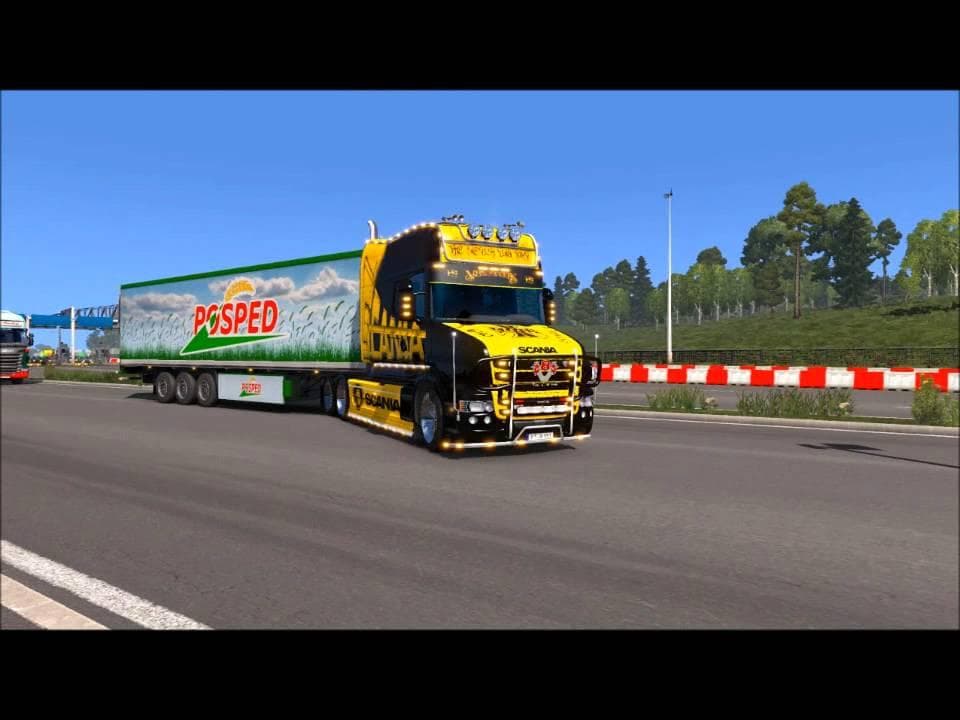
This mod, titled PHYSICS FOR TORPEDO 6X2A TAGLIFTEXC, is a parts category mod for ETS2 version 1.20.x. Created by Euro truck simulator 2, it features physics th
This mod adjusts the physics settings specifically for the Torpedo 6x2A TagliftEXC chassis in Euro Truck Simulator 2. It tailors how this particular chassis behaves during driving, offering a more refined or realistic experience compared to the default physics. Mods like this one focus on a single truck and its unique chassis configuration, which means it won't have any effect on other vehicles in your game.
In ETS2, parts mods usually add or modify accessories and components visible and functional within the truck customization menus. While many add visual elements like lights or exhausts, some, like this mod, target performance aspects by changing physics properties. These types of physics tweaks can influence handling, suspension response, and overall drivability.
When building a modded setup, it's essential to pay attention to load order with physics-related mods since conflicts might arise if multiple mods try to adjust the same vehicle's behavior. Given that this mod only applies to one specific chassis model and version 1.20 of ETS2, it should slot into your setup without interfering with unrelated trucks or parts.
Players who enjoy fine-tuning their driving experience or those focused on the Torpedo 6x2A TagliftEXC will find this mod useful. It offers a more tailored feel that can enhance immersion when using this particular chassis variant during hauls across various regions like Germany or France.
Since the creator is unknown and compatibility is tied strictly to ETS2 version 1.20.x, users should ensure they match these conditions before installing. Physics mods often require careful consideration alongside other tuning or parts additions to maintain smooth gameplay.
How to install
1. Download the file(s) from the original source linked above. 2. Drop them into `Documents/Euro Truck Simulator 2/mod/`. 3. Enable in Mod Manager and restart the game.
After the mod loads, save your game inside a safe area (parking lot or service) before deciding whether to keep it. If the game refuses to load with the mod enabled, check that all required DLCs are installed and that the supported ETS2 version chips on this page include your installed game patch.
Reviews
No ratings yetNo reviews yet — be the first to rate this mod.