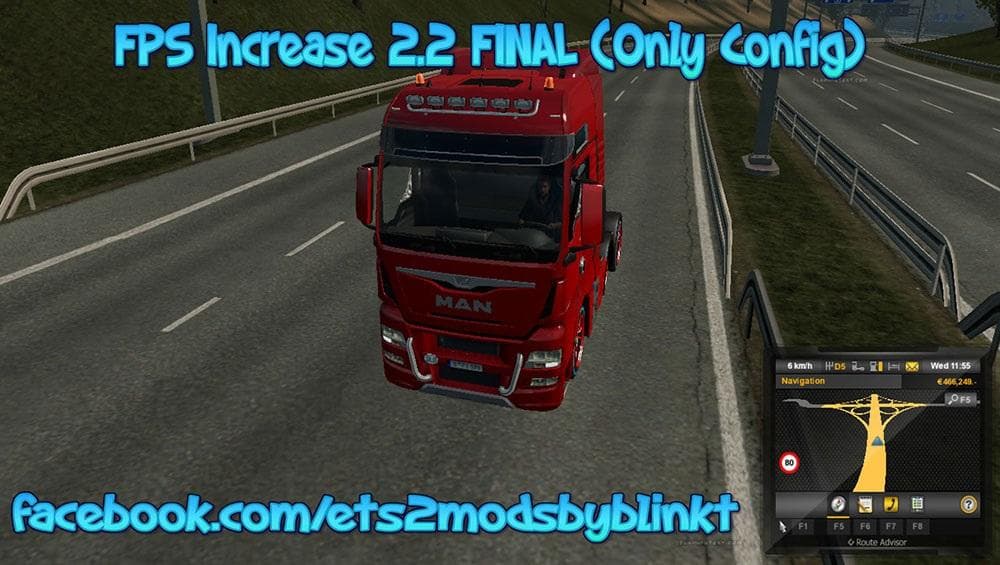
Physics by Ageratus for Torpedo 6x2lexc
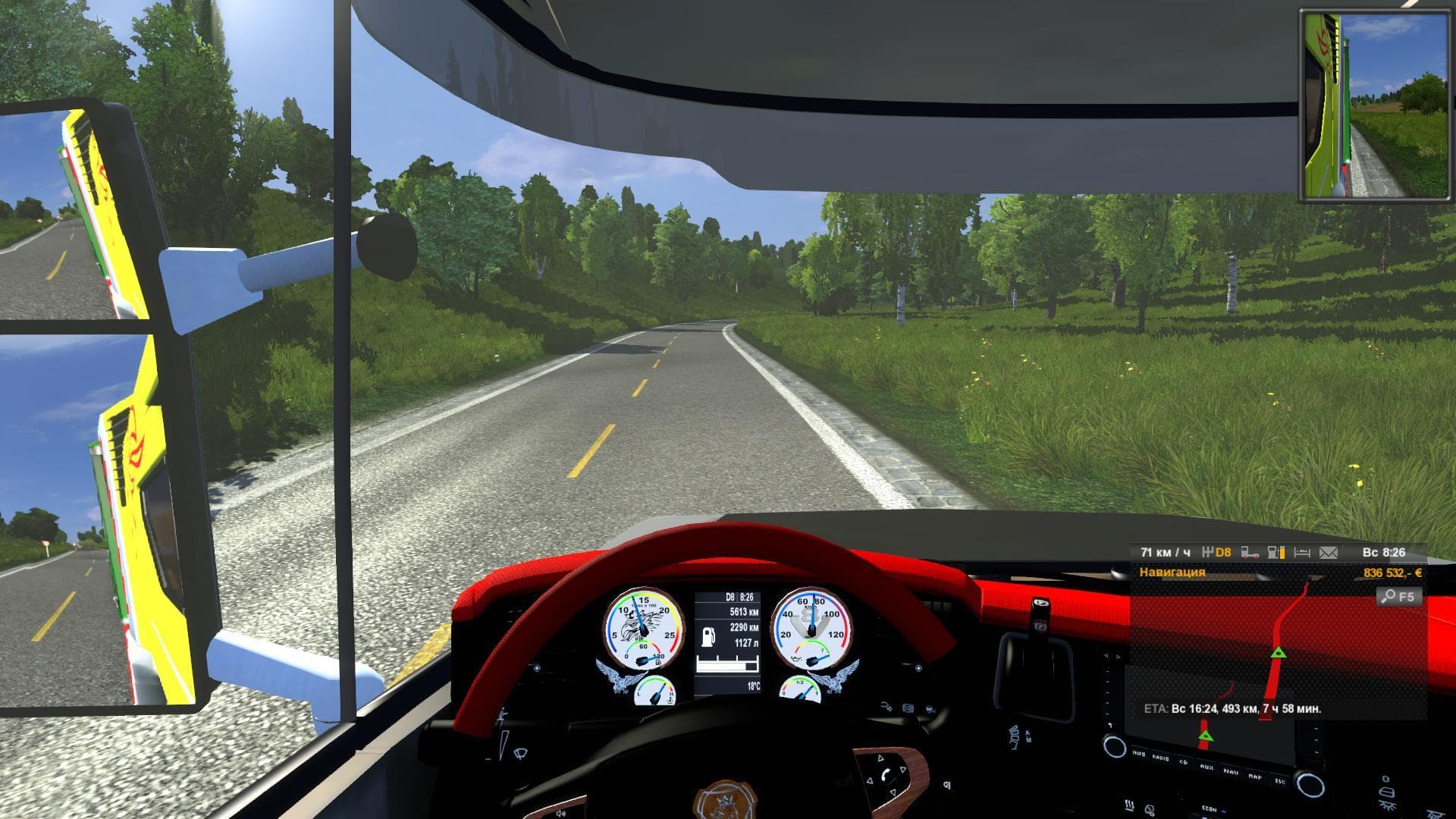
Physics mod by Ageratus for Torpedo 6x2lexc in ETS2 offers new cabin mass and parameters, bringing physics in line with version 1.8.xx. Created by Euro Truck Si
This mod adjusts the physical properties of the Torpedo 6x2lexc truck cabin to reflect changes seen in ETS2 version 1.8.xx. It modifies aspects like the mass and main parameters of the cabin, aiming to bring the physics closer to how they functioned in that specific game update. Essentially, it tweaks how the truck behaves on the road by changing its weight distribution and handling characteristics.
Parts mods such as this one fit into ETS2's tuning system where you can install various accessories and upgrades in the truck customization menu. While many parts mods focus on visual enhancements or add-ons, this mod targets core physics elements related to a particular truck model. It complements setups that aim for a more authentic or historically consistent driving feel by altering underlying mechanics instead of just appearance.
When adding physics-related parts mods, it’s good practice to check compatibility with other handling or physics mods you might have installed. Since this mod is designed for ETS2 version 1.8, players using newer versions may need to verify if it works smoothly or causes conflicts with updates introduced after 1.8. Load order should prioritize handling mods carefully, typically placing such physics adjustments after general parts modifications but before any gameplay or AI mods that affect vehicle dynamics.
This kind of mod appeals mainly to players who want a more precise control over their truck’s behavior or those nostalgic for the driving experience from earlier versions of Euro Truck Simulator 2. If you drive a heavily customized rig featuring the Torpedo 6x2lexc, tweaking its physical stats could enhance realism or simply refresh how it feels behind the wheel.
Overall, Physics by Ageratus for Torpedo 6x2lexc provides a focused way to revisit older physics values within your ETS2 garage setup without changing visual parts or engine performance directly.
How to install
1. Download the file(s) from the original source linked above. 2. Drop them into `Documents/Euro Truck Simulator 2/mod/`. 3. Enable in Mod Manager and restart the game.
After the mod loads, save your game inside a safe area (parking lot or service) before deciding whether to keep it. If the game refuses to load with the mod enabled, check that all required DLCs are installed and that the supported ETS2 version chips on this page include your installed game patch.
Reviews
No ratings yetNo reviews yet — be the first to rate this mod.