Peterbilt Modified
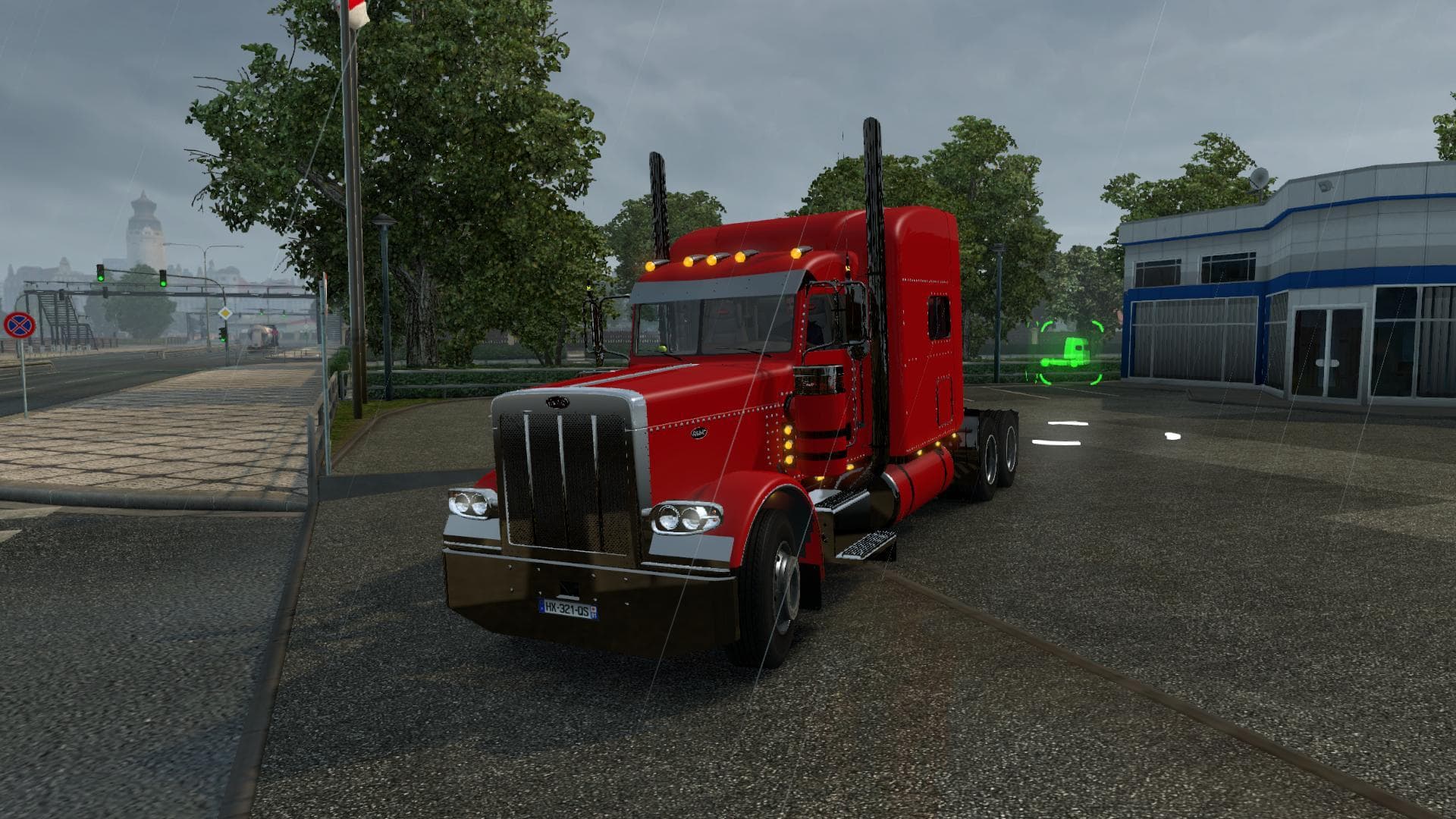
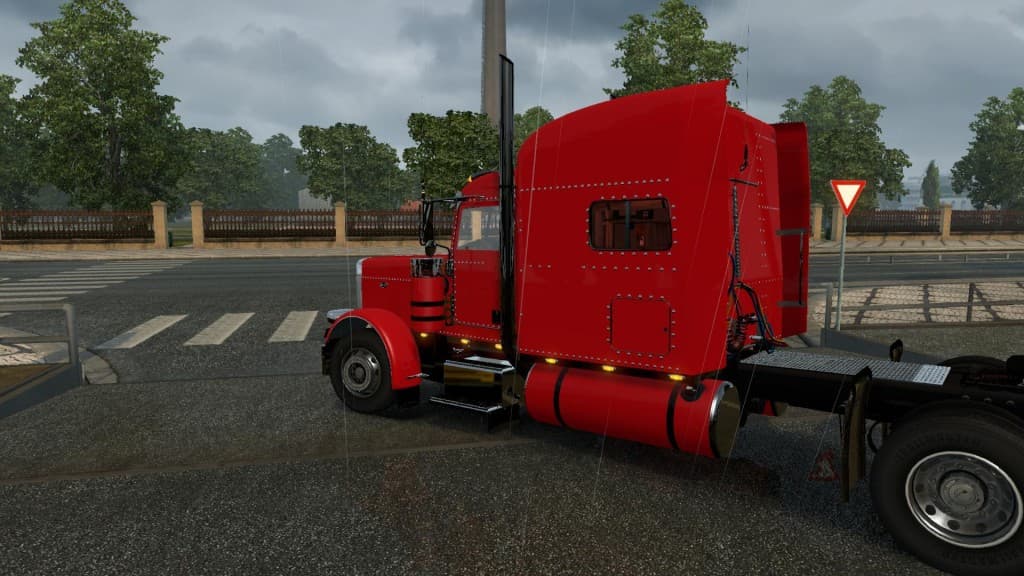
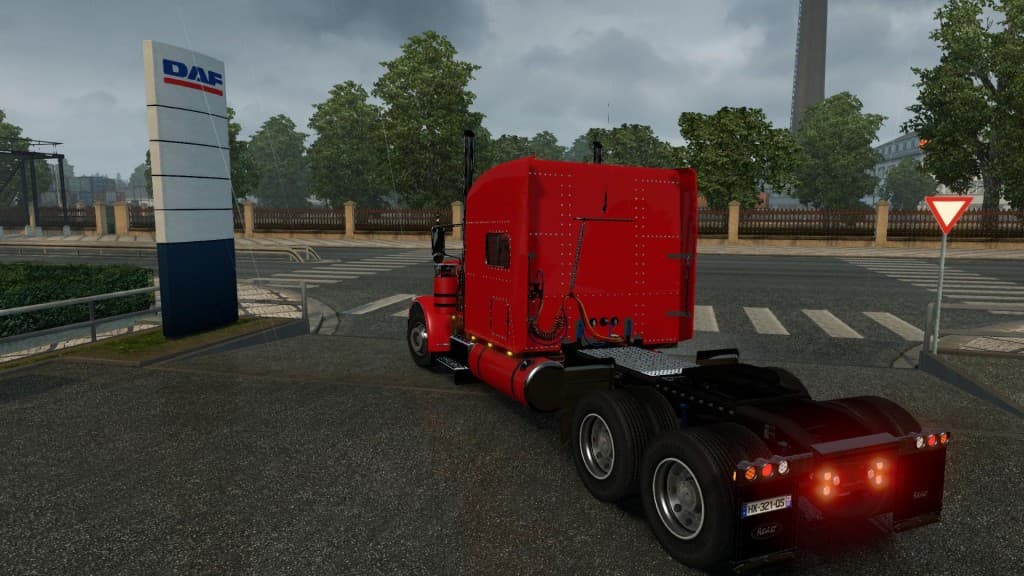
The Peterbilt Modified mod brings a reworked version of the classic Peterbilt truck to Euro Truck Simulator 2, updated for compatibility with game patch 1.18. This mod offers several interior variations including standard and bright color options, some with additional details like apple decorations and fly-themed designs. It's designed to slot in as a new drivable truck available from dealers within the game, complete with its own set of customizations.
Truck mods like this one typically add a fresh cab and chassis combo that players can buy and use to haul freight across the ETS2 map. These mods usually come with unique engine and transmission setups, along with paint jobs that help differentiate them from stock vehicles. The interior options included here give some variety for those who want a more personalized driving experience.
When integrating this mod into a heavily modded setup, it's important to consider load order since it has been rewritten specifically for compatibility with ETS2 versions 1.1 through 1.18. Mods that alter truck data files should generally be loaded after map or gameplay mods to avoid conflicts. Because the creator is unknown, users should keep backups just in case any issues arise during gameplay.
Players who enjoy American-style trucks or want to expand their fleet beyond what base ETS2 offers will find this mod useful. Its updated interiors add a bit more character behind the wheel, making it suitable for those who appreciate small visual touches while on long hauls across regions like Texas or California.
Overall, Peterbilt Modified fits well in setups focused on truck variety and customization. It’s straightforward to install by placing it in your mods folder and enabling it through the game’s mod manager, allowing you to try out these new cabin styles without much hassle.
How to install
1. Download the .scs file from the original source linked above. 2. Copy the file to `Documents/Euro Truck Simulator 2/mod/`. 3. Launch ETS2, open the Mod Manager from the main menu, enable the mod, restart the game. 4. Visit any truck dealer to spawn the new truck.
After the mod loads, save your game inside a safe area (parking lot or service) before deciding whether to keep it. If the game refuses to load with the mod enabled, check that all required DLCs are installed and that the supported ETS2 version chips on this page include your installed game patch.
Reviews
No ratings yetNo reviews yet — be the first to rate this mod.





![Fuso Supergreat Hi Cab Truck [1.50 – 1.60] – Trucks mod for Euro Truck Simulator 2](/_next/image?url=https%3A%2F%2F802software.s3.us-east-1.amazonaws.com%2Fets2modspot%2Fscreenshots%2F7494%2F0.jpg&w=3840&q=75)