PETERBILT 579 FROM ATS 1.22
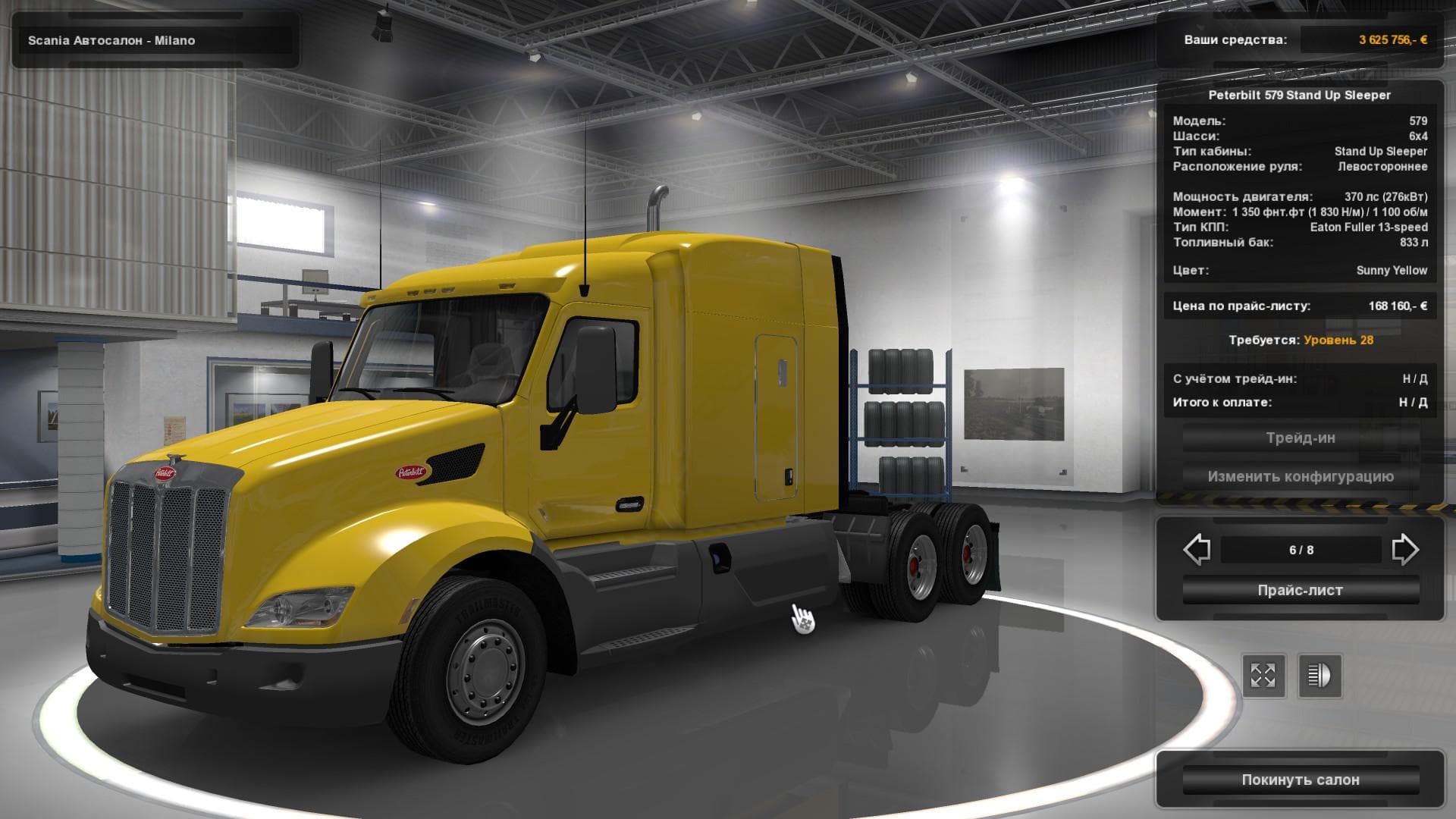
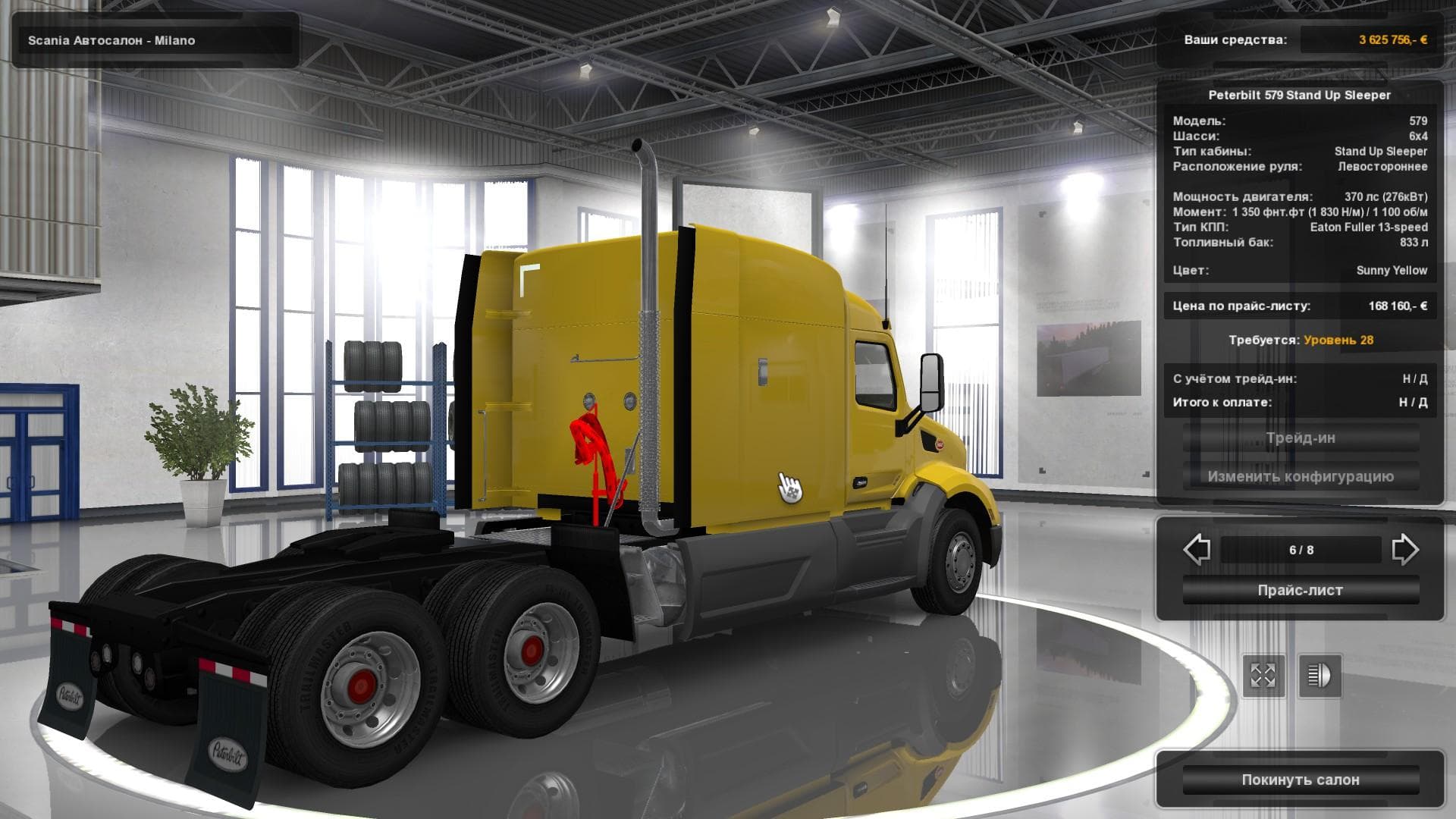
The "PETERBILT 579 FROM ATS 1.22" mod for Euro Truck Simulator 2 adds the Peterbilt 579 truck with all tuning, skins, and interior options. It is a standalone v
The PETERBILT 579 FROM ATS 1.22 mod brings the Peterbilt 579 truck from American Truck Simulator into Euro Truck Simulator 2, compatible with version 1.22 of the game. This standalone truck mod lets players drive a new cab model that isn't part of the base ETS2 lineup, complete with its own interior and customization options. It is purchasable at a Scania dealer within the game, which fits naturally into ETS2's dealer system.
Truck mods like this one typically introduce a fresh driving experience by adding a different chassis and cab design, along with multiple engine and transmission choices. The Peterbilt 579 mod offers full tuning capabilities and includes all skins from its original ATS version, allowing for personalization without needing additional downloads. Having its own interior means you get an authentic feel while behind the wheel.
In terms of integrating it with other mods, standalone trucks generally have fewer compatibility issues since they don't overwrite existing vehicles. Still, it's good practice to load truck mods after map mods or AI traffic enhancements to avoid conflicts. Since this mod was tested on game version 1.22, using it on other versions might require some adjustments or might not work properly.
This kind of mod suits players who enjoy American-style trucks and want to expand their garage beyond what ETS2 offers by default. Fans of cross-game content will find it interesting because it imports a recognizable model from ATS into the Euro Truck Simulator environment.
If your setup already includes several vehicle mods or you like customizing your fleet with unique cabs and interiors, this Peterbilt could fit right in. Its availability through a Scania dealer also makes acquiring it straightforward within the game's economy and progression system.
How to install
1. Download the .scs file from the original source linked above. 2. Copy the file to `Documents/Euro Truck Simulator 2/mod/`. 3. Launch ETS2, open the Mod Manager from the main menu, enable the mod, restart the game. 4. Visit any truck dealer to spawn the new truck.
After the mod loads, save your game inside a safe area (parking lot or service) before deciding whether to keep it. If the game refuses to load with the mod enabled, check that all required DLCs are installed and that the supported ETS2 version chips on this page include your installed game patch.
Reviews
No ratings yetNo reviews yet — be the first to rate this mod.





![Fuso Supergreat Hi Cab Truck [1.50 – 1.60] – Trucks mod for Euro Truck Simulator 2](/_next/image?url=https%3A%2F%2F802software.s3.us-east-1.amazonaws.com%2Fets2modspot%2Fscreenshots%2F7494%2F0.jpg&w=3840&q=75)