Peterbilt 389 edited by Valkyrex
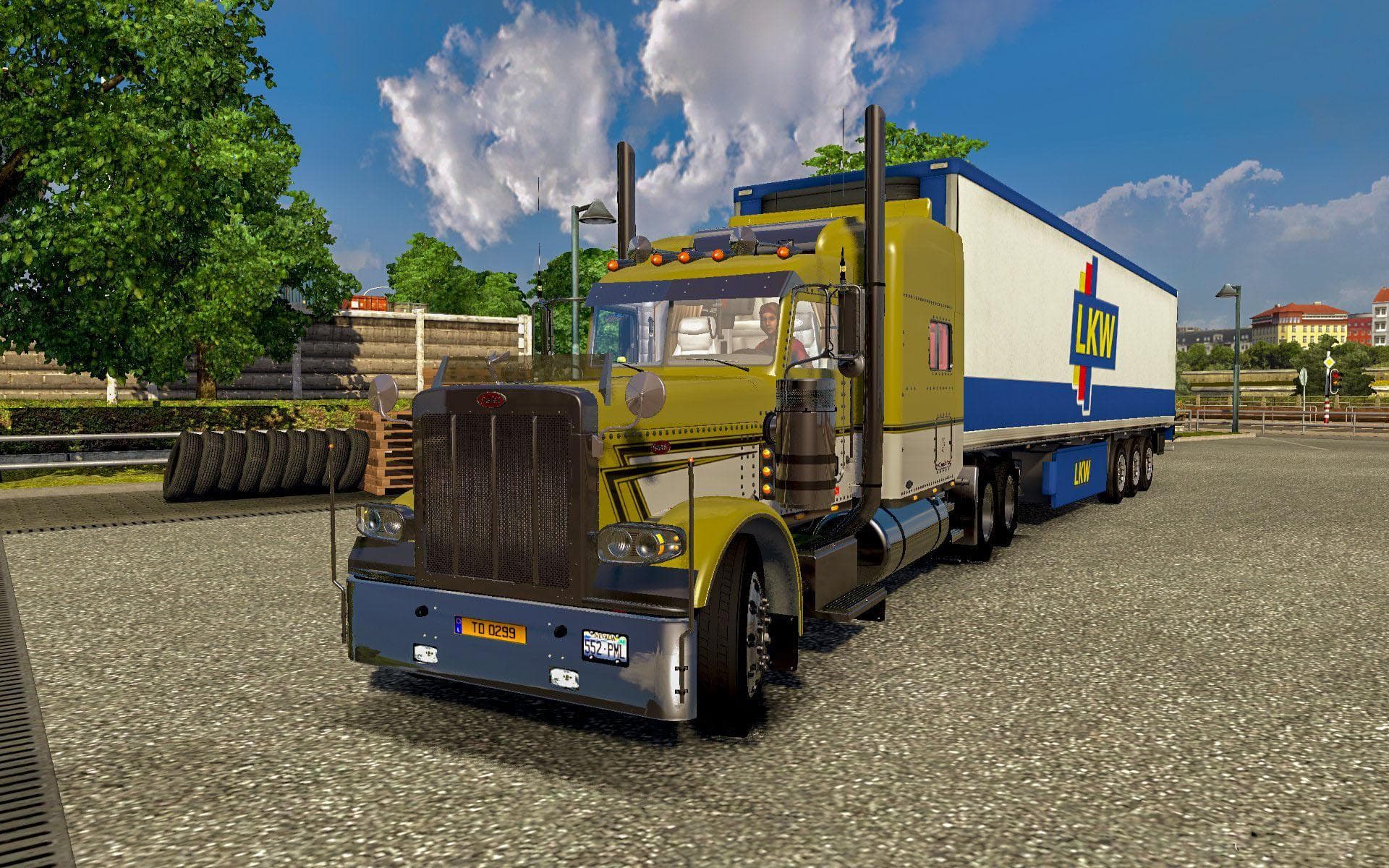
The Peterbilt 389 edited by Valkyrex is a truck mod for Euro Truck Simulator 2 that introduces the iconic American cab into the game. This version has been updated to work with ETS2 version 1.20, ensuring compatibility with the latest game mechanics and features. It offers players a chance to drive a classic long-nose Peterbilt, known for its distinctive style and presence on the road.
Truck mods like this one add new drivable vehicles that can be purchased from in-game dealers. They typically include their own interiors, engine options, transmissions, and paint jobs, giving players more variety and customization possibilities compared to the base game trucks. The Peterbilt 389 fits into this category by providing a fully featured cab suitable for long hauls across European roads or wherever your routes take you.
When adding truck mods to your setup, it's important to consider load order and compatibility with other vehicle-related mods. Since this mod updates an existing model for version 1.20.x, it should integrate smoothly with most mods designed for the same game version. However, conflicts can occur if multiple mods alter similar files or truck models, so checking your mod manager and testing before extended play is advised.
This kind of American-style truck is often appreciated by players looking to diversify their fleet beyond European brands or who enjoy the aesthetic and driving characteristics of US trucks within ETS2's environment. It offers a different driving feel thanks to its longer chassis and engine options tailored to this model's profile.
Overall, the Peterbilt 389 edited by Valkyrex is suited for those who want a recognizable North American rig in their garage without sacrificing compatibility with ETS2 updates. It complements other truck mods well when arranged correctly in your load order and provides a solid choice for fans of American trucking culture in Euro Truck Simulator 2.
How to install
1. Download the .scs file from the original source linked above. 2. Copy the file to `Documents/Euro Truck Simulator 2/mod/`. 3. Launch ETS2, open the Mod Manager from the main menu, enable the mod, restart the game. 4. Visit any truck dealer to spawn the new truck.
After the mod loads, save your game inside a safe area (parking lot or service) before deciding whether to keep it. If the game refuses to load with the mod enabled, check that all required DLCs are installed and that the supported ETS2 version chips on this page include your installed game patch.
Reviews
No ratings yetNo reviews yet — be the first to rate this mod.





![Fuso Supergreat Hi Cab Truck [1.50 – 1.60] – Trucks mod for Euro Truck Simulator 2](/_next/image?url=https%3A%2F%2F802software.s3.us-east-1.amazonaws.com%2Fets2modspot%2Fscreenshots%2F7494%2F0.jpg&w=3840&q=75)