PETERBILT 351 V3.0
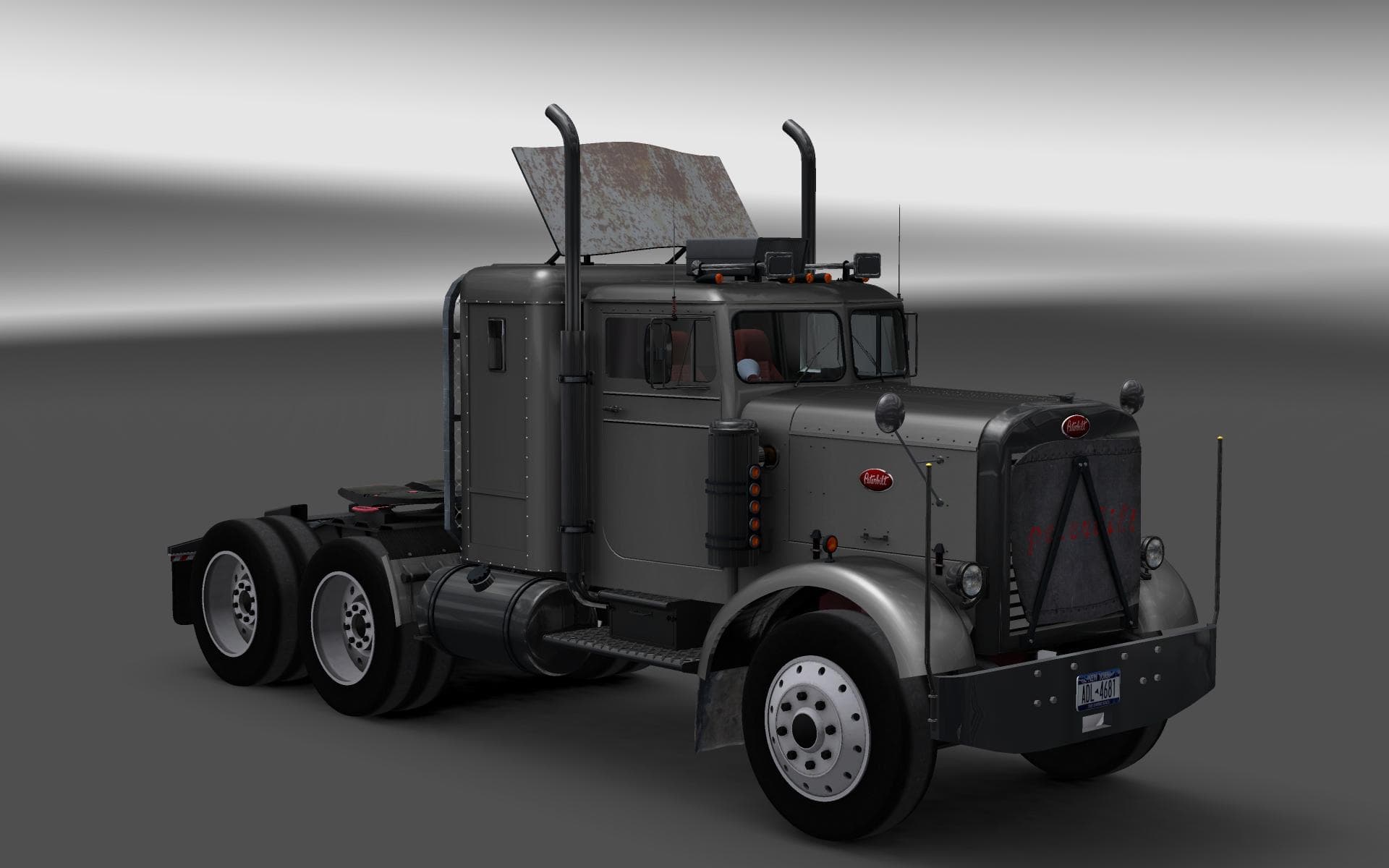
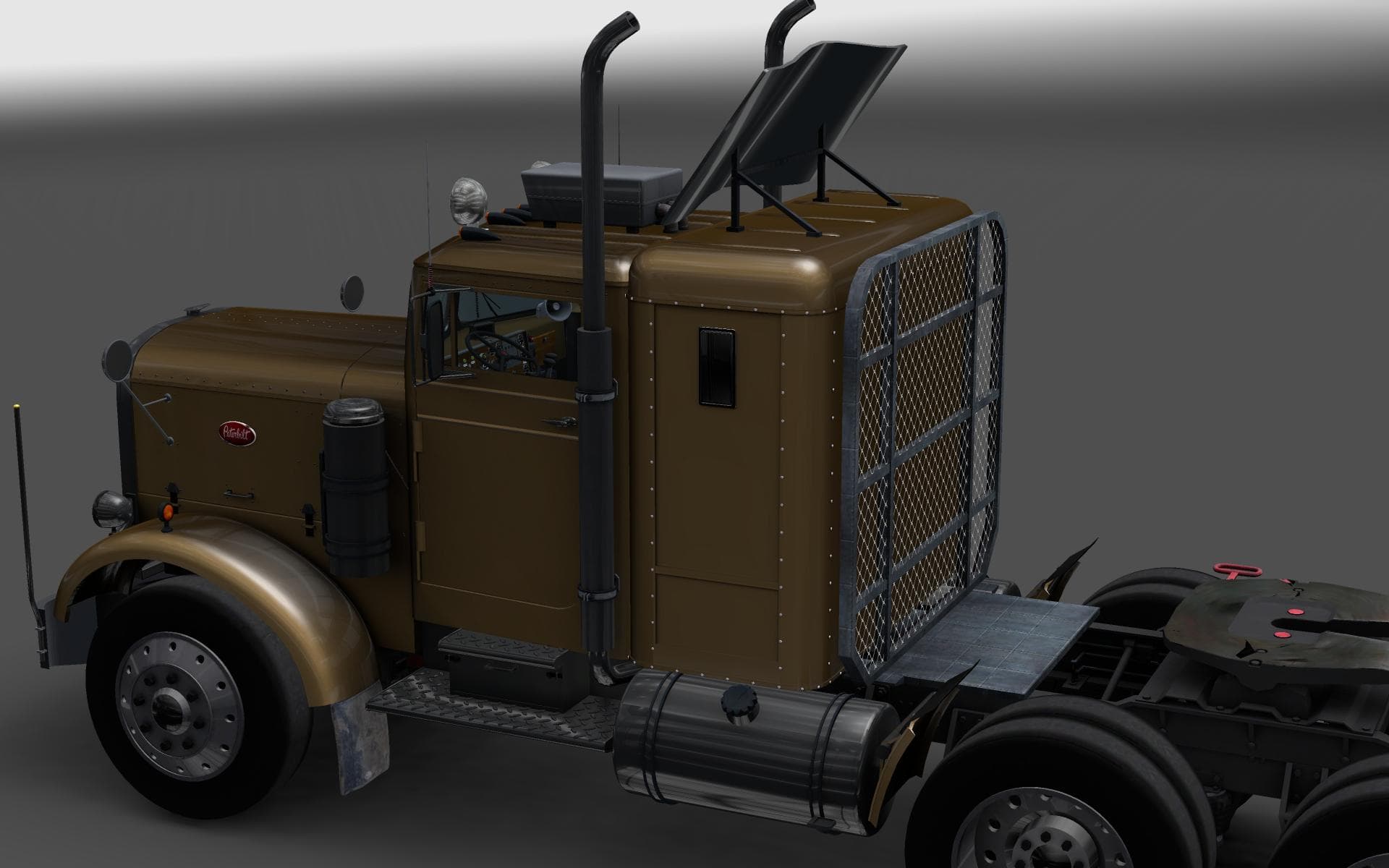
The PETERBILT 351 mod for ETS2 version 1.22 features two interior modes, 351 and 359. Created by Euro Truck Simulator 2, it can be converted to 18 Wheels of Ste
The PETERBILT 351 V3.0 is a truck mod designed for Euro Truck Simulator 2 version 1.22. It adds a drivable Peterbilt 351 cab and chassis to the game, which players can buy from dealers just like any stock vehicle. This type of mod typically includes custom interiors, engine options, transmission setups, and paint jobs to fit the model's style and era.
Truck mods such as this one expand the variety of vehicles available for long-haul journeys across ETS2's map. The Peterbilt 351 stands out with two interior modes: one mimics the classic 351 layout, while the other is modeled after the 359 variant. These cabin options give some choice in cockpit feel without needing additional downloads or complex tweaks.
In a modded setup, adding a truck like this usually works well alongside other vehicle and map mods, assuming they are compatible with ETS2 version 1.22. Since it's an older mod version supporting that game release, players should check load order to avoid conflicts with newer trucks or engine-related mods. Generally, trucks come before map mods in load priority to keep things running smoothly.
Those who appreciate American-style rigs or want to diversify their garage beyond European brands might find this mod appealing. It fits nicely if you're aiming for a mix of vintage and modern trucks on your roster or enjoy roleplaying scenarios involving classic North American haulers.
Installing truck mods often involves placing files in the mod folder and activating them through the game's mod manager interface. Because this mod includes two interior designs, users can switch between them depending on their preference for driving experience or visual style without extra hassle.
How to install
1. Download the .scs file from the original source linked above. 2. Copy the file to `Documents/Euro Truck Simulator 2/mod/`. 3. Launch ETS2, open the Mod Manager from the main menu, enable the mod, restart the game. 4. Visit any truck dealer to spawn the new truck.
After the mod loads, save your game inside a safe area (parking lot or service) before deciding whether to keep it. If the game refuses to load with the mod enabled, check that all required DLCs are installed and that the supported ETS2 version chips on this page include your installed game patch.
Reviews
No ratings yetNo reviews yet — be the first to rate this mod.





![Fuso Supergreat Hi Cab Truck [1.50 – 1.60] – Trucks mod for Euro Truck Simulator 2](/_next/image?url=https%3A%2F%2F802software.s3.us-east-1.amazonaws.com%2Fets2modspot%2Fscreenshots%2F7494%2F0.jpg&w=3840&q=75)