Peterbilt 351
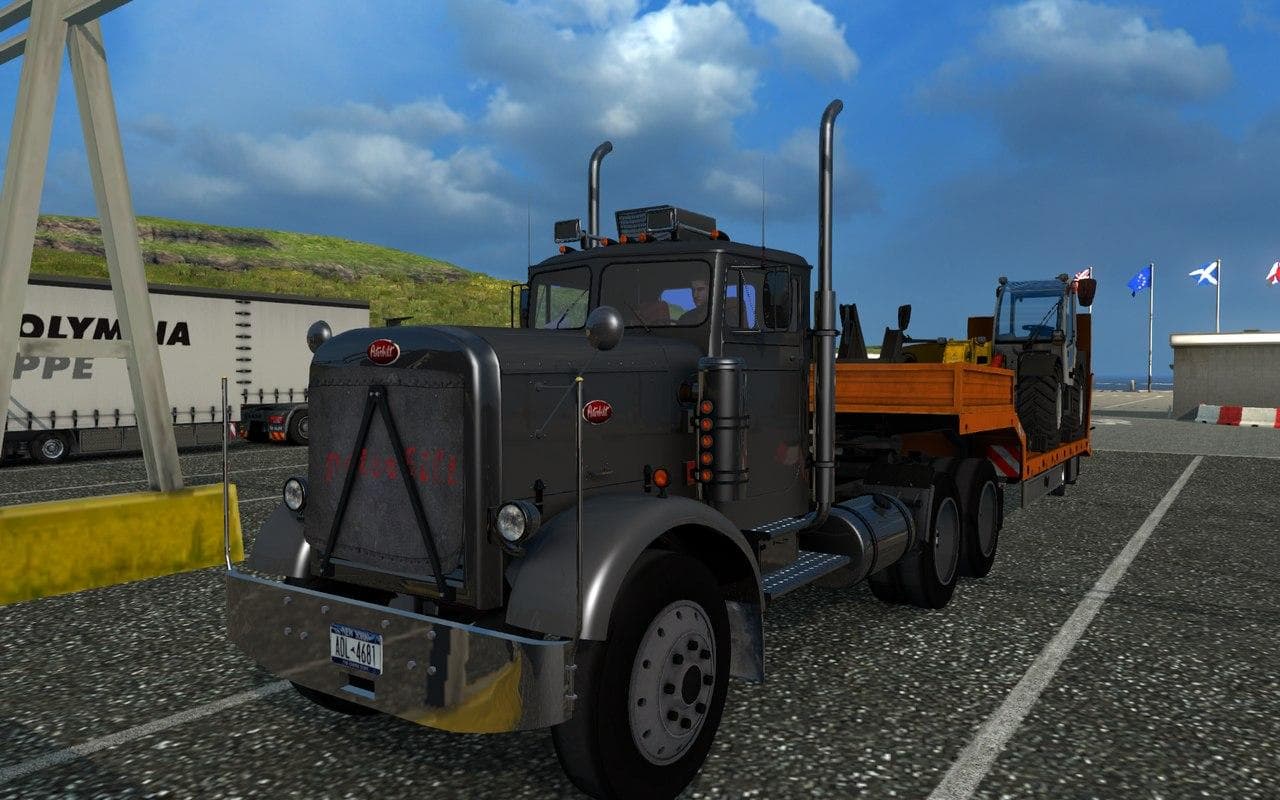
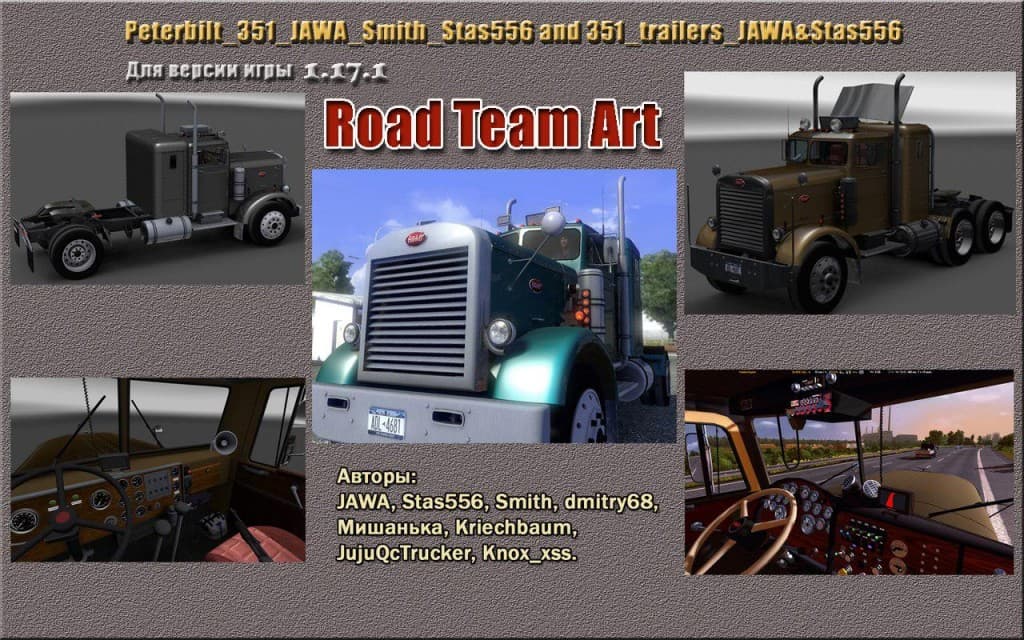
The Peterbilt 351 mod for Euro Truck Simulator 2 is a truck mod with version 2.0 released by the game's creator. The mod was last updated on May 8, 2015, but in
The Peterbilt 351 mod adds a classic American truck to Euro Truck Simulator 2, letting players drive and buy this iconic rig at in-game dealers. Mods like this one bring a new cab and chassis into the game, often including unique interiors and engine options to match the vehicle's style. It fits naturally within the truck category where players look to expand their fleet with distinct models not available in the base game.
Truck mods typically introduce fresh customization possibilities through multiple paint jobs and configurable parts, making each vehicle feel personalized. The Peterbilt 351 is no exception; it likely offers various paint slots and tuning options that allow drivers to tailor their experience on the road. This kind of addition enriches gameplay by offering diversity beyond standard trucks found in ETS2.
When adding trucks such as this one to a modded setup, it's wise to consider load order since conflicts can arise if multiple mods alter similar files or dealer inventories. Placing truck mods higher or lower in the load order depends on other installed content but generally avoids issues when managed carefully. Compatibility with map expansions or trailer packs is usually straightforward for standalone truck additions.
Players who enjoy American-style trucking or want a throwback model from Peterbilt will find this mod appealing. It suits those who appreciate detailed truck models that bring a bit of US trucking culture into their virtual hauls across Europe. Since official support details are unknown, users should test compatibility with their current ETS2 version and mod lineup.
Overall, the Peterbilt 351 mod offers an alternative driving experience by introducing a vintage rig with its own character. It's a solid choice for anyone interested in diversifying their truck roster while exploring different driving styles in ETS2.
How to install
1. Download the .scs file from the original source linked above. 2. Copy the file to `Documents/Euro Truck Simulator 2/mod/`. 3. Launch ETS2, open the Mod Manager from the main menu, enable the mod, restart the game. 4. Visit any truck dealer to spawn the new truck.
After the mod loads, save your game inside a safe area (parking lot or service) before deciding whether to keep it. If the game refuses to load with the mod enabled, check that all required DLCs are installed and that the supported ETS2 version chips on this page include your installed game patch.
Reviews
No ratings yetNo reviews yet — be the first to rate this mod.





![Fuso Supergreat Hi Cab Truck [1.50 – 1.60] – Trucks mod for Euro Truck Simulator 2](/_next/image?url=https%3A%2F%2F802software.s3.us-east-1.amazonaws.com%2Fets2modspot%2Fscreenshots%2F7494%2F0.jpg&w=3840&q=75)